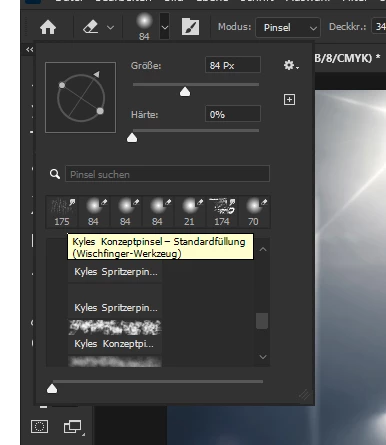
Yeah, i see there are little Icons that automatically switch to the tool if i click them...in fact that i want to use this Brush as a Eraser...and swap them later again.
I came from Affinity, and there you just need to choose eraser and then the Brush and the Eraser has the pattern of the Brush.
These Brushes are specifically created to be used with a specific Tool – the creators of the Brushes decided this, not the Photoshop team, and you are free to create new Brushes based on those without »Include Tool Settings«.
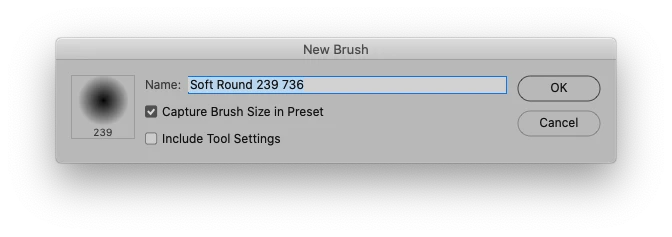
If you want to use them with another Tool select that Tool and cmd-alt-click the Brush in the Brushes Panel.

 AdChoices