
Question
Photoshop slice tool adding extra, random slices
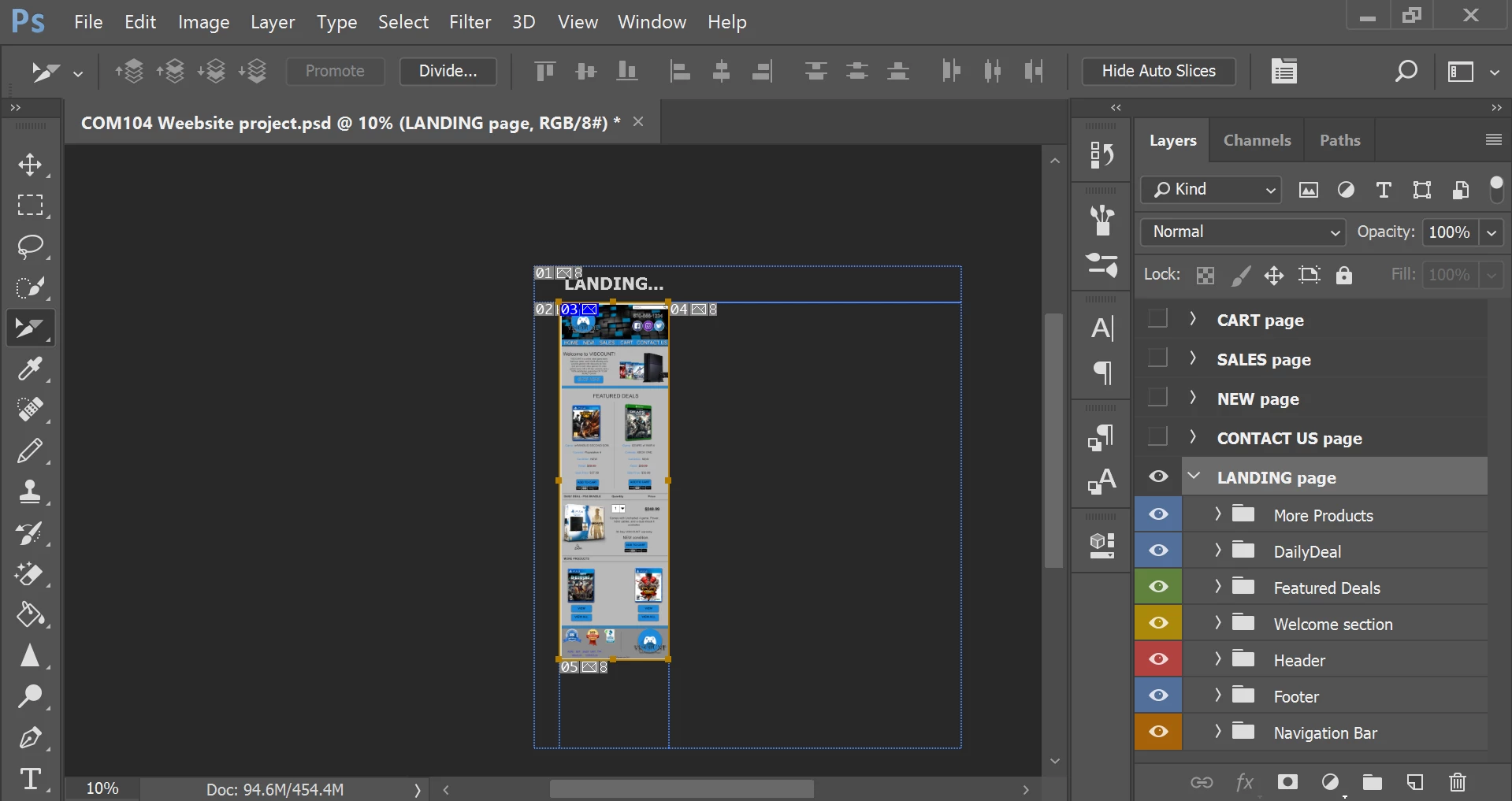
I am having a problem with my slice tool in Photoshop on PC. I did not have this problem last week using Photoshop on an Apple computer at school.
As soon as I make a slice using the slice tool, Photoshop automatically makes multiple, random slices. This is causing a white background and a lot of extra spacing around my website when I try to view it in browser. I tried to trim the Artboards, I tried to only select specific slices and save them through "save as web(legacy), etc.
Nothing has worked for me so far. (my main goal is to make slices, export as web legacy, and import to Dreamweaver) Thanks.
 AdChoices