Thanks for the response Mr. Pfaffenbichler.
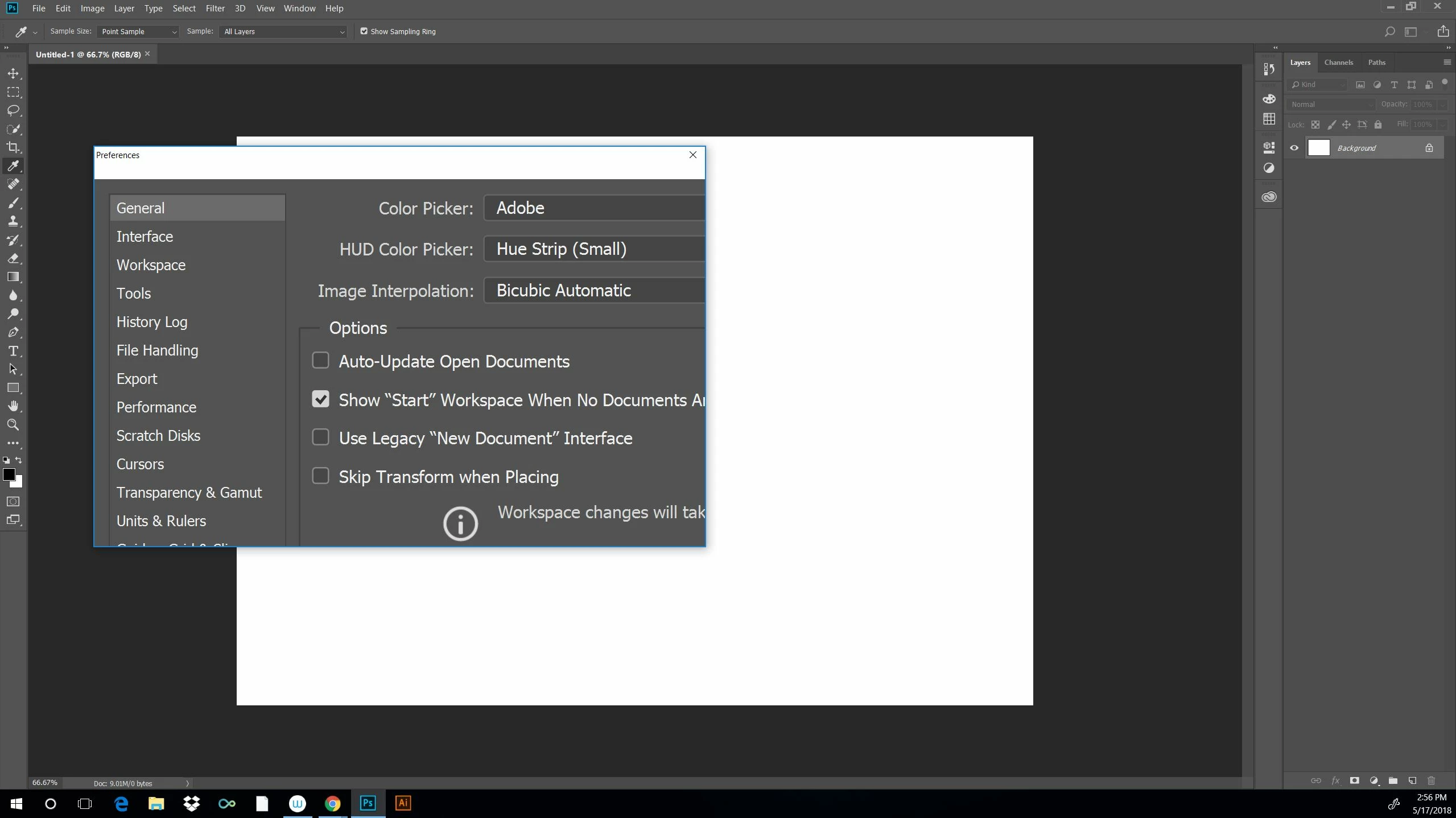
I couldn't try your graphics processor suggestion since the preferences sub menu was rather useless. Ironically there was no way to click the OK button. But I really appreciate the input.
I did however find a work around. After searching for a solution to the tiny UI issue I found a video. It not only fixed the teenie UI but it also fixed the submenus as an added bonus. So all is well at least until I get another update of some type.
Here is the video I found. It includes links to files that resolved things. If you ever check it out I'd love to hear what you have to say about it.
How To Make Adobe Software Display Larger On High Resolution Monitors - YouTube
Many thanks on your reply!

 AdChoices