
Answered
Photoshop undo reverts to random stage
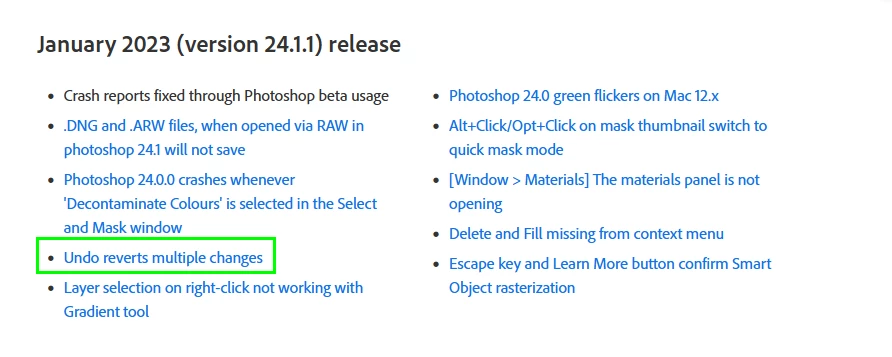
So, I was working on my Windows 10, saving on cloud. I noticed that when I pressed undo a few times (2-3?) it reverted my file to some random state that was way too far behind. I was baffled. Ok, I thought I'd save more often and if it acts up again I'll just revert or.. lol.. close the file and open it again. So I save manually often, but then again- it reverts to some random state. I'm so pissed, because so much work randomly lost and then I close and guess what.. it saves that random state automatically. Ok, so now I've learned that saving to cloud does that- automatically saves before closing (which is stupid btw). But what about that reverting to random state after a few undo's? Does anybody know what's going on here?
 AdChoices