Participant
September 10, 2020
Question

Photoshop v21.2.3 not loading UI

  • September 10, 2020
  • 2 replies
  • 224 views

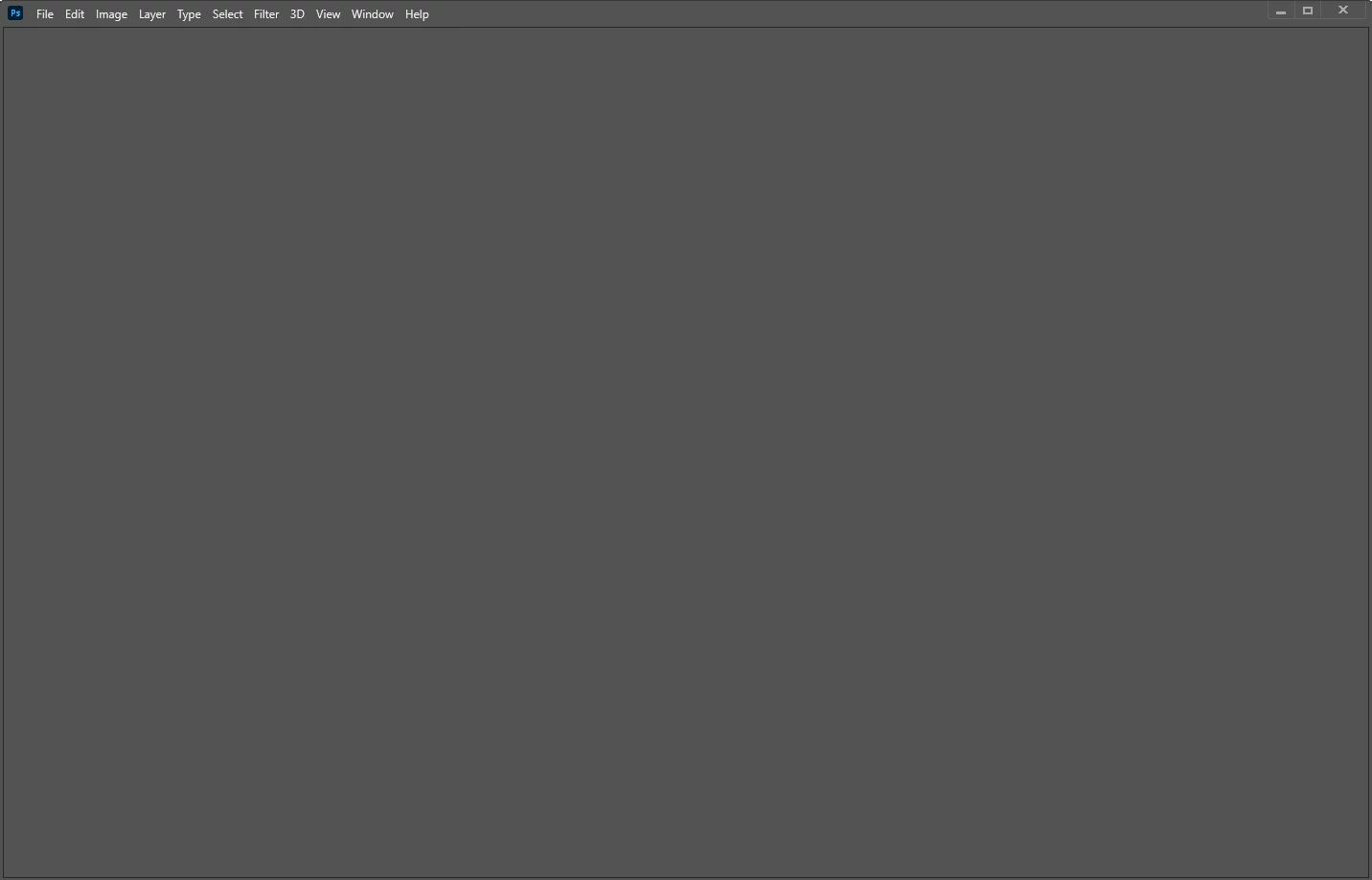
I just updated to v21.2.3. When I start Photoshop, I only see the dropdown menus:
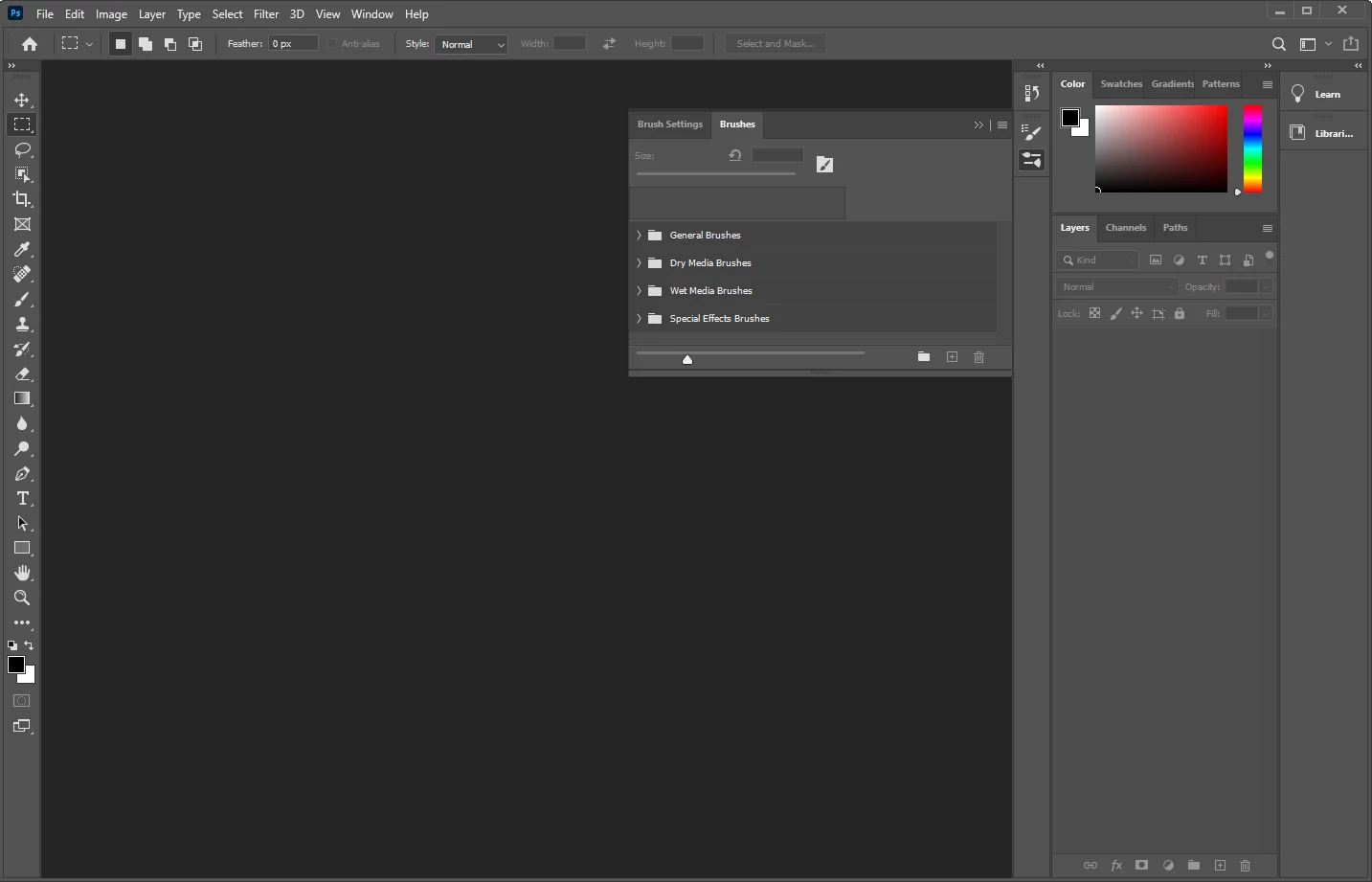
I can get the UI to load by clicking the Window > Brushes menu:
 

When I click File > New, nothing happens. I'm assuming the New File dialogue is open because all the menus are grayed out, but I can't see it.


I've tried toggling GPU support to no avail. It worked fine previously, but it's unusable after the update-- any suggestions?


This topic has been closed for replies.

2 replies

September 10, 2020

Hi

Try resetting your Photoshop preferences, also try updating your GPU driver from the manufacturers website, it will either be Intel, Nvidia or AMD

lambiloon
Community Expert
Community Expert
September 10, 2020

Hi if previous version working fine for you dont update it untill it has some final updates the is may be due to new updates...regards

Ali Sajjad / Graphic Design Trainer / Freelancer / Adobe Certified Professional