
Participating Frequently
June 7, 2019
Question

Photoshop ver 20 applies displace only low res PSD files

  • June 7, 2019
  • 1 reply
  • 390 views

I witnessed an issue when I used Filter > Distort > Displace and choose the PSD file with the original image (background is locked), it performed well except when I changed Background to layer 0, it showed nothing for example with 3000x3000 pixel (with low res PSD files like 1000x1000 it has no problem)

Does it relative to the size of the image?
This topic has been closed for replies.

1 reply

c.pfaffenbichler
Community Expert
Community Expert
June 8, 2019

In my opinion your description does not communicate all the relevant information.

What are the exact settings you used in the Filter Displace?

Please provide the image and the Displacement Map.

Or at least meaningful screenshots of file and Displacement Map with the Filter applied as a Smart Filter so that you can include the dialog in the screenshot.

Participating Frequently
June 9, 2019

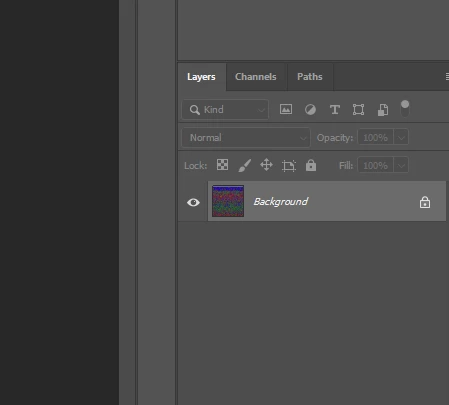
I want to apply displace to PSD 1 in top layer (picture 1), so I choose the Displace Map PSD file from picture 2

in this case, it works perfectly, but if I save Displace map PSD file like these (picture 3 and picture 4) and apply the same setting (100 horizontal and 100 vertical scales, stretch to fit, repeat edge pixels). It didnt work ( i think this errorr relates to Photoshop version)

davescm
Community Expert
Community Expert
June 9, 2019

I do not fully understand your issue from the images you posted, however:

Have you ensure "Maximise compatibility of PSD files" is checked in Preferences >File Handling before saving the displacement map?

Dave