iamgxddy
Participant
January 18, 2017
Answered

Photoshop will not open, they simply say that a file error happened

  • January 18, 2017
  • 2 replies
  • 481 views

Yesterday, I woke up, got some breakfast, and went to my computer to start some work on Photoshop. Instead, I get simple "Photoshop can't open, there's an end-of-file problem". So, I naturally go on the forums, I update, I uninstall, and then install, I've done everything I can think of, and instead, a big, fat, nothing!
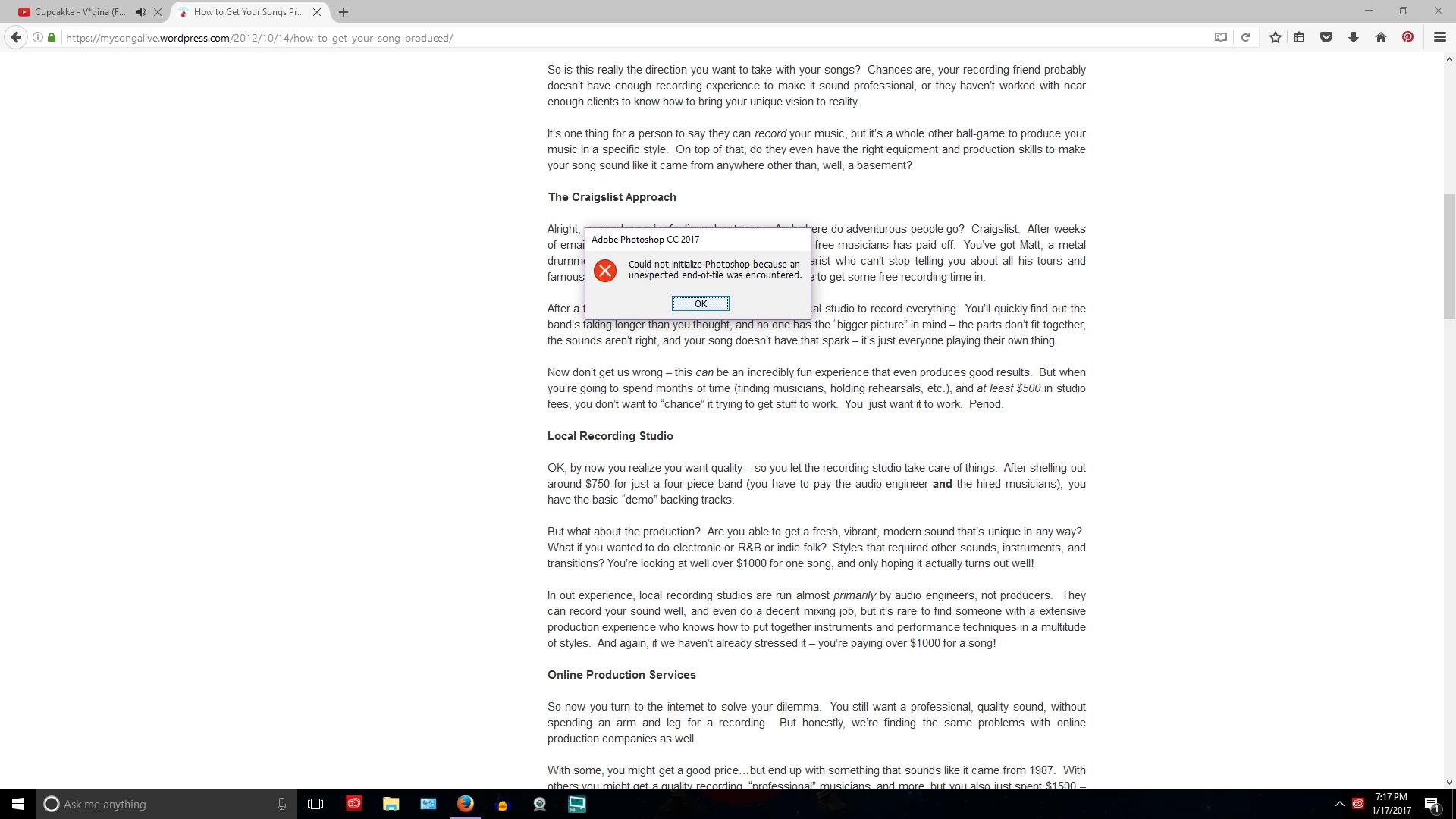
If anyone could tell me how to do this, it would be greatly appreciated, as I am currently making a mixtape, and need to edit the cover!

This topic has been closed for replies.
Correct answer jharsem

One thought (which you may have already tired) would be to reset the preferences.

You can find out more about the process here: Preferences in Photoshop

The keyboard shortcut way works pretty well =).

2 replies

jharsem
jharsemCorrect answer
Participating Frequently
January 20, 2017

One thought (which you may have already tired) would be to reset the preferences.

You can find out more about the process here: Preferences in Photoshop

The keyboard shortcut way works pretty well =).

jharsem
Participating Frequently
January 18, 2017

Hiya,

Have you checked if the solutions mentioned in this forum post help ?

Any solution for "unexpected end-of-file encountered"?

iamgxddy
iamgxddyAuthor
Participant
January 18, 2017

No, that one was for the file not opening. I'm having the problem of Photoshop itself not opening.