
Participant
June 22, 2018
Beantwortet

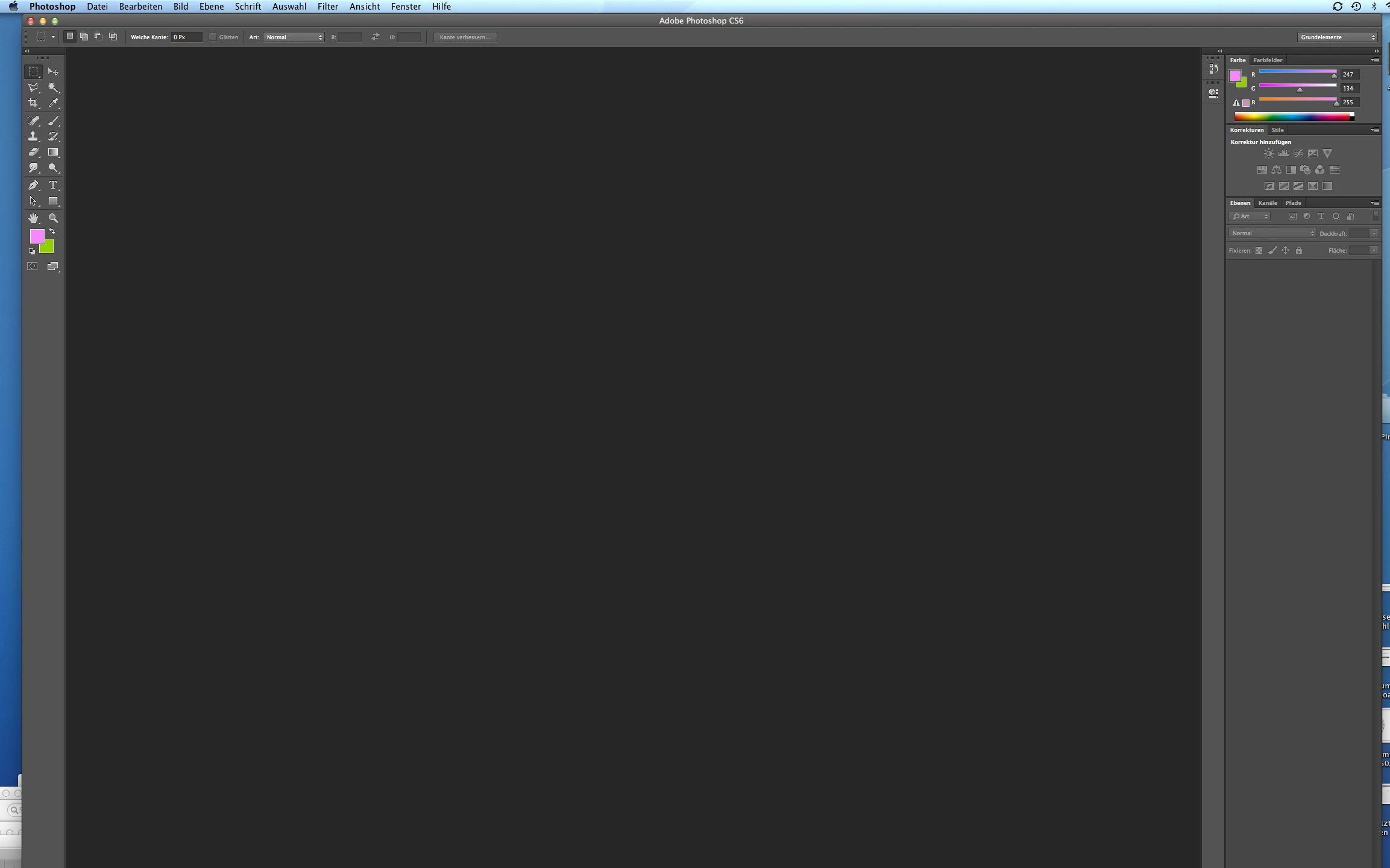
Photoshop window not visble in lower part on iMac

  • June 22, 2018
  • 1 Antwort
  • 429 Ansichten

Hello,

this is driving me nuts. For some reason I am unable to resize my photoshop window.  I do not se the lower edge and therefor can not grab the right lower corner to resize the window. I have a 27" iMac. Any ideas? Thank you! britta 
Dieses Thema wurde für Antworten geschlossen.
Beste Antwort von brstein

Thank you Ged for the reply! I have found out that pushing the green button top left solves the problem and resizes the window. Thanks god!

1 Antwort

June 22, 2018

Hi

Have you tried resetting your Workspace

If that doesn't help try resetting Photoshop preferences

To restore preferences quickly using a keyboard shortcut: Press and hold Alt+Control+Shift (Windows) or Option+Command+Shift (Mac OS) as you start Photoshop. You are prompted to delete the current settings. The new preferences files are created the next time you start Photoshop

brsteinAutorAntwort
Participant
June 22, 2018

Thank you Ged for the reply! I have found out that pushing the green button top left solves the problem and resizes the window. Thanks god!

June 22, 2018

At least you know what the green button does now