
sercanigma15062314
Participant
July 31, 2018
Question

photoshop & windows display different resolution

  • July 31, 2018
  • 3 replies
  • 397 views

hi,

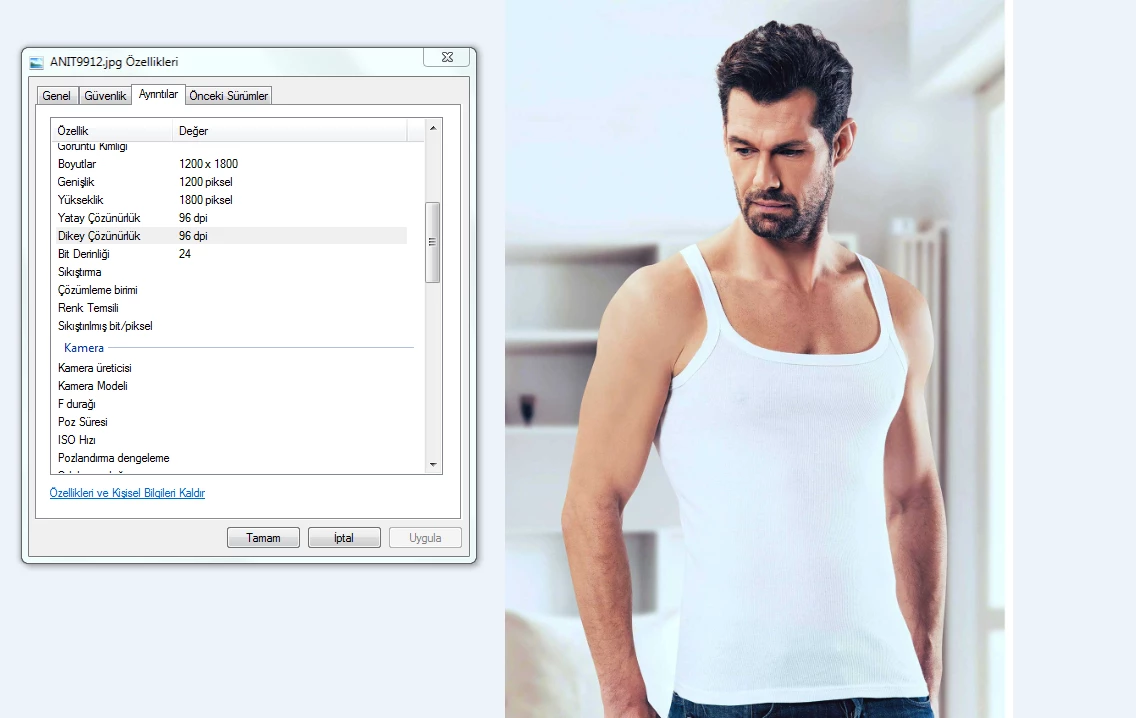
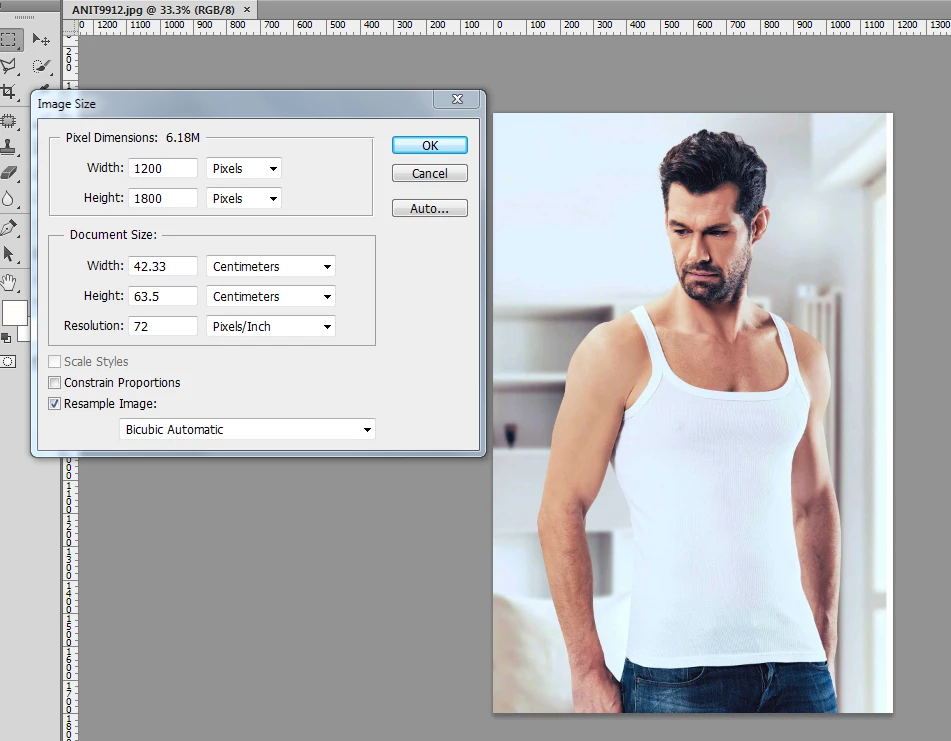
all the pictures(96dpi) that i exported via "save for web" are displayed 72dpi on photoshop. but, if i open it with windows picture viewer, it displays 96dpi. which one is true? please help.
This topic has been closed for replies.

3 replies

D Fosse
Community Expert
Community Expert
July 31, 2018

This has a very simple explanation.

Save For Web strips the resolution metadata altogether. The image has no ppi at all, coming out of SFW. It's irrelevant on the web and not needed (it's just for print).

Most applications, however, will assign a default ppi figure when you reopen the file. A ppi number is needed for printing the file. But any ppi number will do. Photoshop assigns 72 by default, most Windows apps 96.

EDIT: huh, I thought I typed fast there, but apparently not...

Legend
July 31, 2018

This means the file has NO resolution stored. Both Windows and Photoshop are assigning their different defaults.

When you use Export from Photoshop it does not set a resolution as Export is only for web use, where resolution is of absolutely no importance (despite the attempts of many people to convince us to worry about it).

Mohit Goyal
Community Manager
Community Manager
July 31, 2018

Hi sercanigma,

Well, the Photoshop shows the Pixel per inch only for printing, please refer the below tutorial to understand the difference between PPI and DPI.

3 Ways to Change Image DPI, and Why All Designers Need to Know How

Regards,

Mohit