
megana29078140
Participant
December 4, 2016
Question

Photoshop won't create a new file

  • December 4, 2016
  • 2 replies
  • 860 views

Hello,

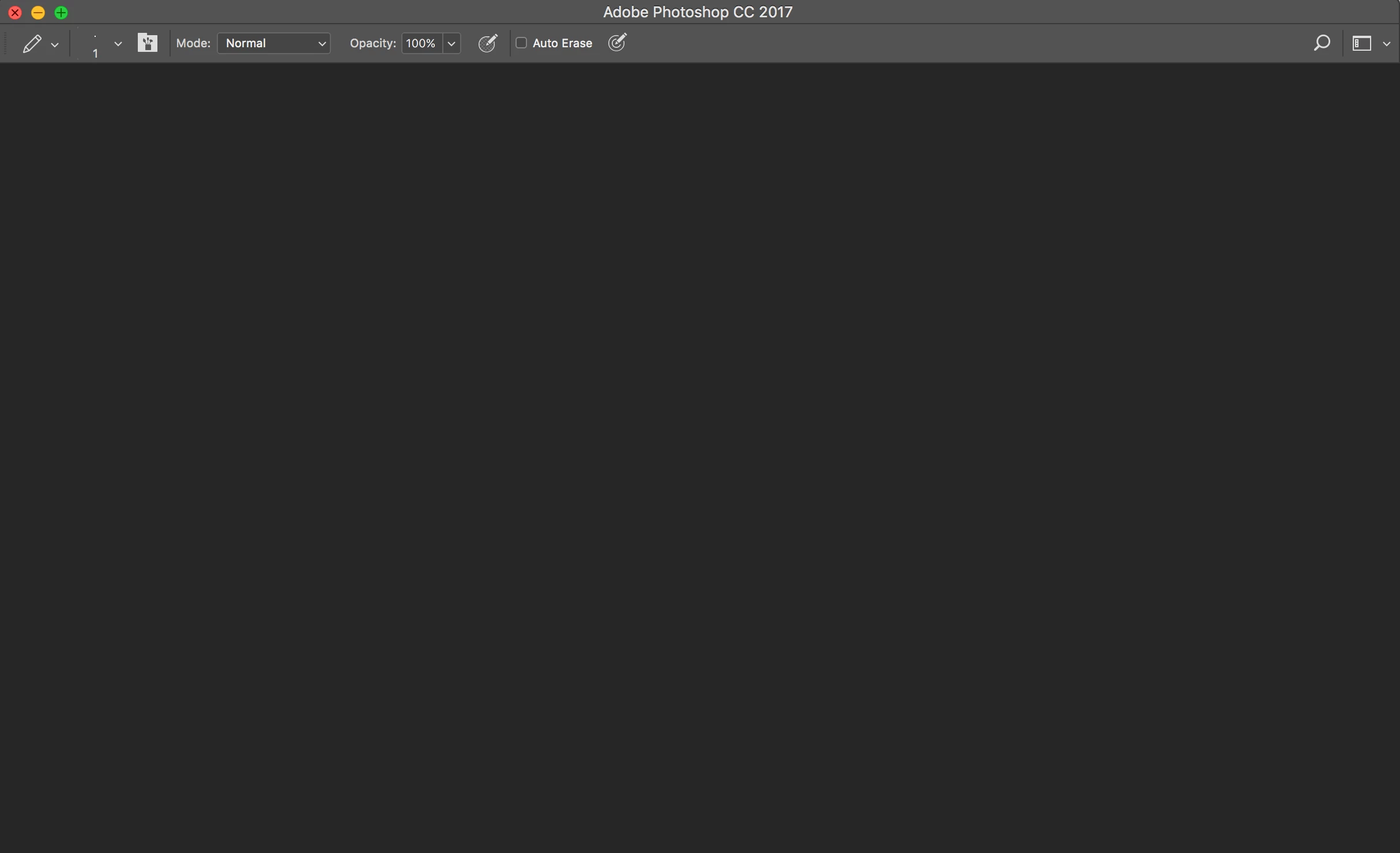
So I recently got creative cloud and have only used photoshop a handful of times to create an animated gif. When I recently tried to open up photoshop this is all I 

could see -
When I went file -> New ->
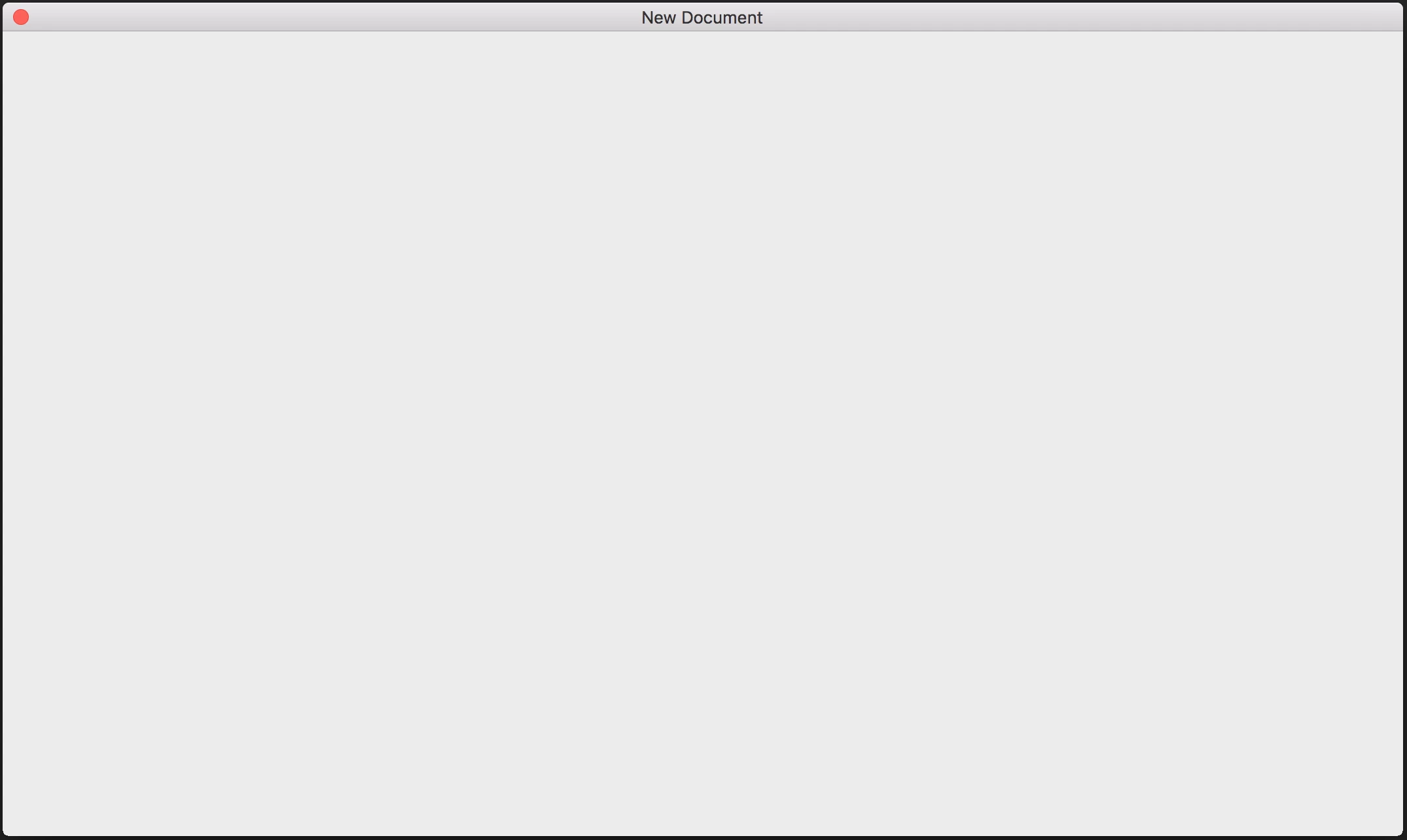
I'm scared to mess around and I have tried restarting it entirely.

(Also,  can open previously saved projects).

If it helps I'm on a MacBook Pro, running OS X 10.11.6

Much appreciated if anyone could help me here, I'm an adobe n00b.

This topic has been closed for replies.

2 replies

melissapiccone
Community Expert
Community Expert
December 5, 2016

That is all I got for ya, maybe someone else knows more. I'm having issues with a second monitor, but luckily, not effecting my Adobe apps.

Melissa Piccone | Adobe Trainer | Online Courses Author | Fine Artist
megana29078140
Participant
December 4, 2016

I uninstalled and reinstalled photoshop, after opening it I got this message

Derek Cross
Community Expert
Community Expert
December 4, 2016

I'm not sure what's happening but no doubt someone will chime in with a suggestion.

In the meantime, I suggest you get some training, it will pay off in the long run. There are lots of books and online video training such as:

Photoshop CC 2017 Essential Training: The Basics

(You can get a 10-day free trial.)

megana29078140
Participant
December 5, 2016

Ah thanks, I will give that ago when its working normally again.