
wayneh34582361
Participant
October 6, 2019
Answered

Photoshop Won't Load Recent Files

  • October 6, 2019
  • 2 replies
  • 1558 views

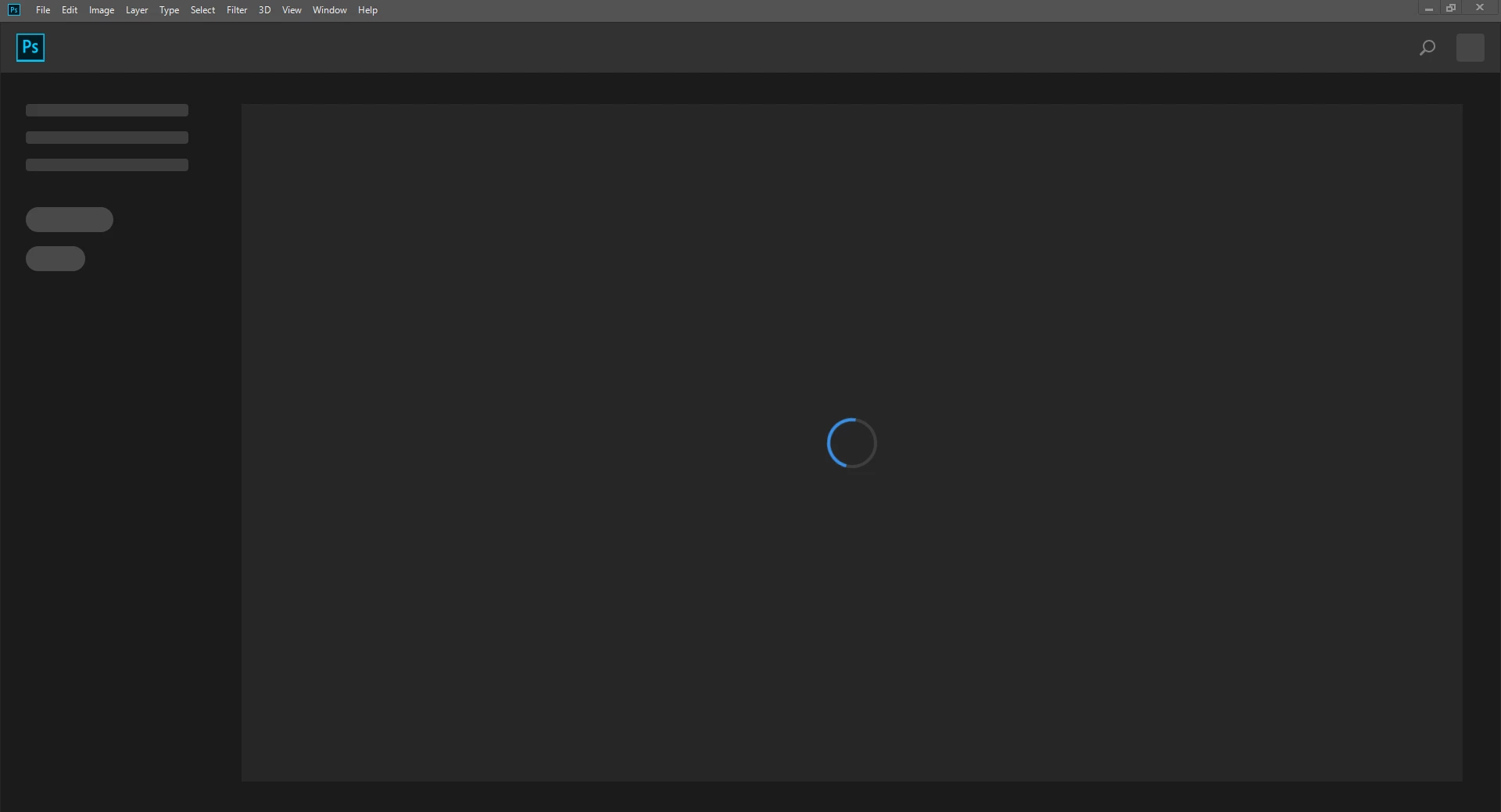
Now when I open photoshop, I can still use it, but the usual buttons like "open" and "new" aren't showing up. None of my recent files show up either, and it is just annoying. I've had a large amount of issues with adobe products not functioning the way they should, so this is more salt in the wound. I am on the most current PS update with the Creative Cloud. I have restarted my computer a couple of times, and nothing has fixed this that I've tried so far.
 

This topic has been closed for replies.
Correct answer Chuck Uebele

That's an issue for many of us. We've reported it to Adobe, but haven't hear much back yet. For the time being turn off the home screen in the preferences and use the legacy recent file option.

2 replies

Participating Frequently
November 12, 2019

I am running the latest photoshop 2020

and have the same issue

the recent files option

do not even exists anymore...


bad

Chuck Uebele
Community Expert
Chuck UebeleCommunity ExpertCorrect answer
Community Expert
October 6, 2019

That's an issue for many of us. We've reported it to Adobe, but haven't hear much back yet. For the time being turn off the home screen in the preferences and use the legacy recent file option.

wayneh34582361
Participant
October 6, 2019
Okay, thank you. I'm glad that I'm not the only one with this issue.
Chuck Uebele
Community Expert
Community Expert
October 6, 2019
Oh, no!