
Participant
December 25, 2020
Question

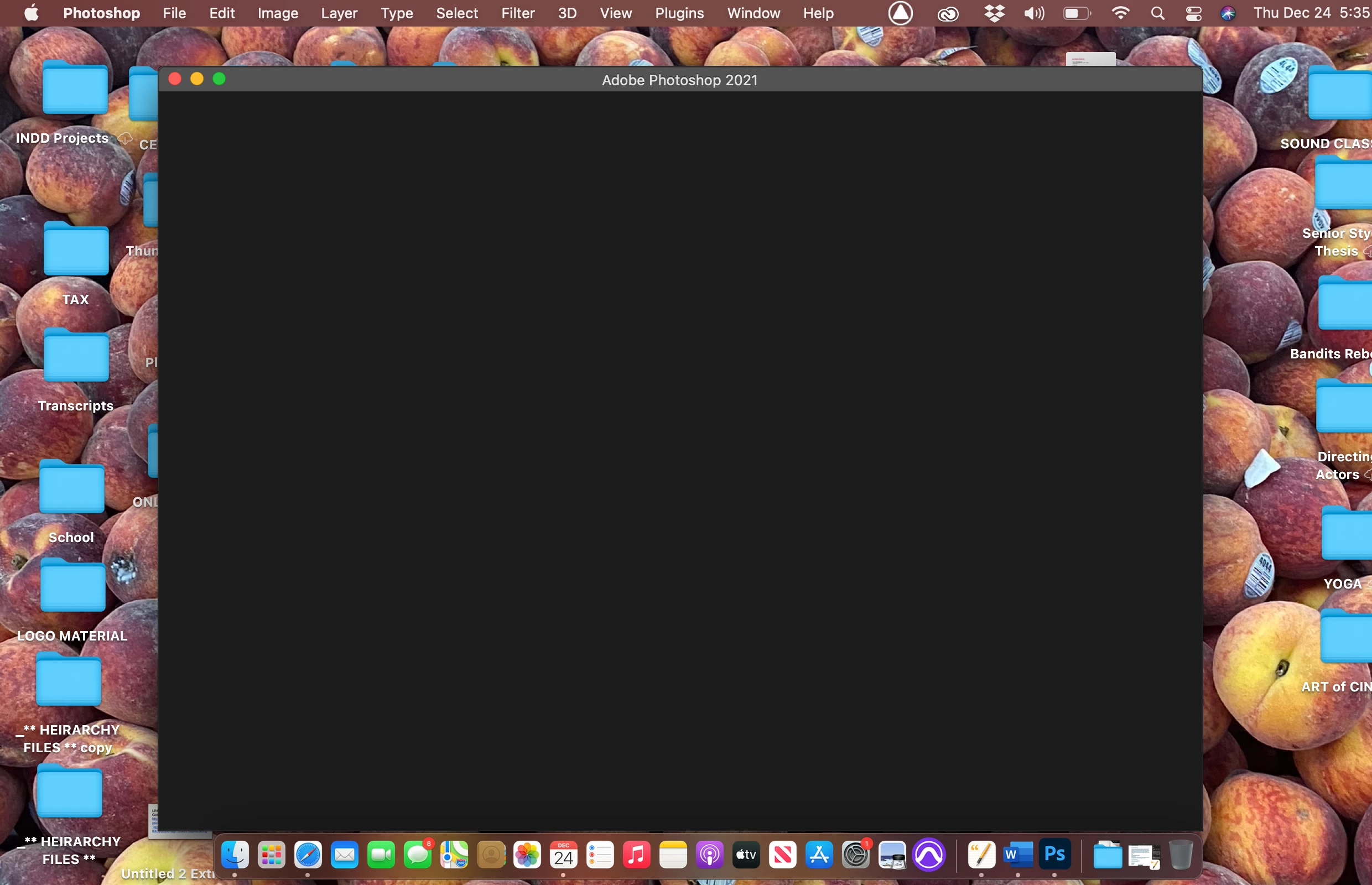
Photoshop won't open . Loads to a Blank window

  • December 25, 2020
  • 2 replies
  • 269 views

Hi , 

PLEASE 

HELP 

SOMEONE 

When I open photoshop it started to load then it goes to a black window where the home layout should be. 

I have tired everyhing from uninstalling, clearing my cache, uninstalling creative cloud but nothing is working. Its also doing this on my imac deskstop. I have updated both devicing and updated photoshop but nothing is working. Please someone help me trouble shoot. 
This topic has been closed for replies.

2 replies

Participant
December 25, 2020

Hello,
Same problem here on Windows. It is possible to open a file but impossible to save it. Also, the New File menu does not work. You have to go to the preferences and check the new file legacy dialog box. However, it is impossible to save it afterwards, so...

Same problem on Illustrator and Indesign (but no subic on Dreamweaver, animate or After Effect on their latest versions).

My OS is up to date last version (20H2 + updates), nvidia 460.89 graphic drivers from December...

The only solution I found was to lower a version number (21 for Photoshop, 23 for Illustrator, 15 for Indesign).
Sorry to say that but I'm almost reassured that the problem also happens on MacOS because Adobe prefers the Macintosh platform, at least chances are that Windows users will benefit from it (also, yes I know, but no, I don't want to change OS, I prefer Windows, despite that...).

Derek Cross
Community Expert
Community Expert
December 25, 2020

Have you tried resetting your workspace: Window > Workspace > Reset Essentials.

Participant
December 26, 2020

I am have mac