Participating Frequently
October 21, 2019
Question

photoshopcc action with spell check doesn't always work

  • October 21, 2019
  • 1 reply
  • 582 views

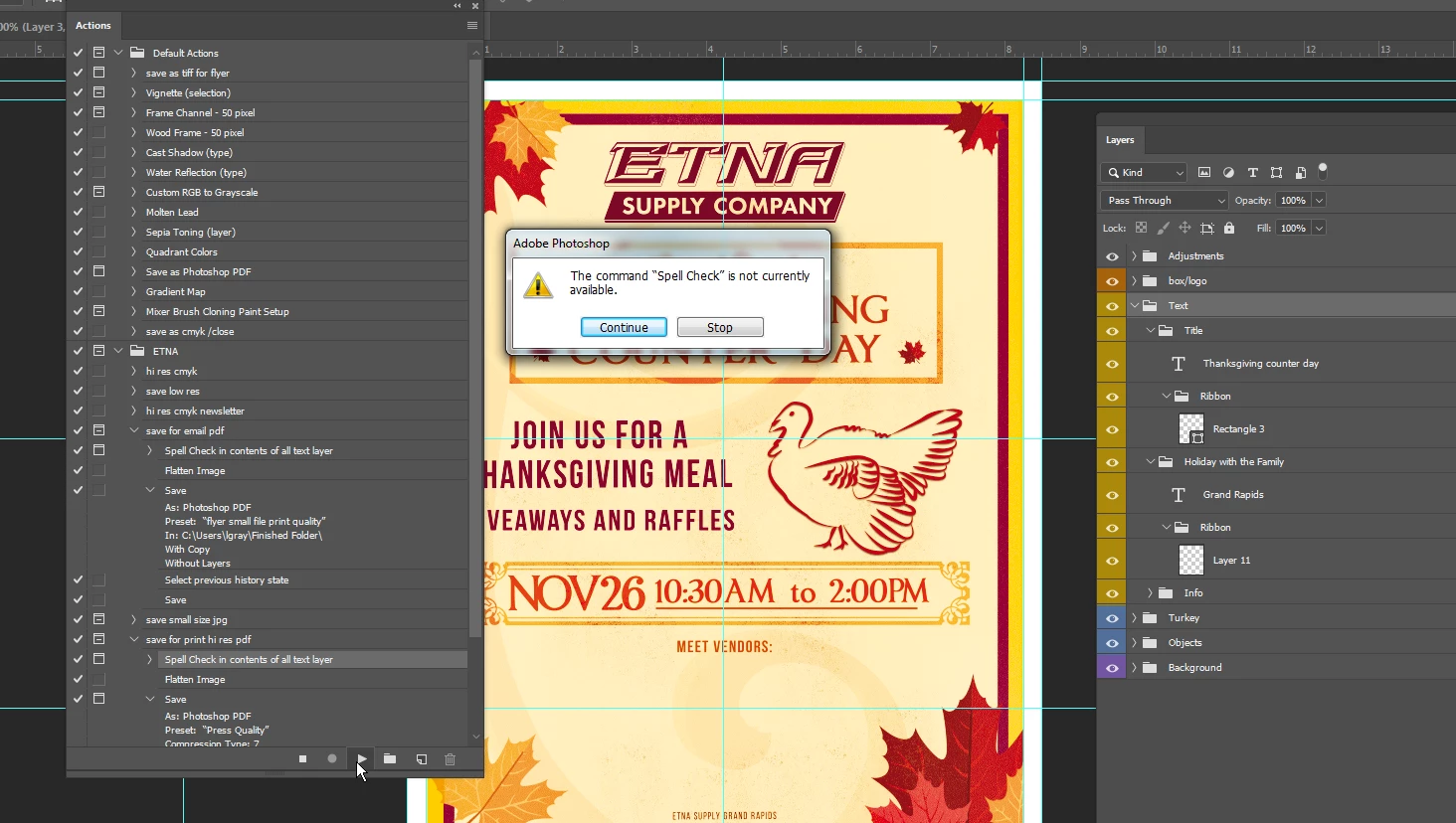
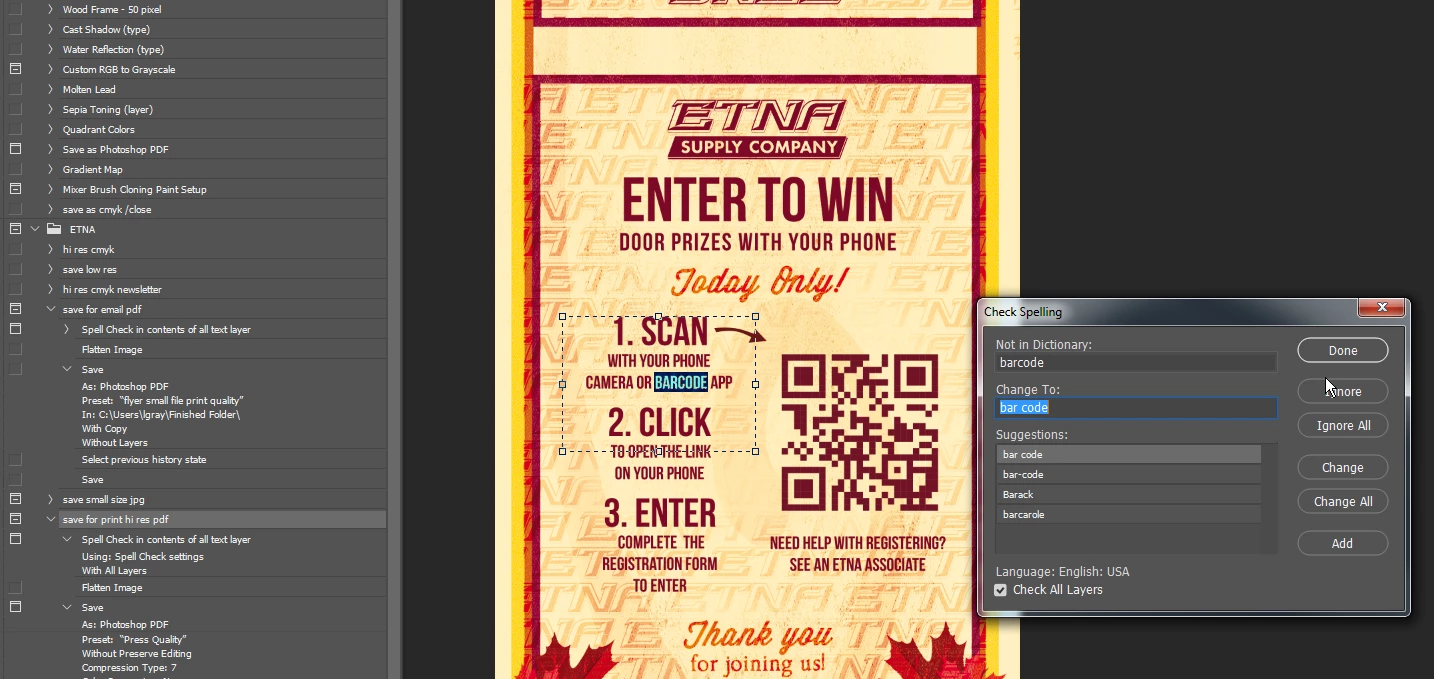
photoshopcc 2019 action with spell check sometimes works and sometimes does not I don't understand why. I took this screen shot then ran a spell check with no problem.

I ran my action in the first screen grab, then ran spell check in the second without any changes. I have used spell check in actions with no problem before but about 1/2 the time the error comes up.  below is my unlocked text layer highlighted, but action spell check does not work.

The bottom 2 are running spell check with no problem, then immediately using action again but it not working.
This topic has been closed for replies.

1 reply

Legend
October 23, 2019
Make sure that the active layer is a text layer and it is selected.
 
Participating Frequently
October 23, 2019

Thats not needed for spell check, like I stated, without any changes I was able to have spell check run outside of action (when it just didn't run properly). within the action I have tried every mannor of layer selection and it only works sometimes. 

Legend
October 23, 2019
As far as I know, this is a necessary condition up to CC2018, as well as for replacing text, although I do not use either one.
If you click Stop on error, which layer in the document is active at that moment?
Would you show a screenshot of the layer panel at least.