
Pinch-Zoom not working on touch screen laptop - crashes when GPU is enabled
Hello, I've been having trouble when trying to use the pinch and zoom feature on Photoshop 2022. I use a touch laptop (Lenovo, L13 Yoga Gen 2 - Windows 10 Education), and when I try to use two fingers to zoom in on the canvas, it instead draws like I am using the stylus. The touch screen is not broken in anyway, and all other applications can access it and the stylus works as its meant to. When I use the zoom tool, it works as it's meant to, but unfortunately this would mean I'd have to switch between brush and zoom every few seconds so it would be very ineffiecient and frustrating.
I found other users on this forum have had this issue, and it was fixed when they enabled the GPU processor in preferences. However when I enable the GPU processor, restart the application, and then attempt to use pinch and zoom, the application crashes.
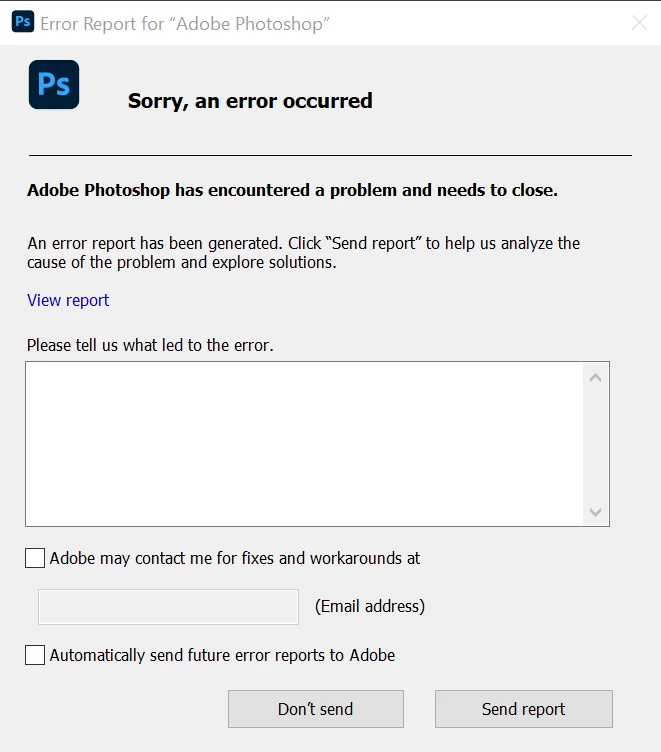
This is very frustrating as I have used pinch and zoom on another laptop perfectly fine - I believe it is an earlier version of Lenovo L13 Yoga? Runs on Windows 10 - but for some reason on this laptop it doesn't work.
 AdChoices