
Pixelated and Jagged brush Photoshop 2020
Using Photoshop CC 2020 21.2.4 on a Mac High Sierra 10.14.6
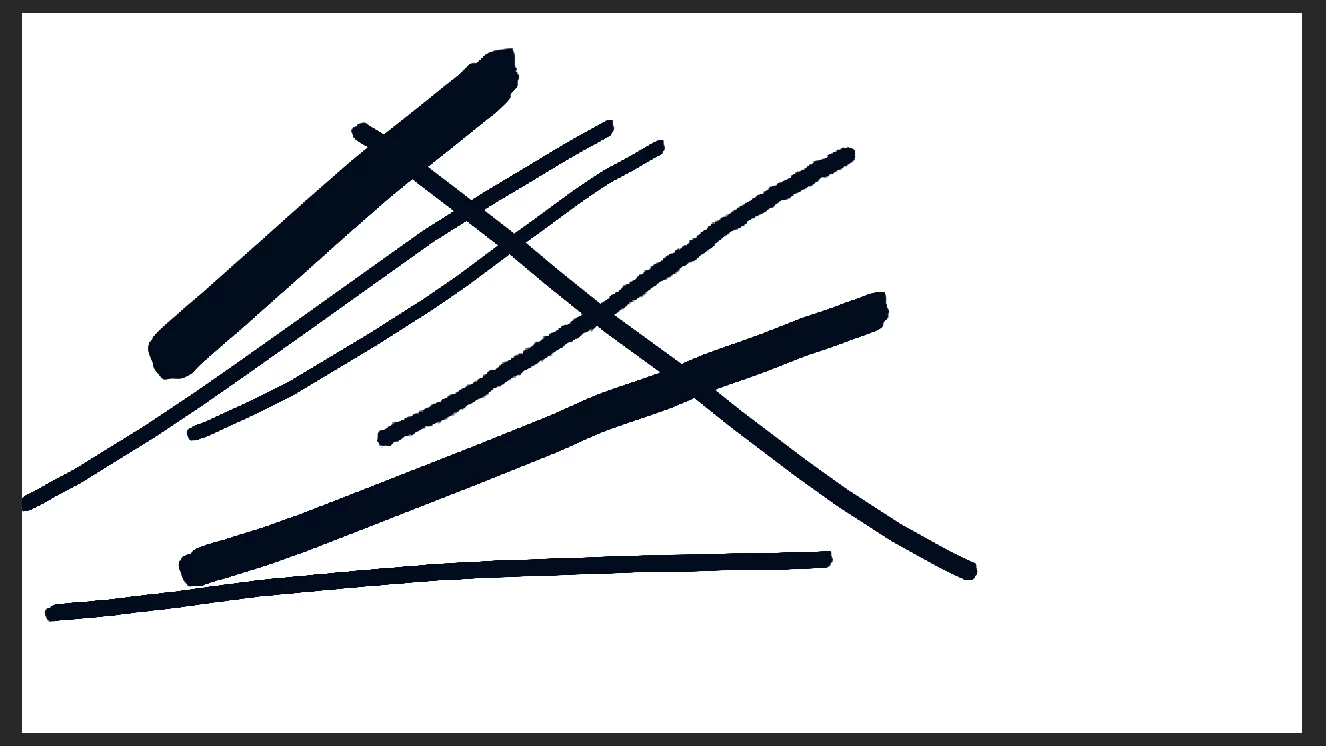
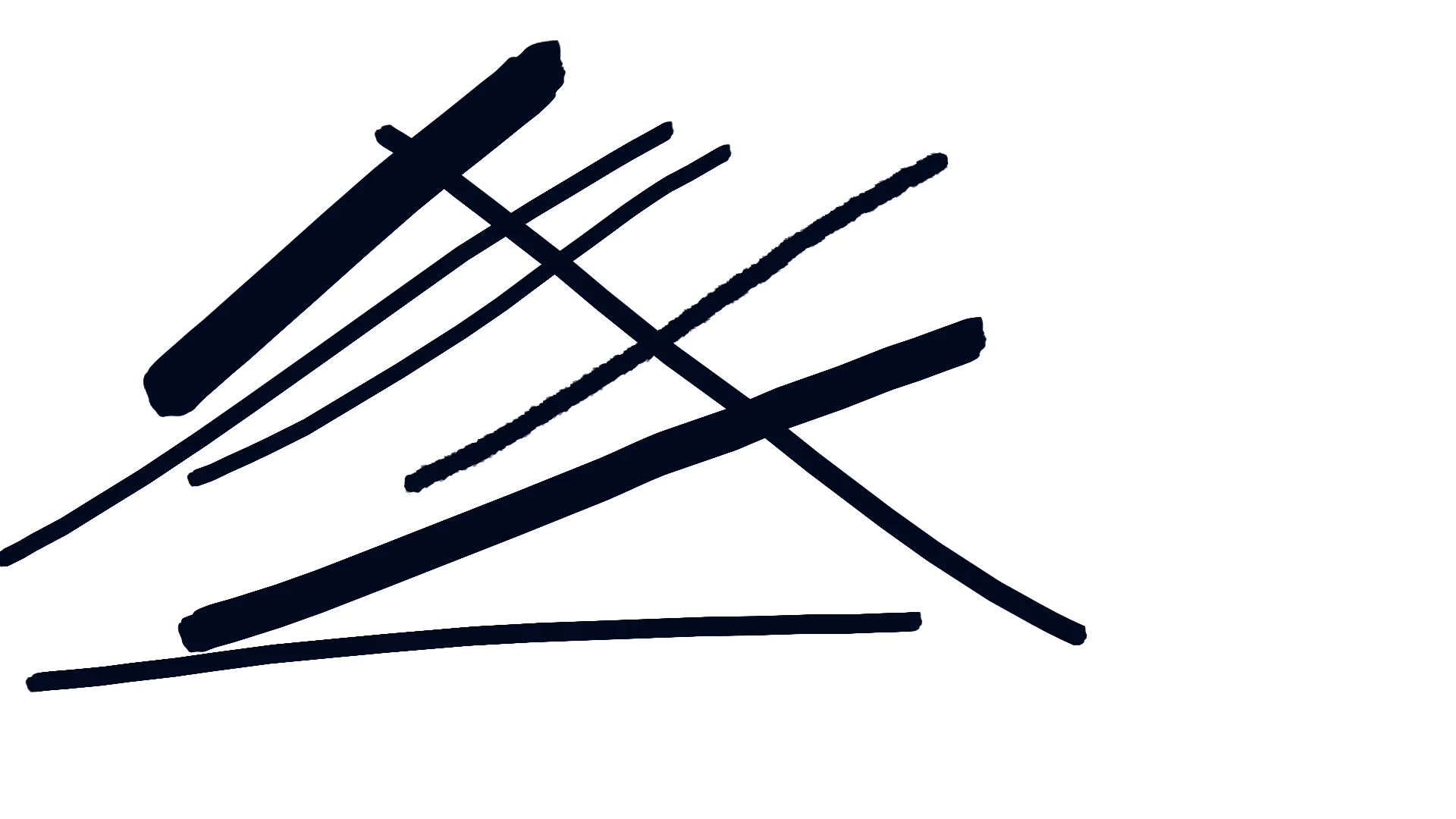
I updated PS this weekend and when using it for illustration today I noticed most of the brush lines looking jagged and pixelated - mostly the Kyle brushes base pack, but also some user made brushes that a I have downloaded.
The canvas I'm working on is 1920 x 1080 300 dpi, and the brush stroke seems pixelated in the preview and also in the exported image - I'm attaching both below, the first one is a print screen of the Photoshop app and the second the exported .png image. The brushes also seem pixelated in the Brush preset picker.
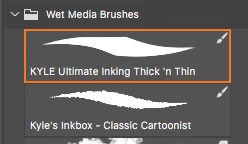
I've already checked and I'm not using pencil tool and the brush isn't in the dissolve blending mode - some of the solutions I came across while searching for it. It seems to have something to do with the update I made earlier this weekend, but I cannot revert to it since Creative Cloud isn't displaying older PS versions, only the one that I have now and the newest one - which I cannot install since it requires a more update iOS.
I've tried restarting my machine, reinstalling Photoshop and nothing seems to work. I don't know if I'm being picky, but this is bothering me a lot and I'm almost 100% sure it wasn't this way before I updated it.
 AdChoices