

Answered
Pixelated Brushes and Blurred Image
Hello, I am fairly new to Photoshop, however, I have yet to find this exact problem anywhere else, so maybe somewhere in the future this forum can help someone else as well. No matter what I do, my images in photoshop are slightly fuzzy and I'm not sure if there is a problem with my brushes, I have my resolution at 72 ppi. Is this too low? This is what most of my images look like:
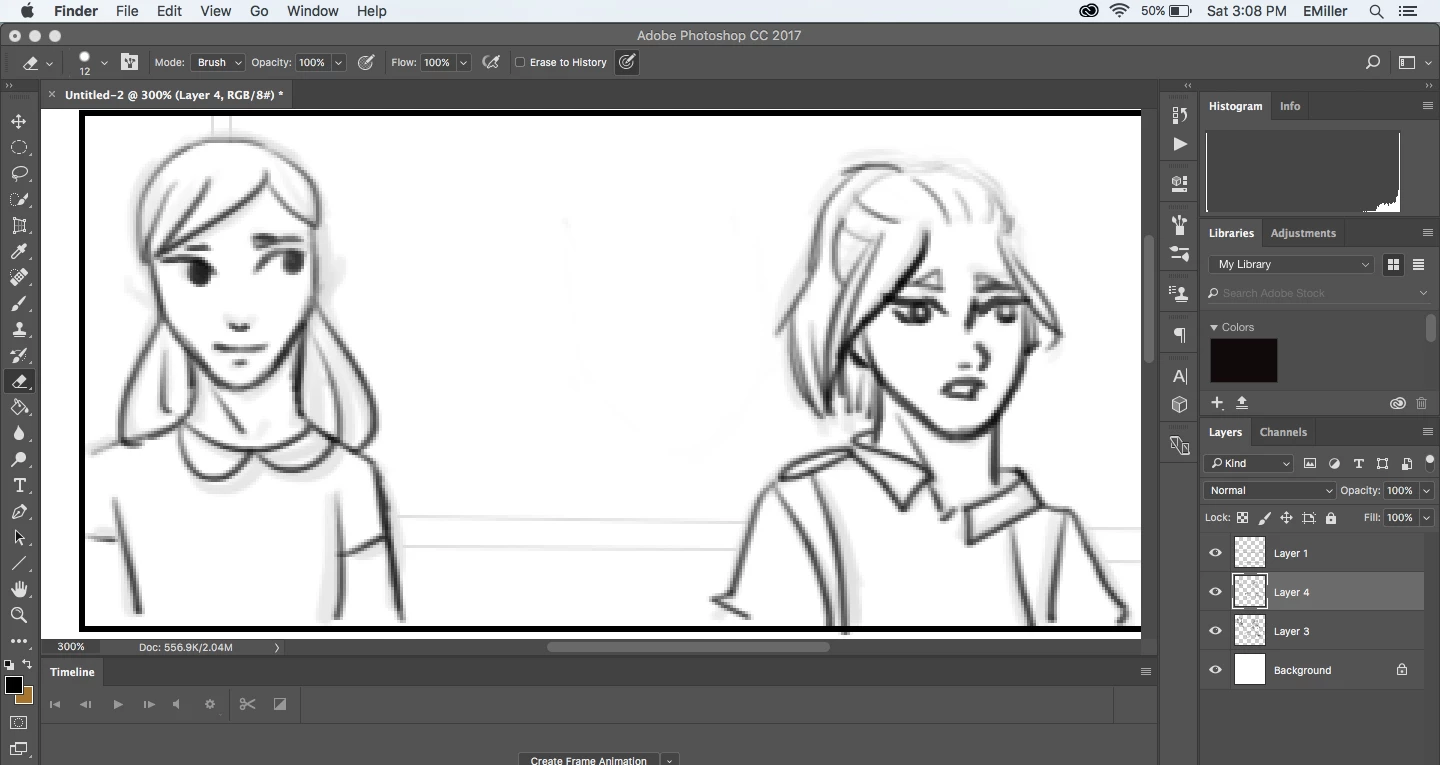 This is the clearest image I can get even though it is a rough draft. Thanks.
 AdChoices