
Participant
August 26, 2021
Question

Pixelated lines zoomed out

  • August 26, 2021
  • 3 replies
  • 862 views

Hi, Everytime i draw with my canvas at less of the 100% size, my trace becomes pixelated. I need to be drawing at more than 100% to get smother lines. Im Using wacom cintiq 16 HD. Is it photoshop? Is it my cintiq? Heres an example of me drawing some circles with different canvas sizes, I obviously dont work at 1% but sometimes I have to work at 50% or less and it keeps doing this pixelated lines. Any ideas Thanks!
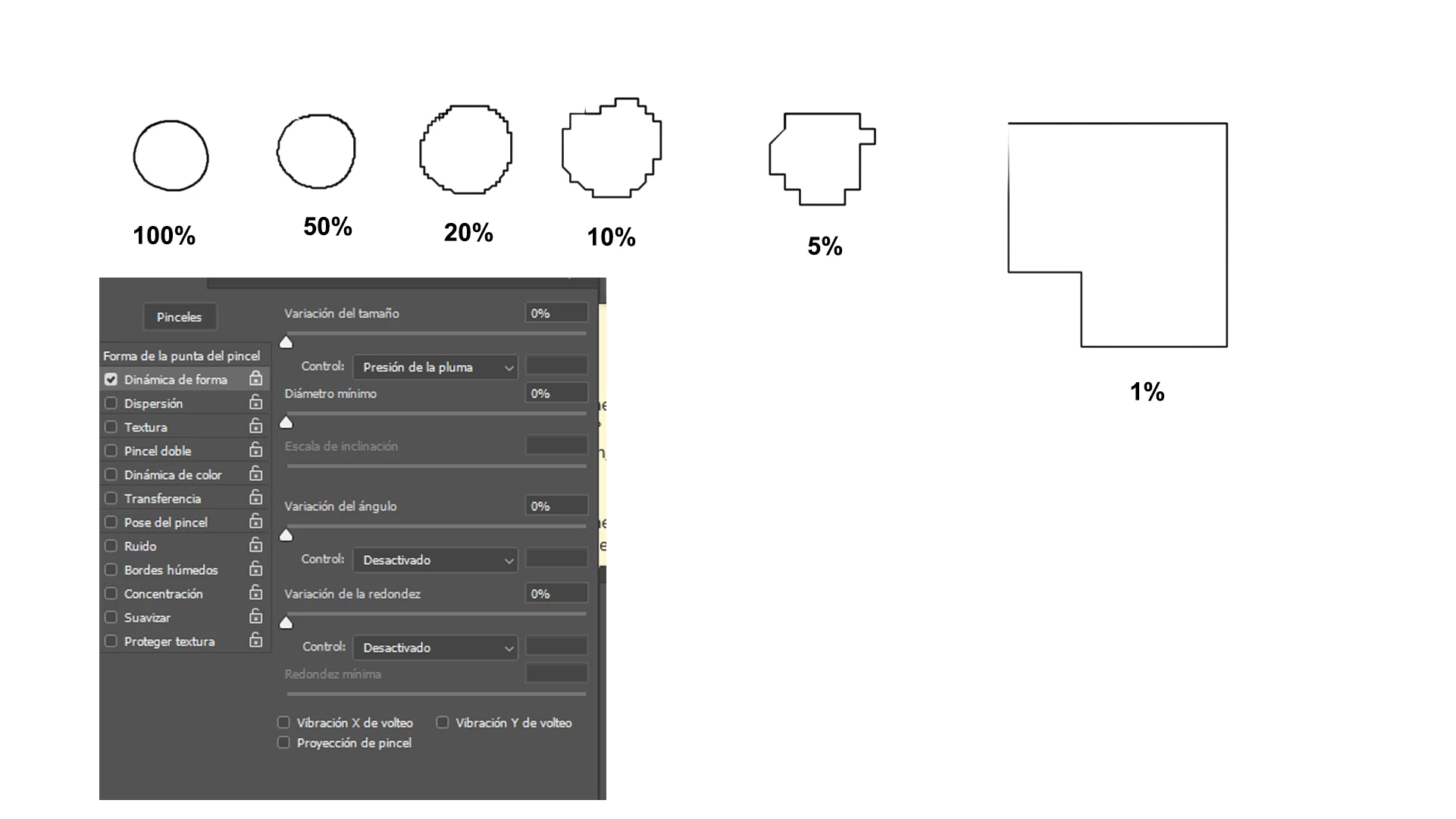
This topic has been closed for replies.

3 replies

PECourtejoie
Community Expert
Community Expert
August 27, 2021
quote

 I need to be drawing at more than 100% to get smother lines. 


By @Astonished_artist0D45


Hello, did you check the smoothing options in the option bar? there is also a leash mode, many useful settings.

Also, what is the spacing setting of your brush?

Bojan Živković11378569
Community Expert
Community Expert
August 27, 2021

"Is it photoshop? Is it my cintiq?"


Photoshop for good reason. We want immediate zoom result, all of us. In order to speed up zooming esspecially when large files in question, Photoshop is doing quick, not so accurate scaling to show us result of zoming in almost no time. Judge in 100% and draw freely in any percentage level. Just make it your habit and ignore pixelation which is actually fake. You will always get what you expect and what it shows you at 100% zoom.

Legend
August 27, 2021

You're trying to draw a small circle around about 9 pixels when you're zoomed in to 1%. You won't get a smooth circle zoomed in that far drawing a small circle like that.