
Participant
October 3, 2018
Answered

Placed Images have pixelation

  • October 3, 2018
  • 2 replies
  • 6067 views

Hi all, getting something really weird with my Photoshop. Everytime I place an image into Photoshop, it degrades.

Here is the image as previewed in Windows Photos app.
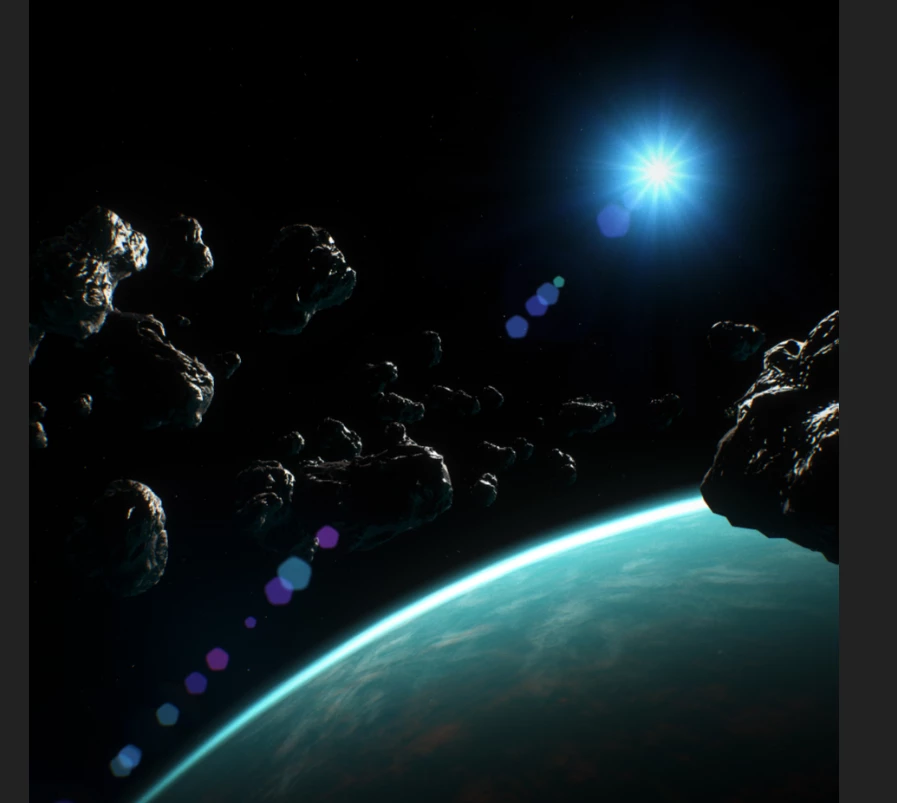
Everything looks good, but this is what happens when I place it into Photoshop.
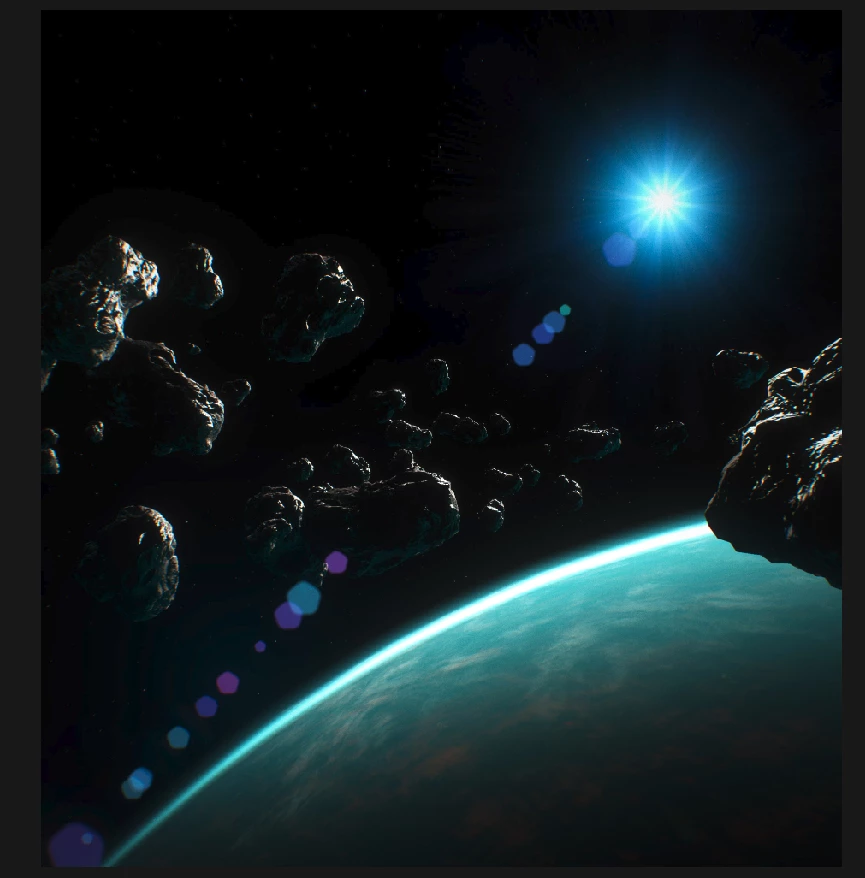
Anyone know what is happening?

Thanks!

This topic has been closed for replies.
Correct answer JJMack

Normal Place image scale via interpolation. Only placed Vector File like .svg and .ai file are vector smart objects.  And there are no actual path for these vector file in Photoshop. If you  open these vector Smart Object Layers Object, if you have AI installed on your machine the vector .svg and .ai file will be opened in Illustrator.

If you place in a small object if you scale the layer way up in size the image will be interpolated and tend to become soft and blurry. What you posted looks like ihe interpolation method you default to cause the image to posterize some. The second image more than the first one both image seem ho has this effect.

2 replies

c.pfaffenbichler
Community Expert
Community Expert
October 4, 2018

Why did you place the image and not open it?

Could you please post a screenshot taken at View > 100% with the pertinent Panels (Layers, Channels, Options Bar, …) visible?

Participating Frequently
September 16, 2020

I had the same issue and it was becasue i was placing my image.   When i opened it like you say it was fine.   I didn't realise there was a difference.  Thanks for the tip. 

c.pfaffenbichler
Community Expert
Community Expert
September 16, 2020

The image might get scaled when placing. 

JJMack
Community Expert
JJMackCommunity ExpertCorrect answer
Community Expert
October 3, 2018

Normal Place image scale via interpolation. Only placed Vector File like .svg and .ai file are vector smart objects.  And there are no actual path for these vector file in Photoshop. If you  open these vector Smart Object Layers Object, if you have AI installed on your machine the vector .svg and .ai file will be opened in Illustrator.

If you place in a small object if you scale the layer way up in size the image will be interpolated and tend to become soft and blurry. What you posted looks like ihe interpolation method you default to cause the image to posterize some. The second image more than the first one both image seem ho has this effect.

JJMack