Drew M.
Participating Frequently
September 1, 2020
Question

Plastic Wrap acting like a cheap portrait filter. Need to apply to entire image!

  • September 1, 2020
  • 2 replies
  • 945 views

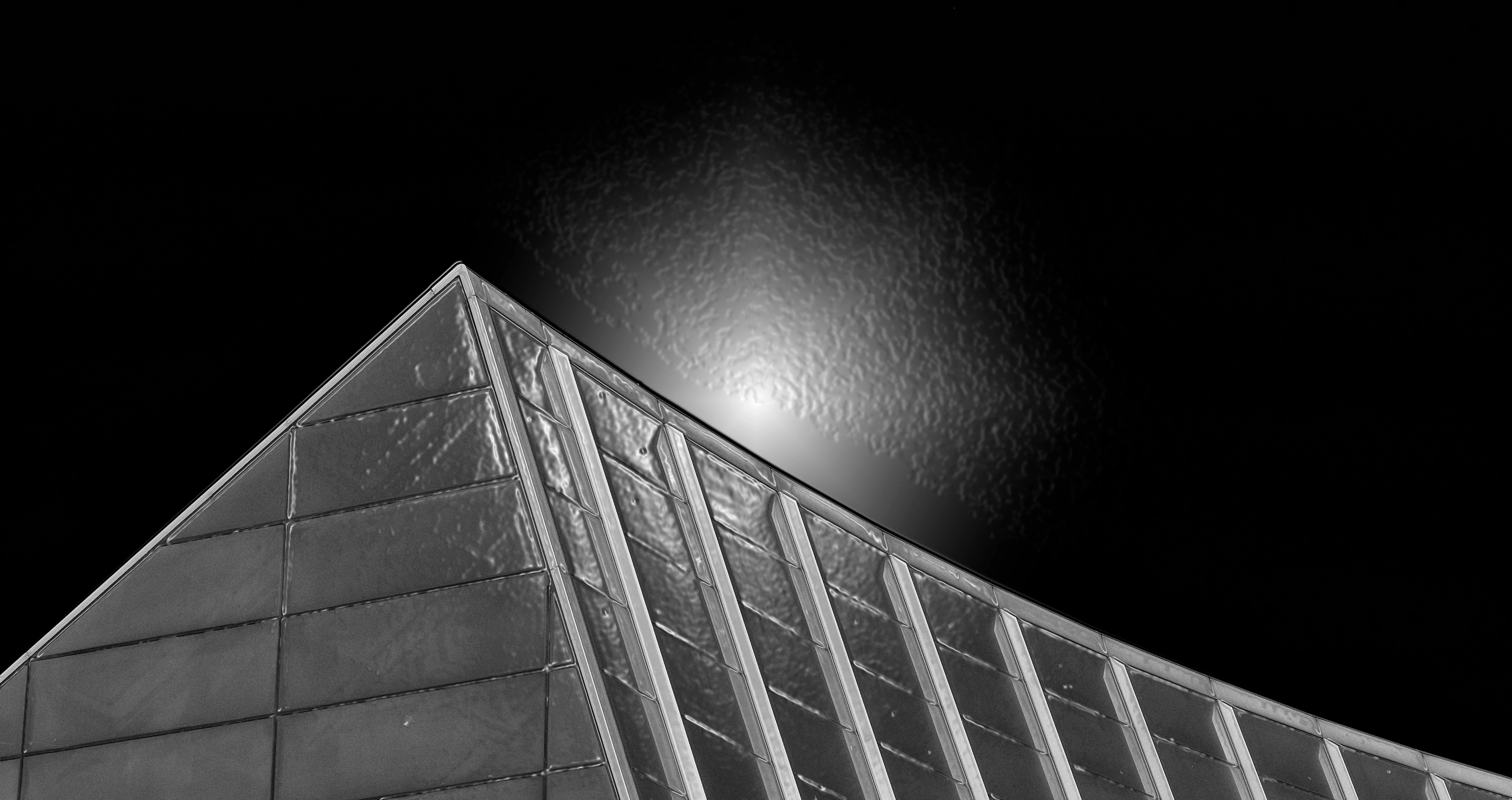
I'm trying to use the Plastic Wrap filter. Whenever I use it, the effect only gets applied to the center of the image and the effect is very highlighted. It almost looks like a cheap portrait filter.


Is there a way to have the Plastic Wrap filter apply to the entire image, without the center highlighting effect? Is there some setting I'm missing?


When I slide the "Highlight effects" to the left to minimize the crazy bright spot, it also minimize the Plastic wrap effect. so to remove highlighting also removes all of the plastic wrap effect.


I'm using CC 2020 on a 2019 MBP, Running Catalina 10.15.6
 

This topic has been closed for replies.

2 replies

Nancy OShea
Community Expert
Community Expert
September 2, 2020

I don't use Artistic filters much in my work and Plastic Wrap is not something I ever use.  But filters need plenty of pixels to work on.  If the outer edges of your canvas are lacking pixels, the filter has nothing to grab onto. 


Not sure what you're hoping for.  In this example, I have Highlight Strength on 20 and Details and Smoothness at 8. 


Nancy O'Shea— Product User & Community Expert
Drew M.
Drew M.Author
Participating Frequently
September 2, 2020

Thanks Nancy!

For me, the effect is being applied only to the center. I just want the plastic wrap to cover the entire image like in yours.

I'm using CC 2020 and am running Catalina 10.15.6

melissapiccone
Community Expert
Community Expert
September 2, 2020

Play with the sliders. Apply it twice. It is over the whole image, the effect is more prominent in the center. I applied it twice to make it more... 


Melissa Piccone | Adobe Trainer | Online Courses Author | Fine Artist
Jeff Arola
Community Expert
Community Expert
September 1, 2020

What version of photoshop and macOS are you using?


Can you post an example image when it's open the Plastic Wrap filter?

Drew M.
Drew M.Author
Participating Frequently
September 2, 2020

Thanks for your reply!

CC 2020

Catalina 10.15.6


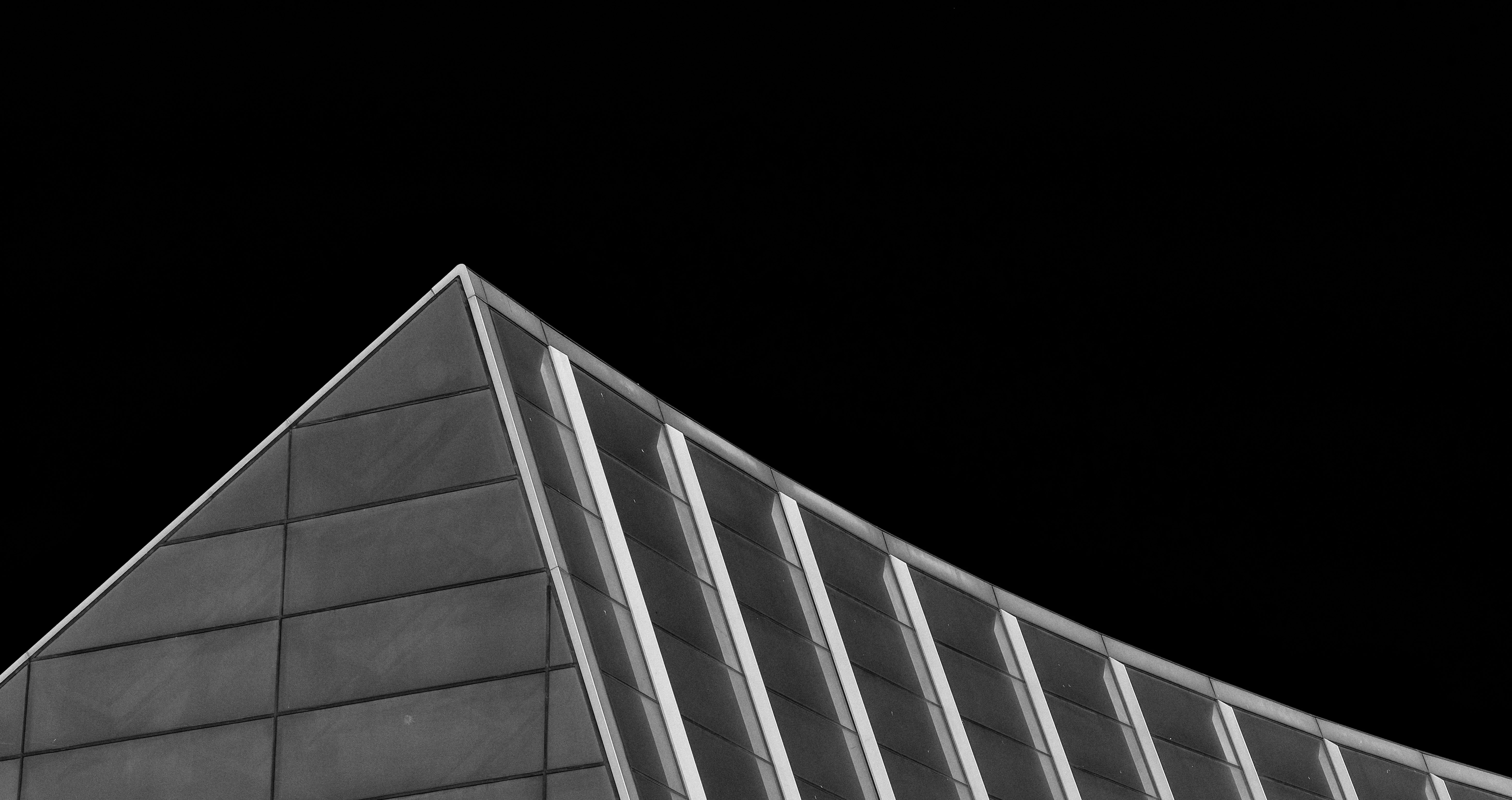
here's the original and the Plastic wrap version


Nancy OShea
Community Expert
Community Expert
September 2, 2020

IMO, the image is unsuitable, too much empty space. Try cropping the image to bring up the horizon line.  As I said earlier, the more pixels you have for the filter to grab onto, the better your results will be.


Have fun!


Nancy O'Shea— Product User & Community Expert