riccardof79477366
Participant
April 29, 2018
Answered

please help me - trying to start PS for the first time, can't open new/old files

  • April 29, 2018
  • 2 replies
  • 257 views

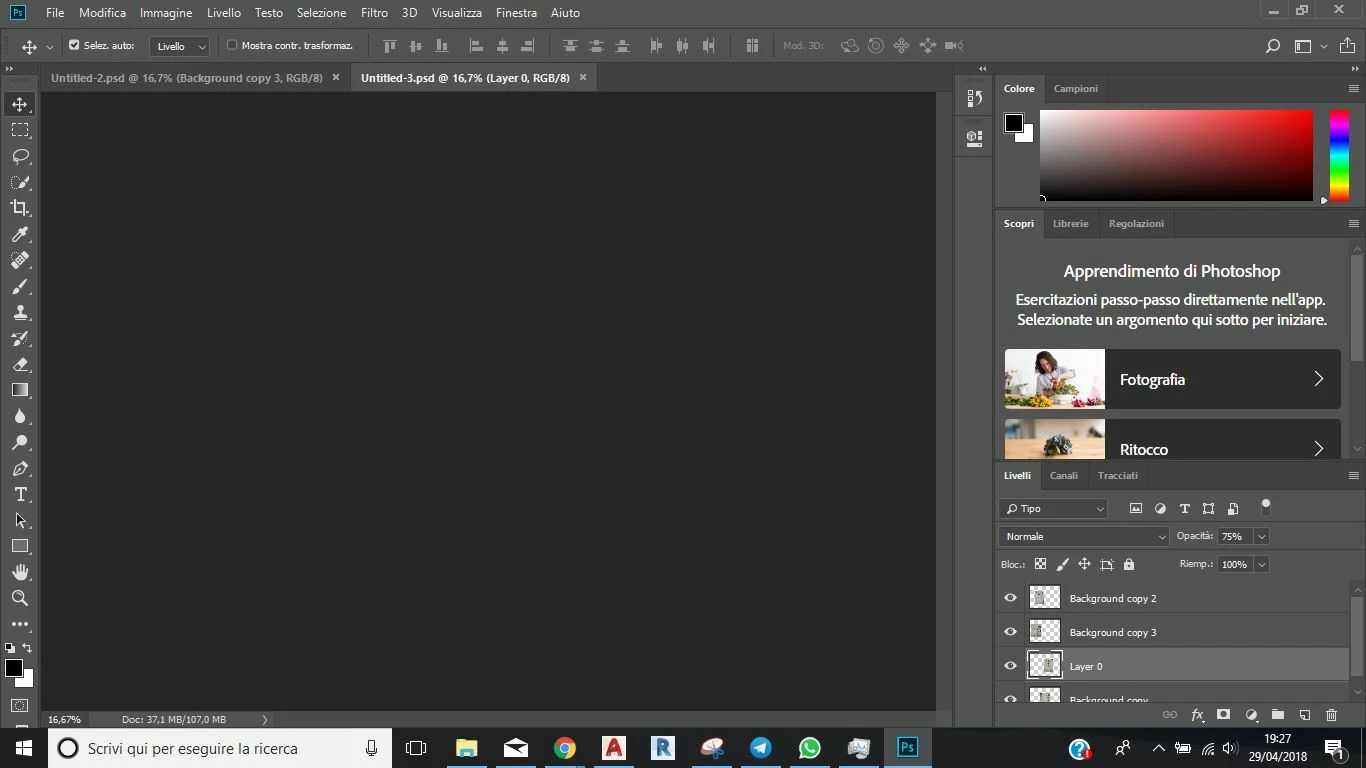
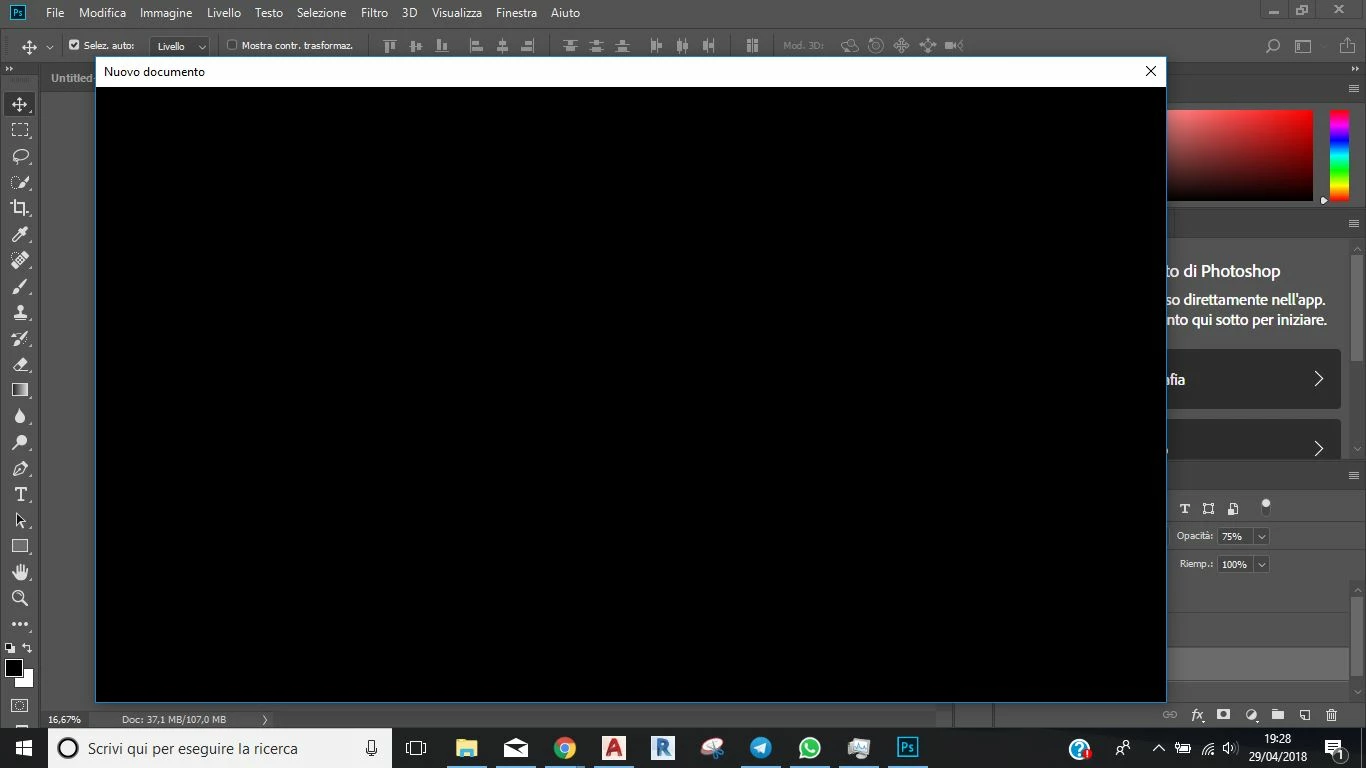
i've just installed PS CC2018 on my laptop but all that i get when i try to open a file is a grey window, as the file doesnt exist. i try also to create a new file, in that case the window si black. i have no problem installing the program, when i run it everything is ok and the layout aswell seems to work properly but then its totally useless. i cant understand whats going on, i've to prepare my thesis in no time and this simply suck! please help me, thank to everyone could suggest me a solution


thats what i see when i try to open a old file:
new file:
    This topic has been closed for replies.
    Correct answer gener7

    This seems to be a graphics display problem. If you go to Edit menu > Preferences > Performance and uncheck Use Graphics Processor, then restart Photoshop, does it help?

    2 replies

    riccardof79477366
    Participant
    April 30, 2018

    where do you live, i wanna kiss you
    thanks SO much

    gener7
    Community Expert
    Community Expert
    April 30, 2018

    Well it's just until you finish your work. You miss many features shutting off the GPU, so please look at this document:

    Troubleshoot Photoshop graphics processor (GPU) and graphics driver issues

    Gene

    gener7
    Community Expert
    gener7Community ExpertCorrect answer
    Community Expert
    April 30, 2018

    This seems to be a graphics display problem. If you go to Edit menu > Preferences > Performance and uncheck Use Graphics Processor, then restart Photoshop, does it help?