


Please vote! - Key shortcut to rotate brush angle as clone stamp
Wanted to ask for your votes to help make Photoshop brushes 100x better.
Shortcut to ROTATE BRUSH as clone stamp already has | Photoshop Family Customer Community
Has been suggested many times several years ago, but trying to revitalize to match the clone stamp tool
Rotate Clone Source | Alt + Shift + < or > | Option + Shift + < or > |
This really does work, but only does .25° so hold down for about 3 seconds to see.
Would be very helpful for shadow illustration. For example you need to draw shadows under the dresser with a soft oval brush, but the preview of your brush shows you have the wrong angle
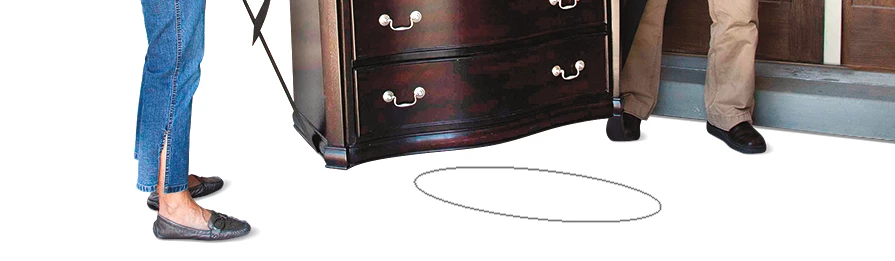
Shift Option < or > would be great to change angle on the fly to get this. but a rotation of .5° would be preferred.
Changing the wacom pen angle has always sounded great,
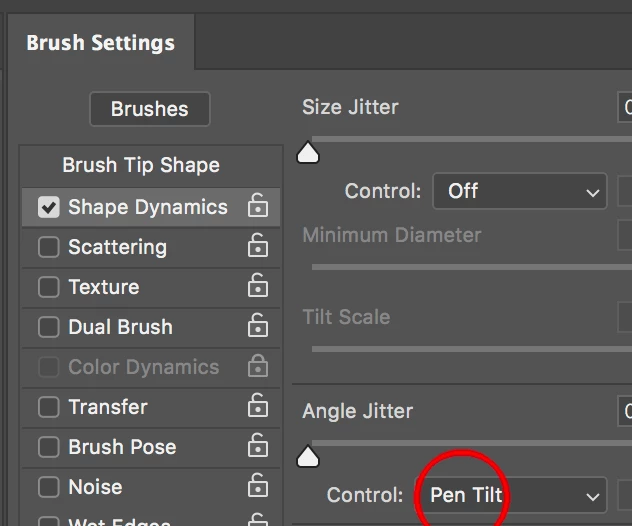
but rarely used as quite USELESS (unless you twist your hand backwards, stand on your head and draw in a mirror).
 AdChoices