
February 28, 2018
Resuelto

PNGs showing as corrupt in photoshop??
  • February 28, 2018
  • 2 respuestas
  • 2483 visualizaciones

I am using Photoshop CC 2018, a recently updated and installed programme on my macbook pro 2018.

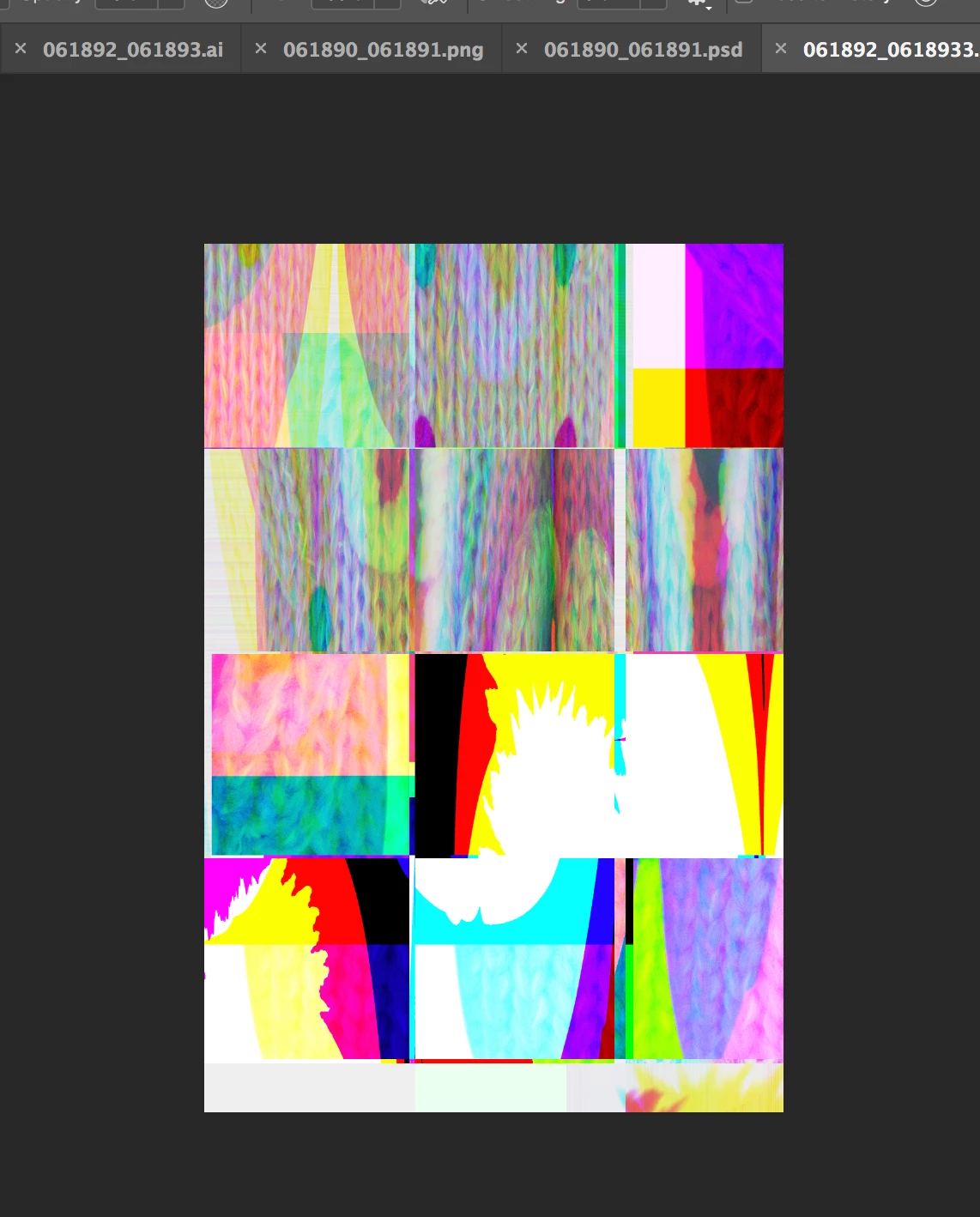
Whenever I open a PNG file in photoshop, it shows as corrupt. It displays a square of rainbow squares. This happens with any png, but on other computers and systems, these files work.

I can use them in illustrator.

TIA

Este tema ha sido cerrado para respuestas.
Mejor respuesta de c.pfaffenbichler

Turn off

Preferences > Plug-Ins > Allow Extensions …

Preferences > Plug-Ins > Load Extension Panels

and restart Photoshop.

https://feedback.photoshop.com/photoshop_family/topics/png-images-appear-as-distorted-lines-photoshop-19-1-new-bug

2 respuestas

Mohit Goyal
Community Manager
Community Manager
March 14, 2018

Hi lilyc,

This problem should be fixed after the Photoshop 19.1.2 update. You can install this update via Creative Cloud desktop app.

Also, you can refer the list of the fixed issues after the Photoshop 19.1.2 update, here: Fixed issues in Adobe Photoshop CC

Regards,

Mohit

c.pfaffenbichler
Community Expert
Community Expert
February 28, 2018

Turn off

Preferences > Plug-Ins > Allow Extensions …

Preferences > Plug-Ins > Load Extension Panels

and restart Photoshop.

https://feedback.photoshop.com/photoshop_family/topics/png-images-appear-as-distorted-lines-photoshop-19-1-new-bug

ericg29988037
Participant
February 28, 2018

It is not a perfect solution.

The Bug coming back even with the options unchecked. You have to restart Photoshop each time the glitch appears ... Thank you to fix the problem with an update.

davescm
Community Expert
Community Expert
February 28, 2018

It may not be perfect, but it is a workaround . Adobe's developers have acknowledged the issue and are working on a solution.

Dave