
POOR IMAGE QUALITY WHEN RESIZING? Help!
I recently got a new laptop and purchased Adobe Creative Cloud 2017 to use. I then experienced an issue (as explained below) so I downloaded CS6 using my subscription instead.
What happens is, when I go to edit any photo (this example is 2000 x 3000 px):
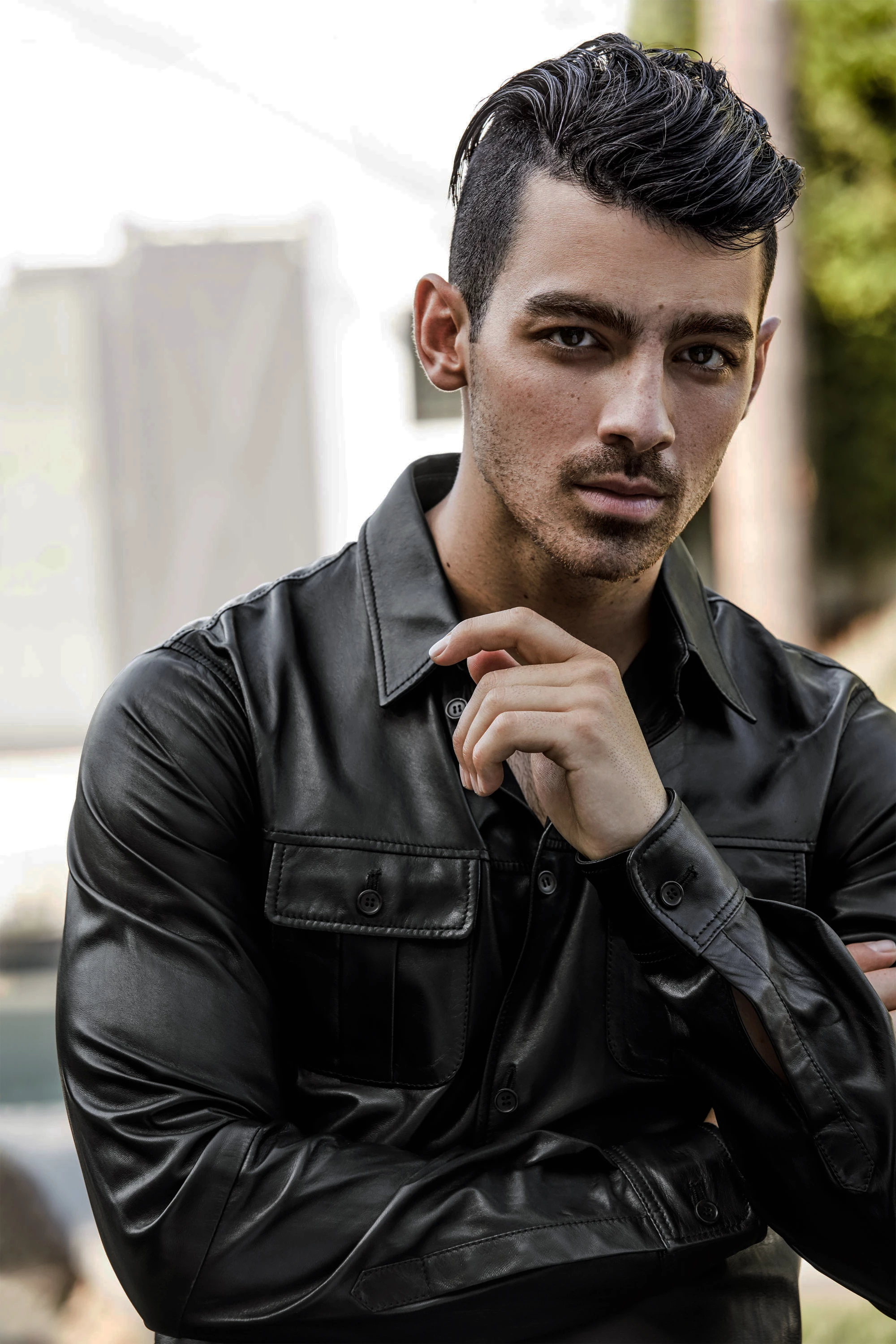
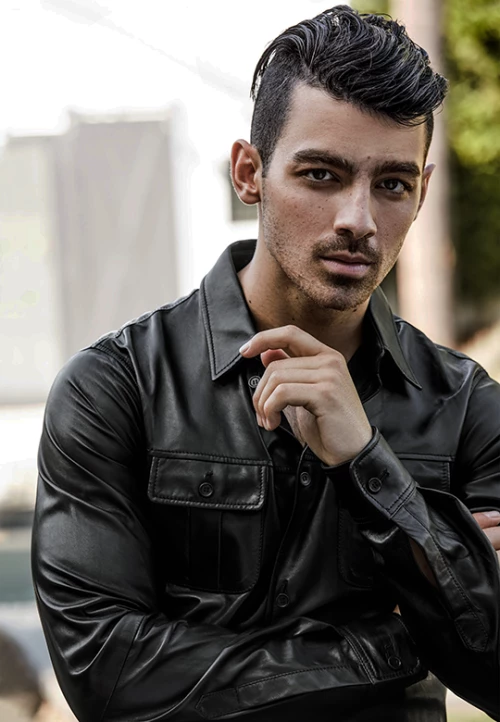
And then go to resize it using either the cropping or resize tool (this one is 540 x 780 px), it comes out with incredibly poor quality (as you can see)
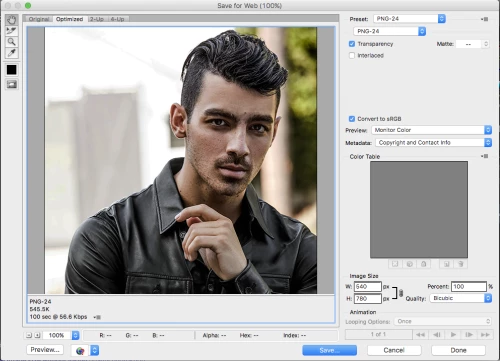
And these are my usual optimization settings:
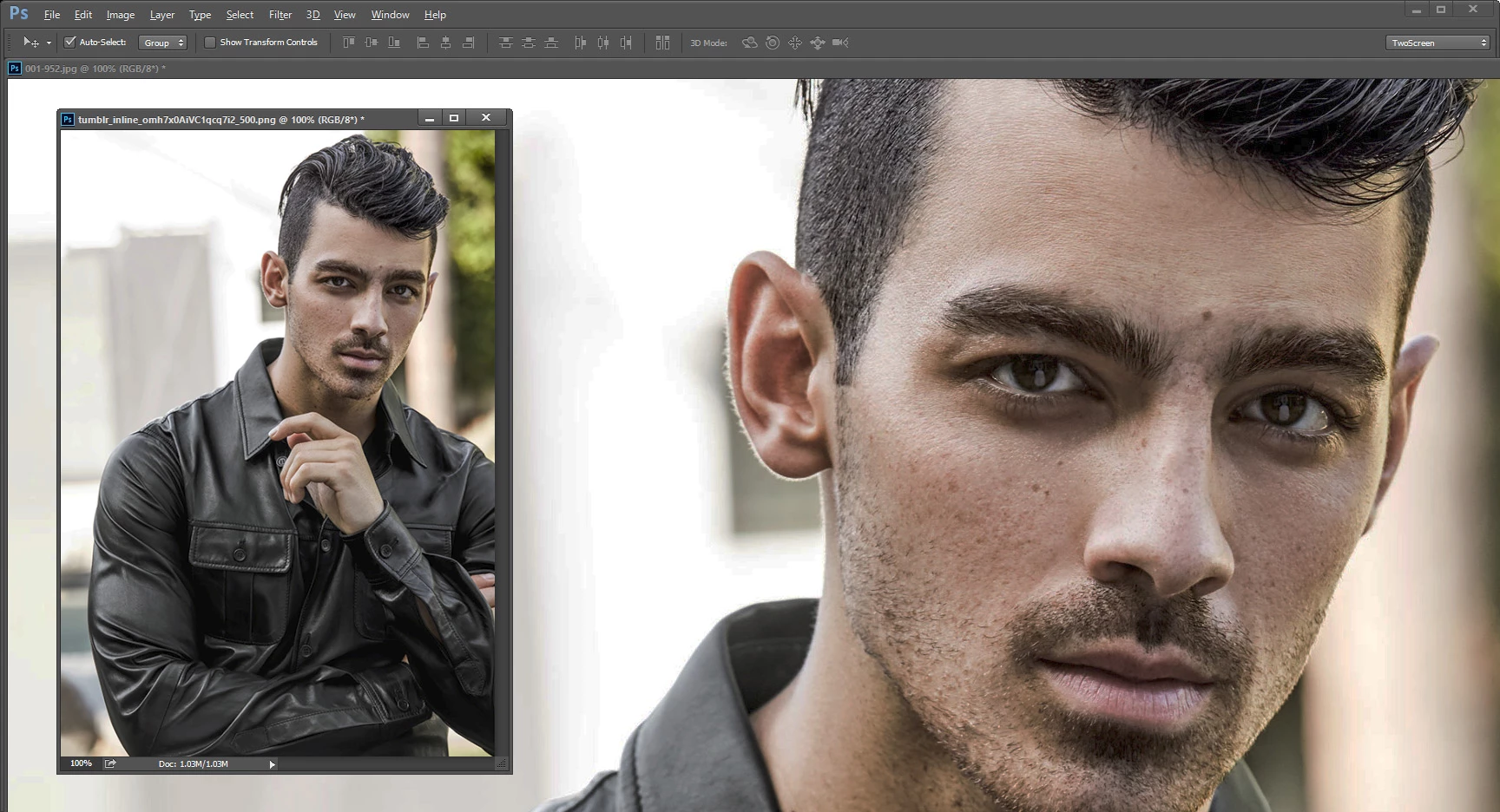
I’ve tried everything and asked everyone– between copying and pasting it to a canvas, changing my optimization settings, smart sharpen settings, using different versions of photoshop, etc. and nothing works. It’s incredibly frustrating! So if anyone can help me out, I would sincerely appreciate it! Thank you!
 AdChoices