
Answered
populating a Photoshop document with 256 colors from color table or swatch group
Is there an easy way of populating a grid with 256 colors from a color table or swatch group in a Photoshop document?
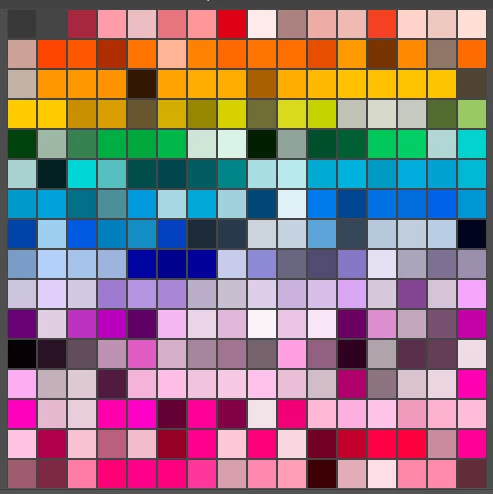
A grid similar to the 16 x 16 large thumbnail display in the swatch group panel would be ideal.
I tried taking a screen shot of the swatch group and pasting it into a Photoshop document, but the colors are all shifted.
I’m guessing the shift is based on a conversion from 16 bit to 8 bit.
Perhaps a template or a script is required to get all 256 colors into a Photoshop document.
Something like this, but with the colors still matching the original color table colors is what I'm after:
 AdChoices