preset folders in two places; how to resolve
I'm running the most recent version of Photoshop CC on a MacBook Pro running Big Sur.
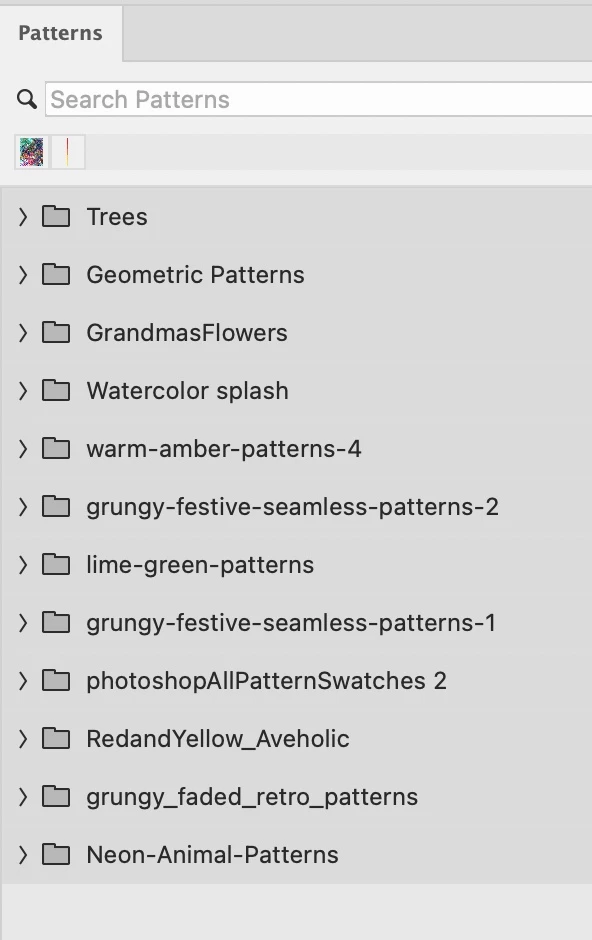
With Photoshop open I call up the Patterns window, and this is what shows up, mostly patterns I've imported.
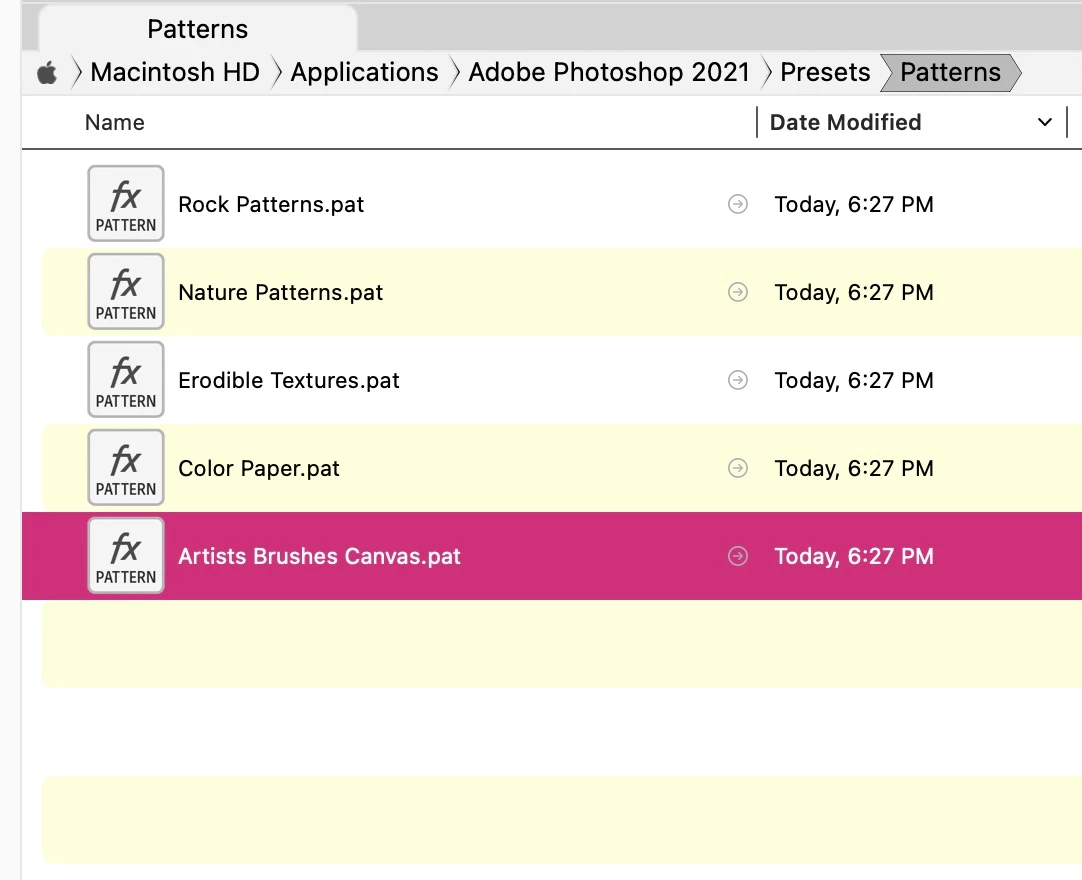
But if I go to HD>Applications>Photoshop 2021>Presets this is what shows up:
Finally, here's the file for user>library>application support> adobe>photoshop 2021>presets> patterns
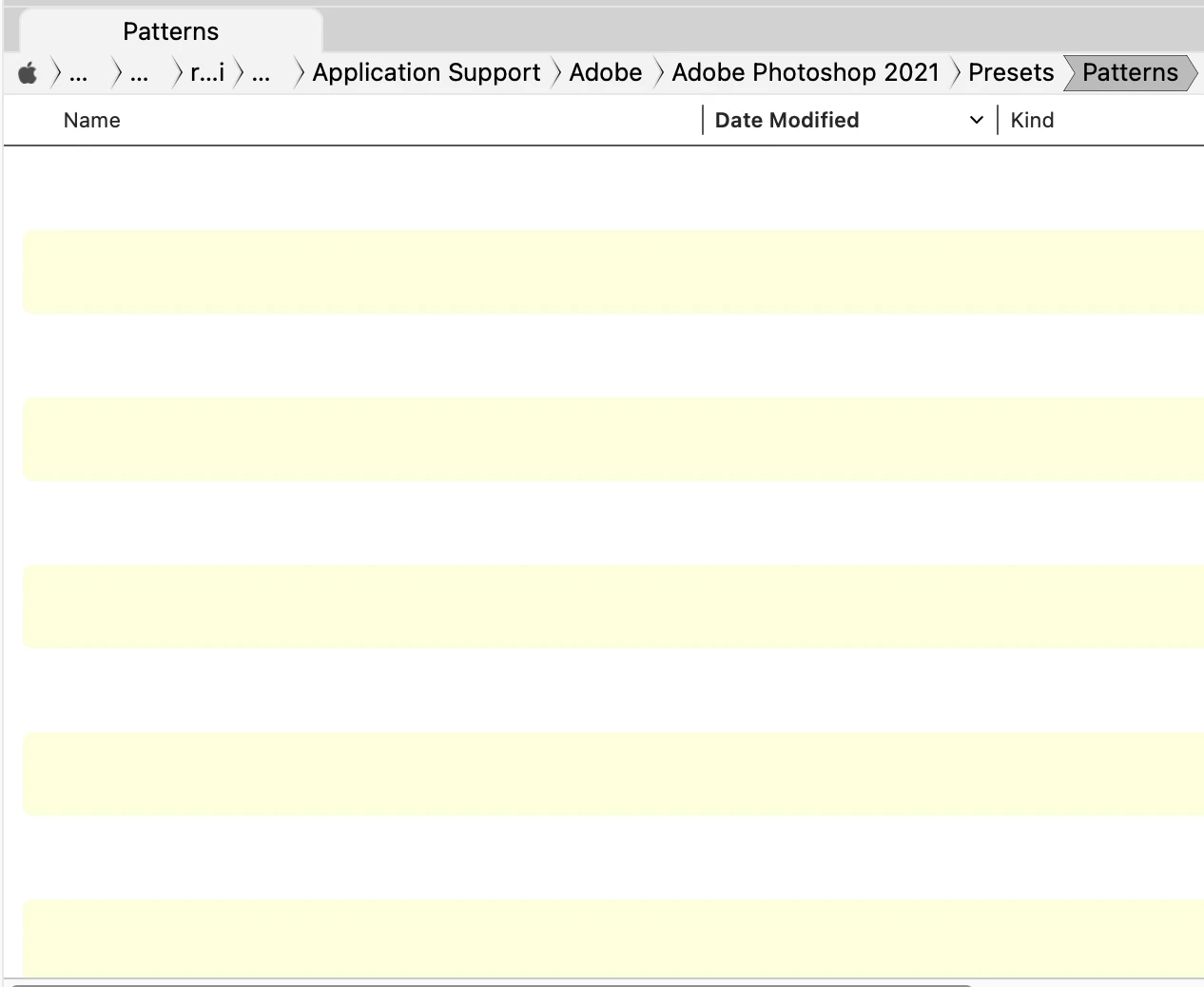
So I am very confused. The file of patterns that shows up from within Photoshop includes the .pat files I've imported, but those files don't show up under the applications>photoshop>presets or library>application support ... photoshop>presets
How do I resolve this? Recently I had a whole slew of imported pattern files disappear into thin air, and now I'd like to make sure that the preset files are in the right place. I'll be backing the whole preset file to dropbox to avoid another major loss, but first I have to understand the discrepency in the proper place for them.
Any help much appreciated.
 AdChoices