
Participant
July 24, 2019
Answered

printing custom pixel aspect ratio as it appears on screen

  • July 24, 2019
  • 2 replies
  • 528 views

Everything that I found when I searched for this answer brought up things related to video and image aspect ratio, so I'm asking. I have a batch of designs that have a custom pixel aspect ratio (either 2 or 2.5). I would like to print them out on 8.5 x 11 paper with the custom pixel ratio (or at least the appearance of it) preserved but when I enter the print dialog box, the pixels preview as square (which makes the design appear 2 or 2.5 times taller). I think I've figured out that the simplest thing to do will be to resample each one first, changing the pixels back to square and cutting the image height in half, dealing with the resampling and then printing them out. I was looking for something simple that could be done through the print dialog box but I'm not seeing the option.

This is a close-up of one design. I have about 150 designs total, which is why I wanted to find a method that is more streamlined.
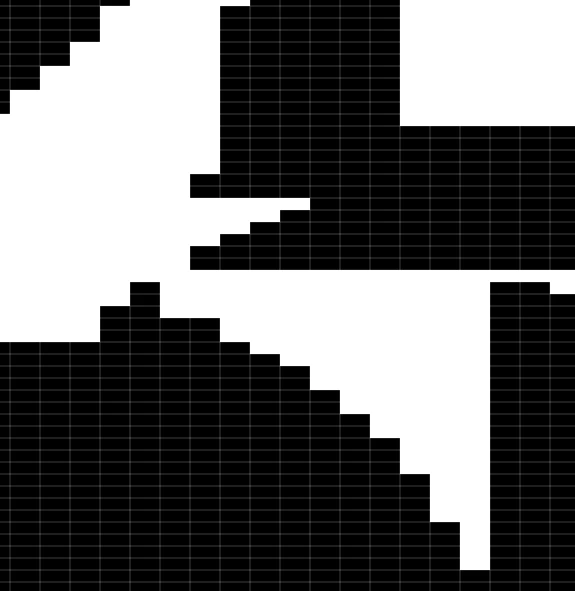
If you're wondering what the heck I'm doing, this is for a carpet tufting machine. The resolution (6 dpi) corresponds to the needle gauge and the height of the pixels corresponds to the stitches per inch. I look forward to anyone's input. Thank you.

This topic has been closed for replies.
Correct answer c.pfaffenbichler

I think it may be necessary to upsample the images with the method »Nearest Neighbor« and »Constrain aspect ratio« unchecked, which I think can be be automated with an Action if you make the distinction between the 1:2- and 1:2.5-files manually.

If you're wondering what the heck I'm doing, this is for a carpet tufting machine.

I think it shows some consideration on your part to mention that right away.

2 replies

c.pfaffenbichler
Community Expert
Community Expert
July 25, 2019

But I think the 1:2.5 ratio would need to be scaled 200%/500% because there can be no half-pixels in Photoshop.

c.pfaffenbichler
Community Expert
c.pfaffenbichlerCommunity ExpertCorrect answer
Community Expert
July 24, 2019

I think it may be necessary to upsample the images with the method »Nearest Neighbor« and »Constrain aspect ratio« unchecked, which I think can be be automated with an Action if you make the distinction between the 1:2- and 1:2.5-files manually.

If you're wondering what the heck I'm doing, this is for a carpet tufting machine.

I think it shows some consideration on your part to mention that right away.