Nessie Marie
Participant
February 13, 2018
Question

PRINTING ISSUE ON ALL IMAGES ALL OF THE SUDDEN

  • February 13, 2018
  • 1 reply
  • 294 views

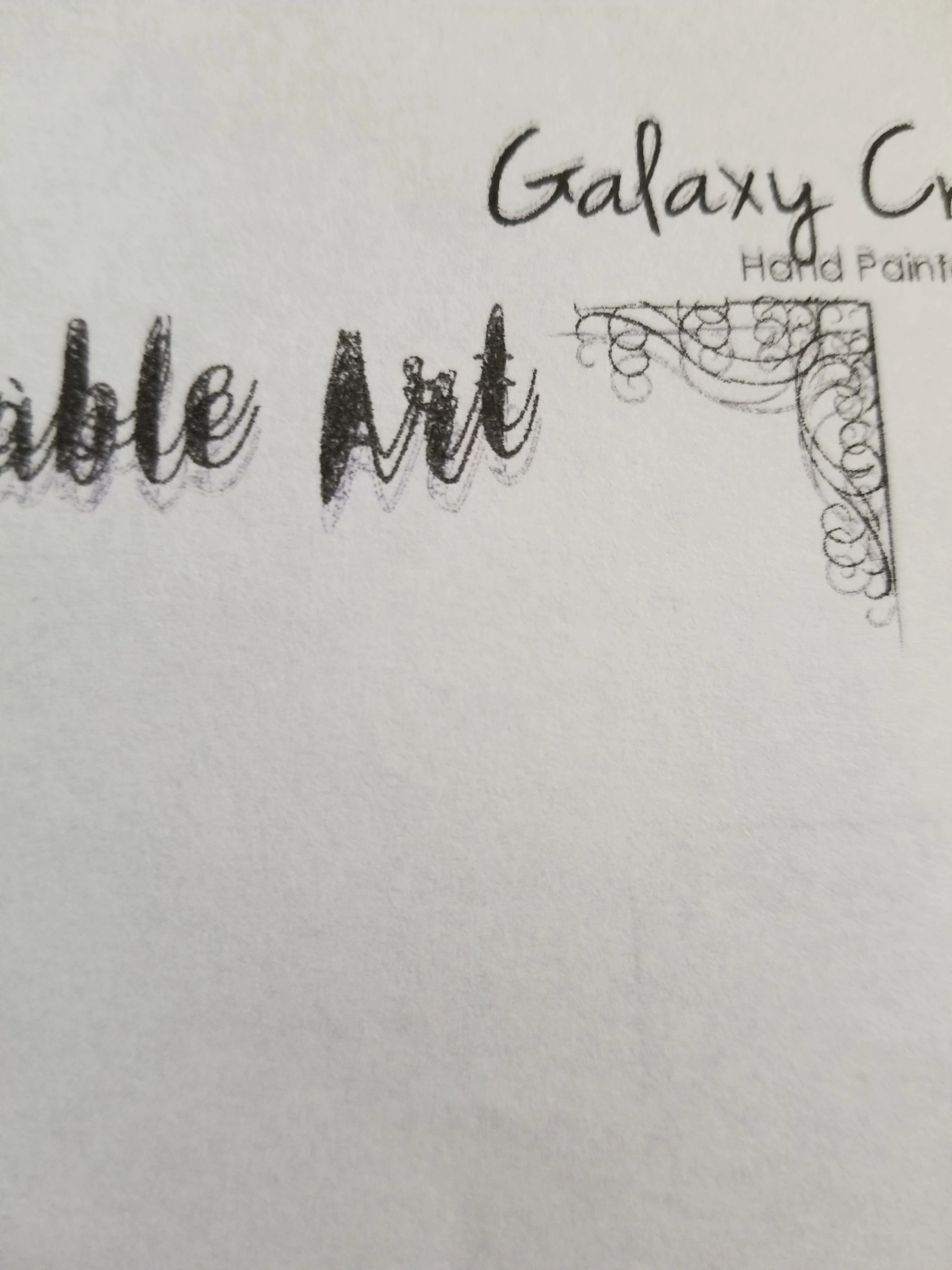
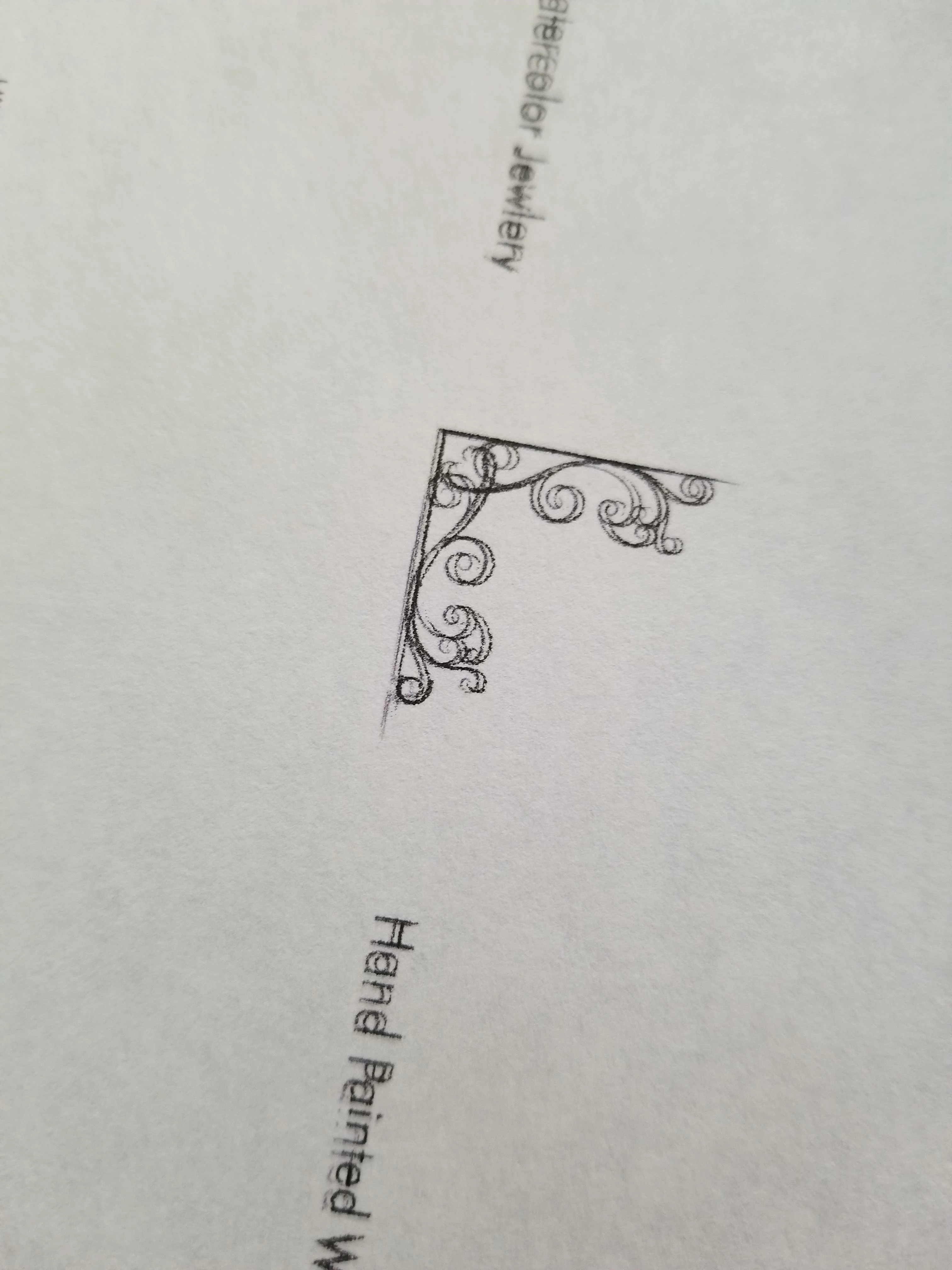
All of the sudden photoshop seems to be printing like double visions blurry, i know bad description. I am only having this issue with photoshop. I can print fine with every other program, I have reset my preferences updated everything i can, restarted everything. Made new documents saved and more but nothing seems to fix it. I also noticed the same issue occurs with photoshop on  my laptop as well so im not sure what happened. 

My PC runs windows 10 with 16gb memeory and a gtx 1050

below are some test prints to show the issue i am having (i dont have any text effects in my file, and i have flattened saved out and all sorts of things. I can print saved images thru other programs but not without photoshop without this happening to all the lines not just text.)
This topic has been closed for replies.

1 reply

Nessie Marie
Participant
February 14, 2018

also if it helps this seems to only happen with the color black, ive printed in other colors fine with no issues

Semaphoric
Community Expert
Community Expert
February 14, 2018

What printer are you using? It looks like the print heads may be out of alignment. Have you tried printing with black ink only?

Nessie Marie
Participant
February 14, 2018

its a canon Ive runt he print head alignment several times, ive printed in only black and white and its fine but its weird cuz only photoshop has this issue ive printed in like 10 other programs the same image and its fine. I would think if it was the printer head alignment woundt allt he programs be affected?