
Answered
Printing old file crashes Photoshop
I have recently got myself a new windows 10 computer and a new Epson XP-760 printer. Previously I was using a windows 7 computer with an Epson RX585 printer.
The problem I have is whenever I try to print any file created on the old computer with the old printer information, Photoshop crashes with the following message.
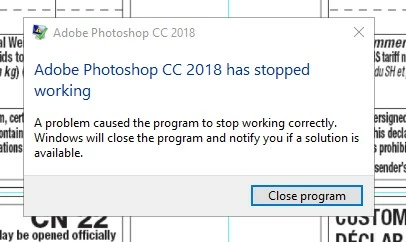
The only way I can get around this is to create a new document copy all the elements from the old file and paste them in to the new file then save it. I can then print from it no problem.
Has anybody got any idea what is going on and whether there is a way to fix it. I have thousand of files created on the old computer and to convert them all this way would take forever.
 AdChoices