Printing Problem - Color Differences
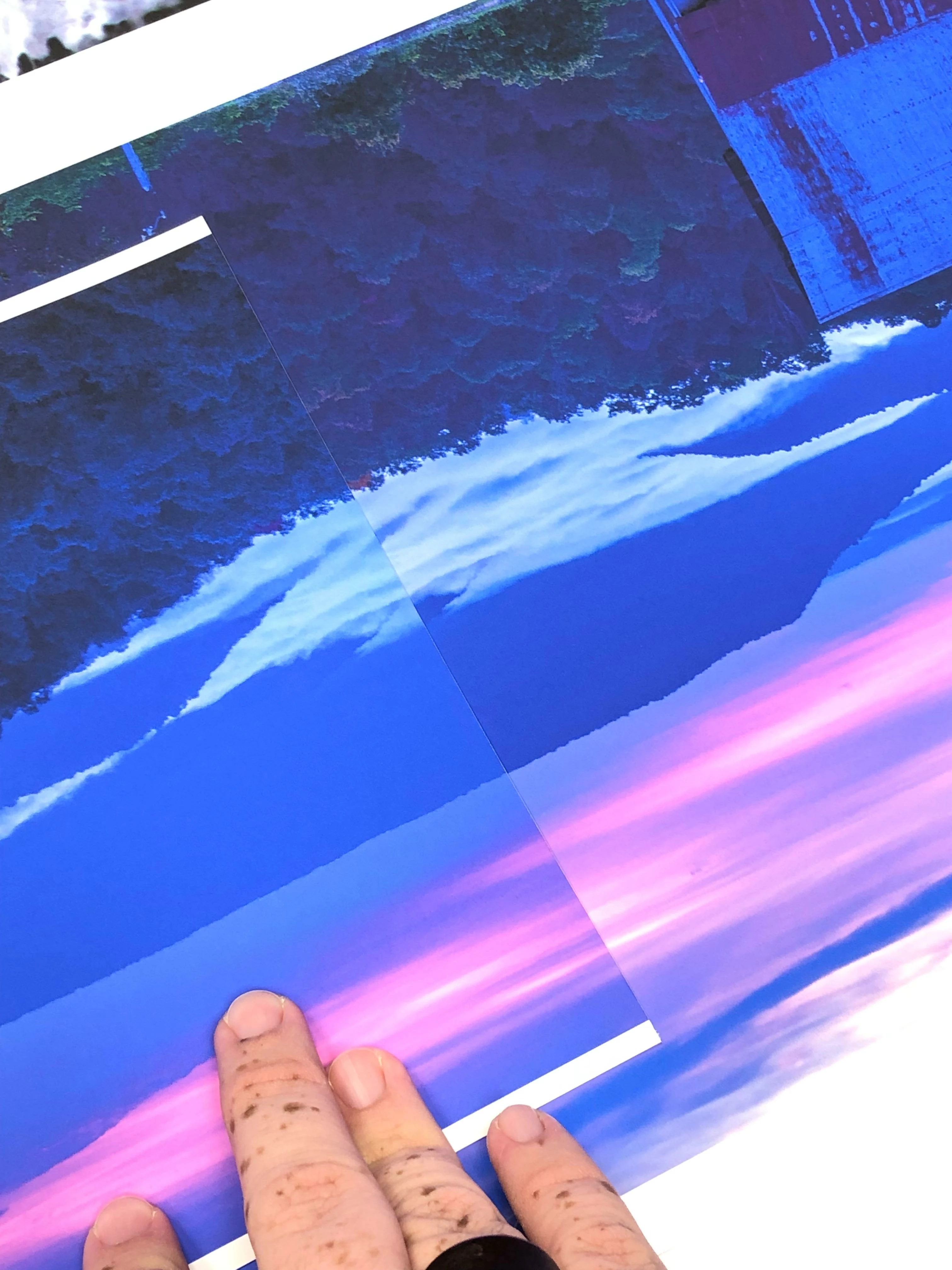
I am printing to Canon large format printers using ICC profiles. When printing from Photoshop CS6 and from Photoshop CC (any year), the colors are not the same. I can print the same image on the same paper with all the exact same settings, but the colors don't match. They vary slightly, but enough to notice. I've included an example. The print on the right is from CS6 and the print on the left is from CC 2019. The CS6 print is correct and matches the screen.
Since I create my own ICC profiles, I contacted X-Rite and we tried factory built ICC profiles. We even tried printing with no profiles and there's still a discrepancy. The color difference happens regardless of profile or paper. The issue lies with Photoshop, but Adobe phone support has been zero help.
 AdChoices