Inspiring
February 24, 2019
Question

problem export from Lightroom to photoshop

  • February 24, 2019
  • 1 reply
  • 296 views

Hi,

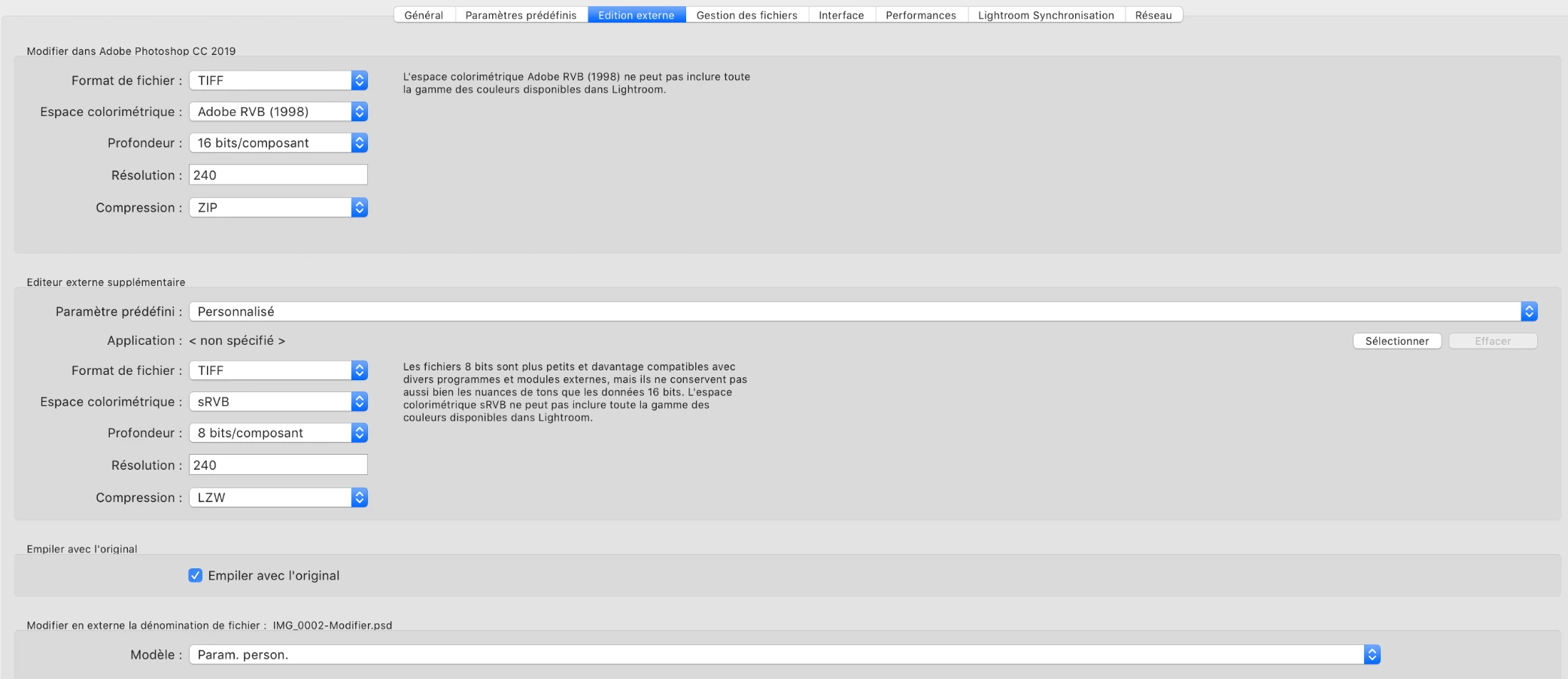
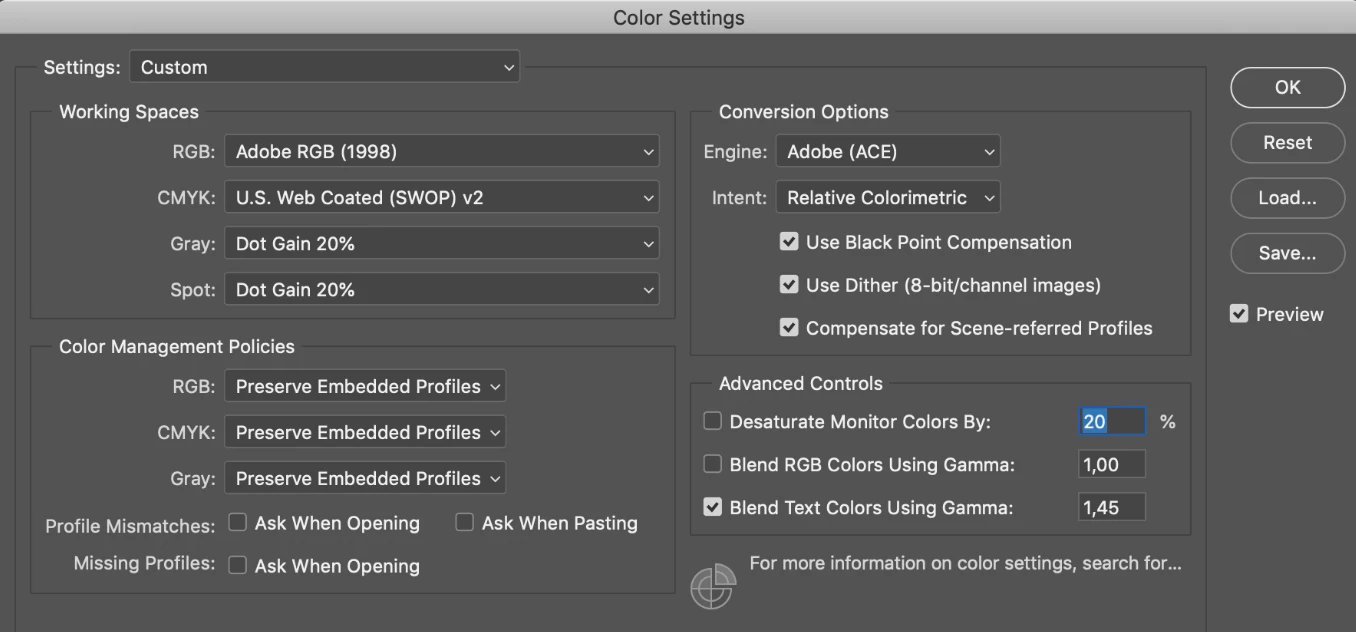
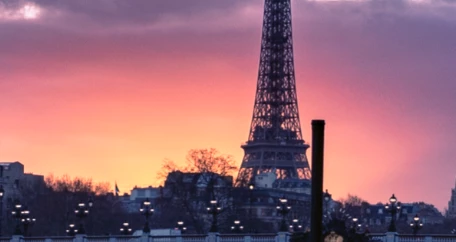
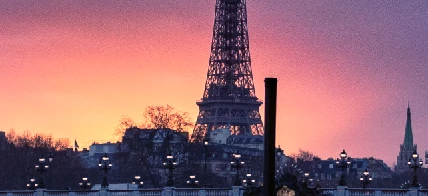
I'm having a problem with Lightroom and photoshop. When I export my pictures in photoshop from Lightroom, they don't look the same... The color space is the same (I think) but it's still look different. The first picture is edited from Lightroom and the second just exported inn photoshop. The one in photoshop seems to have more noise in it.
This topic has been closed for replies.

1 reply

Daniel E Lane
Inspiring
February 24, 2019

It's hard to tell with such a small image, but we would need to know what all was done to each image in each platform as well. It's initially looking like the image is over-sharpened for one, but as I said, with such a tiny image, it's hard to tell for sure. Let us know what operating system you are running and what versions of Photoshop and Lightroom you are using as well. And of course, what did you do to each of the images.

Inspiring
February 24, 2019

I put it small because you can really see one is different from the other one.

The first picture is from Lightroom, I made basic adjustments, tone curve, colors, etc... The second picture is from photoshop. I did nothing, I just pressed Ctl +E from Lightroom to modify on photoshop.

I'm on macOS 10.14.2 /// Lightroom 8.2 camera raw 11.2 /// photoshop 20.0.3