Answered
Problem reading the layer data. Composite data
How can I solve this problem? I lost days of work... Please help.
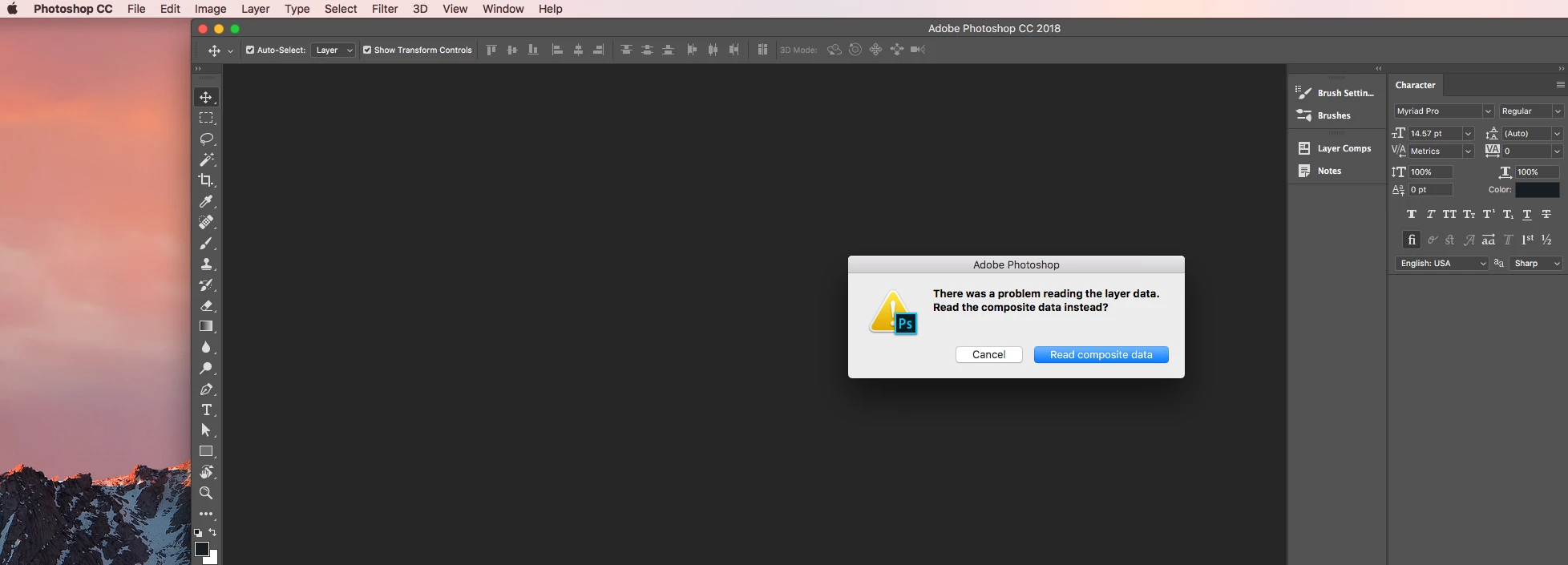
How can I solve this problem? I lost days of work... Please help.
Dear everyone who is having this problem. I've found a fix. It's pretty simple. This is an error thrown by having too many layers in one file. Sadly you don't know of this problem until you go to re-open the file. I thought I had lost weeks of work - then opened my file in a website I found ( https://www.photopea.com/ - deleted a folder that had tons of flattened layers (and unused layers) and then saved the file. Once I did that I was able to open the Ps file normally. Hope this helps someone and doesn't have to "start over" like I nearly did.
@Adobe - I recommend a simple warning when saving a file out with too many layers. It seems all of these problems would be solved very easily with a standard alert.
Already have an account? Login
Enter your E-mail address. We'll send you an e-mail with instructions to reset your password.
 AdChoices