Participant
February 2, 2020
Question

Problem Sferical Photo 360

  • February 2, 2020
  • 2 replies
  • 315 views

Hi everyone, sorry my english but i'm using a translator. I bought gopro Max and and I took pictures in 360 mode, when I upload them to photoshop 2020 and I do the same procedure as on fusion, the level comes out as black as in the picture, why? help me thanks
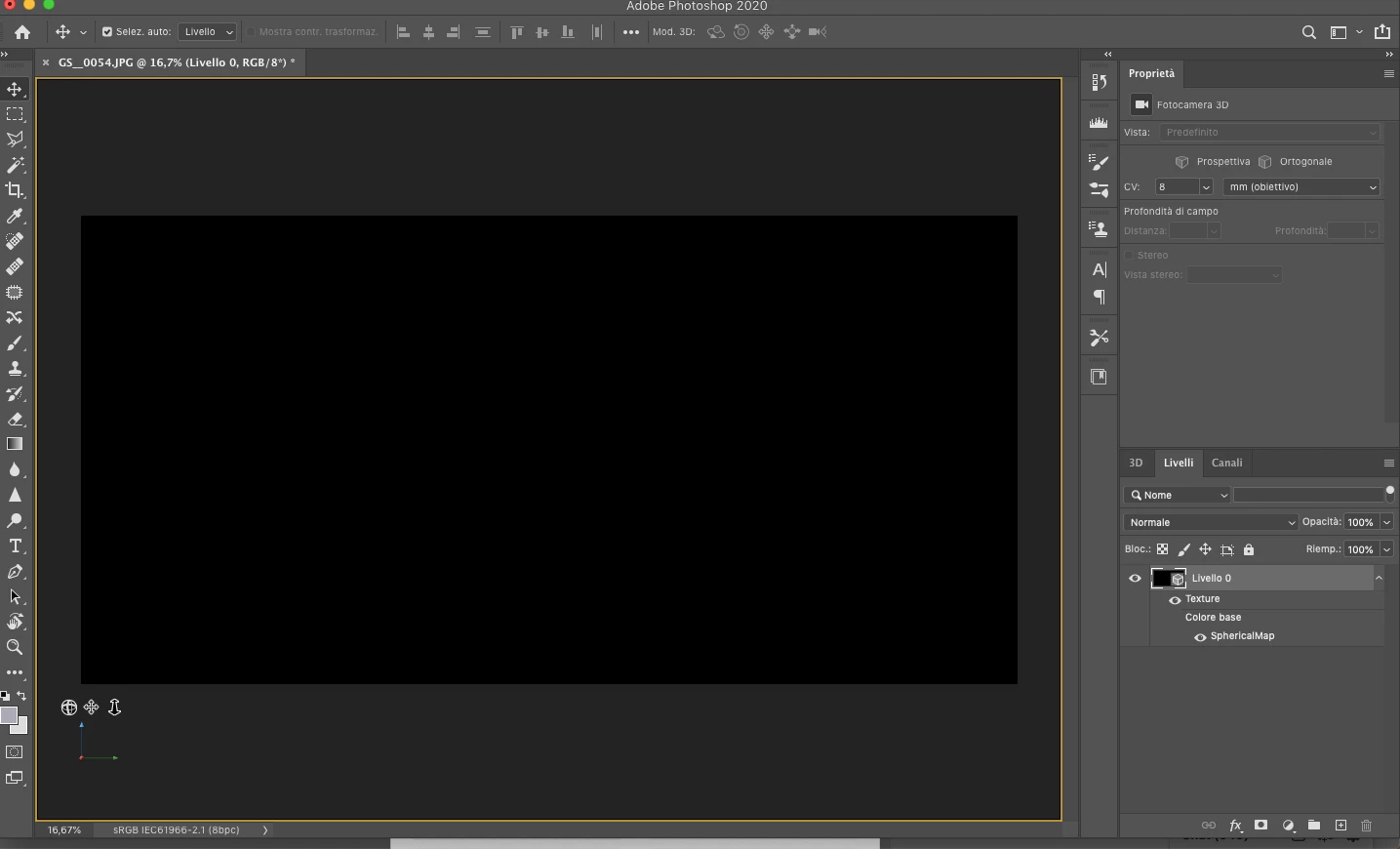
 

This topic has been closed for replies.

2 replies

February 2, 2020

Hi

This issue has been reported to Adobe here

https://feedback.photoshop.com/photoshop_family/topics/black-image-from-3d-spherical-panorama?topic-...

Work around is to change the language to English, not ideal.

JJMack
Community Expert
Community Expert
February 2, 2020

That problem was reported in Photoshop 2020 version 2020.0.1 on a Windows 10 system with  a Nvidia Geforce GT 1030 display Adapter. I can report I do not have that problem in Photoshop 2020.0.3 with a Nvidia Quadro K2200 display adapter with the latest Nvidia device driver.  The Problem may be a Device Driver Problem. On a Mac I believe all device drivers must be install through Apple.


Here is the patched panorama

JJMack
February 2, 2020

Hi JJMack

It doesn't affect people using the English version of Photoshop but certain other languages and is still an issue for people with version 21.0.3 and has been acknowledge by Adobe as a bug

From the link I posted above

"Greetings,

Thank you for reporting the issue and I apologize it took this long.

I was able to reproduce this issue by using a localized Spanish language in Photoshop. I have filed the issue for our development team.

The workaround might be to use English in Photoshop if possible, if I find an easier workaround I will post here."

JJMack
Community Expert
Community Expert
February 2, 2020

Make sure you have all Apple update installed for your Mac the you have the latest device driver installed for you display adapter. Also check the forum for mac os version issues with photoshop versions. A jpg image should open correctly

JJMack