

Problem with bottom layers
Hello everyone, I was hoping to get some help from the help center but it's impossible to get anyone there.
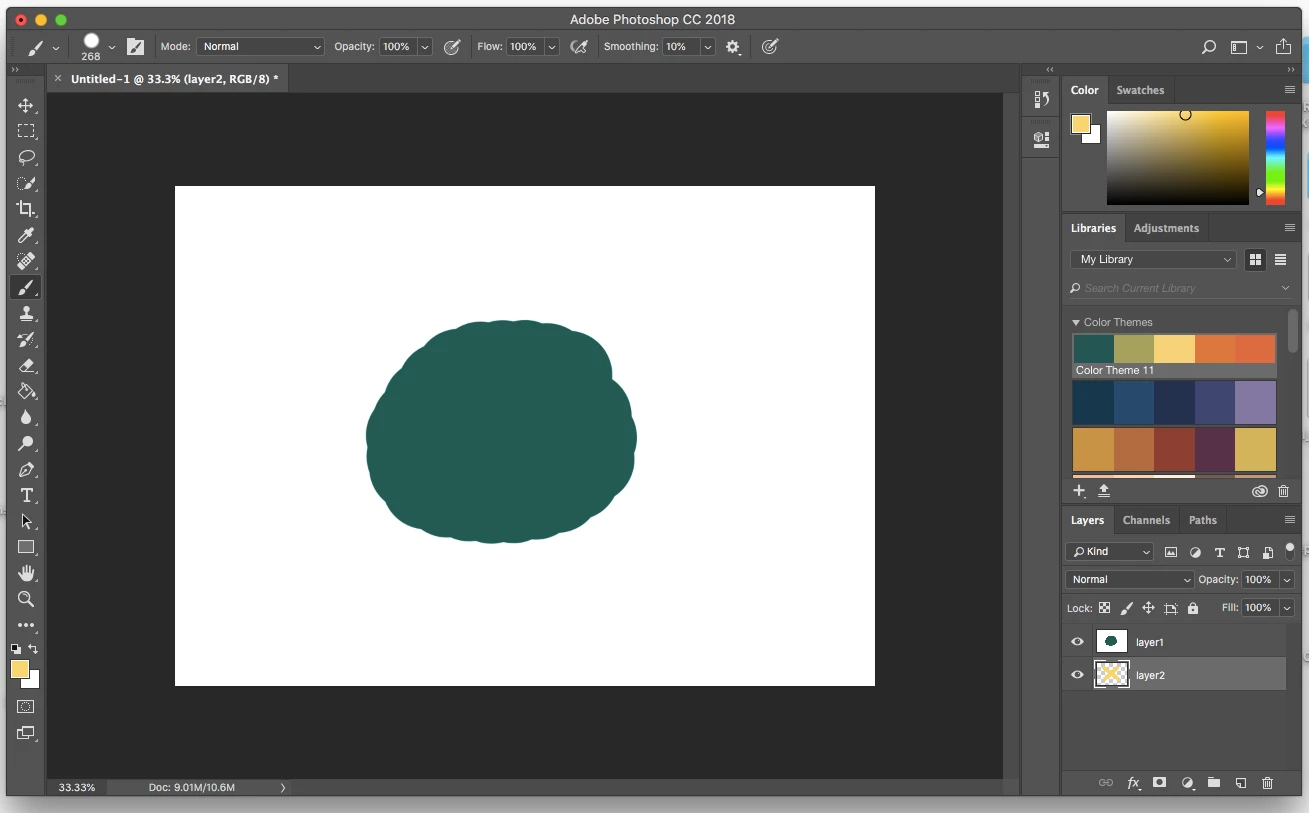
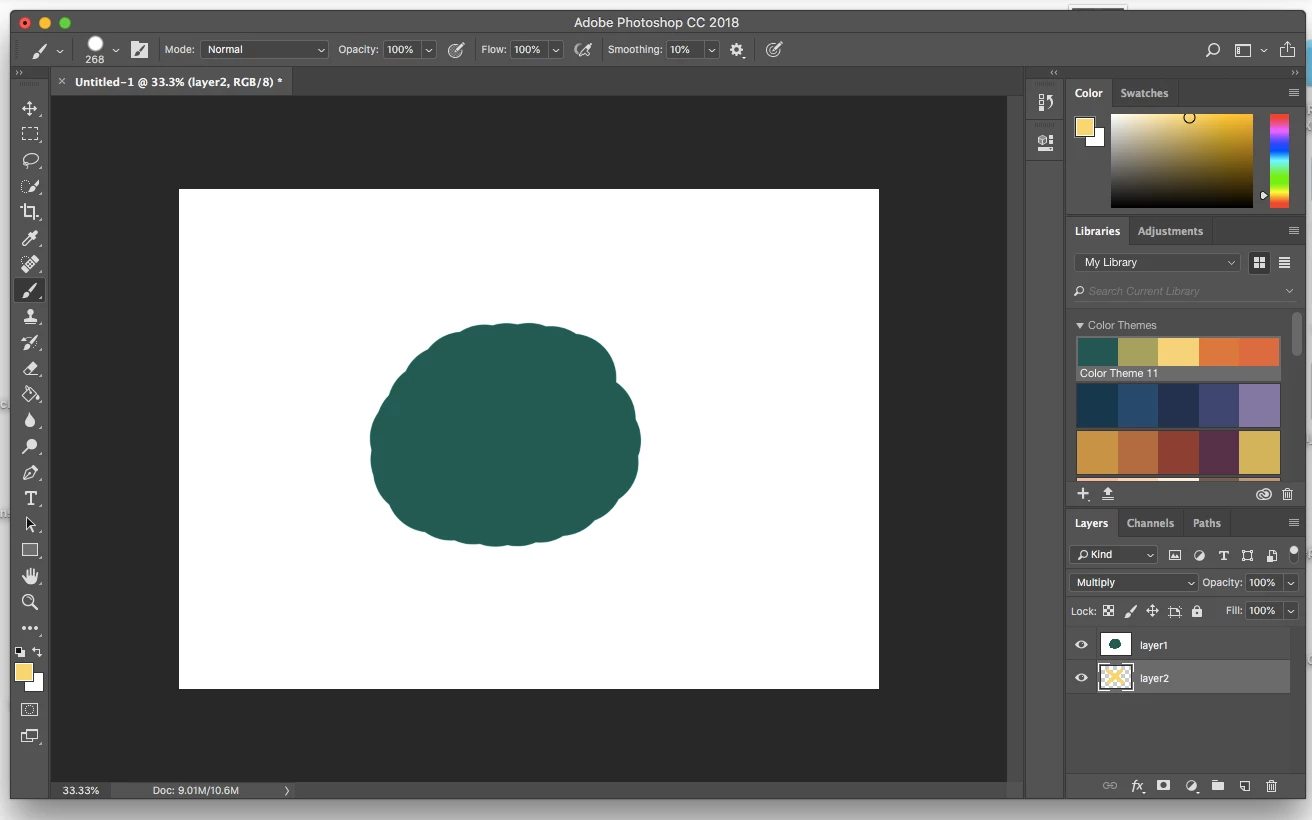
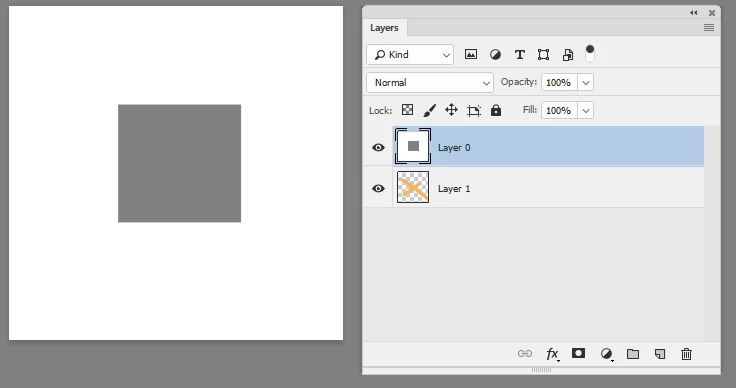
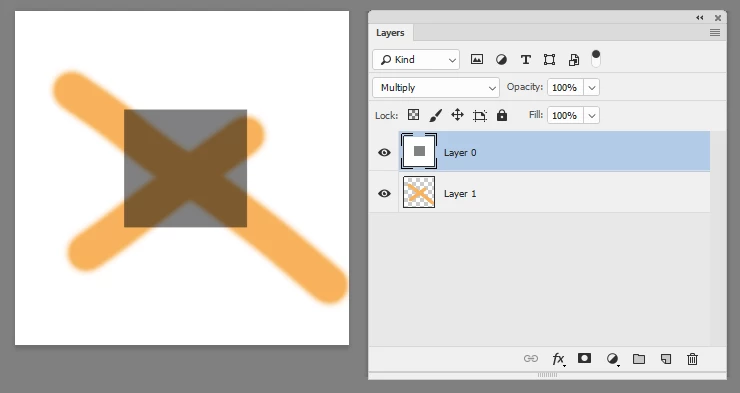
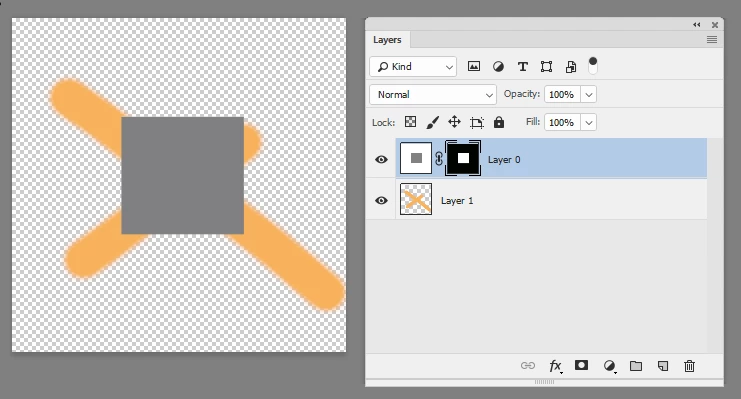
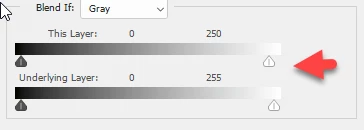
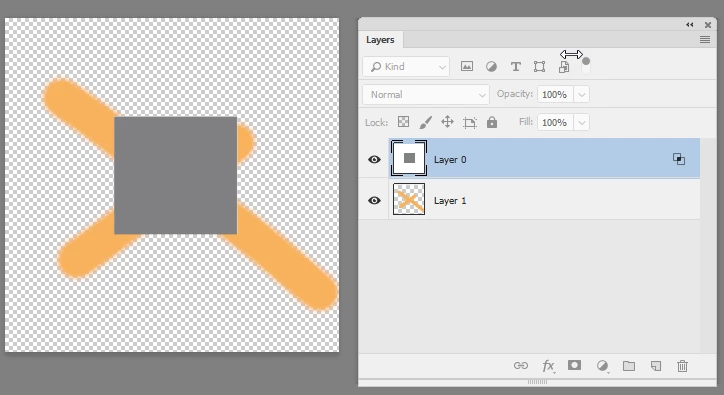
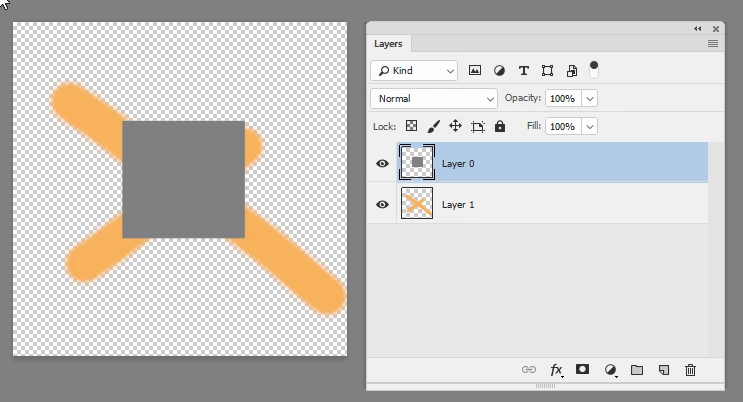
I have problem with layers. My bottom layer shows up at the upper layer or does not show at all. I am sorry if I am bad at explaining, for example, I paint a shape, create another layer under that layer and try to paint but it is invisible, if I set to multiply then I can see the bottom layer but it paints everywhere. So if I want to pain skin or hair and some other details where I have to use bottom and upper layer, I cannot.
I uploaded 3 screen shots, in case I was not clear. Number 1 shows both layers in normal mode, number 2 shows upper layer multiply, number 3 bottom layer multiply.
All combinations do not work. Am I doing something wrong, something really silly I missed? Because this is very simple thing and I never had problems with it, did photoshop change something?
If someone can help me please do so 
Thank you,
P.S.: In case you need to know, I am using Mac (High Sierra 10.13.5)
Idee

 AdChoices