


Participant
February 1, 2024
Answered

Problem with faux bold option.

  • February 1, 2024
  • 1 reply
  • 1497 views

I stumbled across a problem with faux bold option while working with text layer. For some reason text becomes even bolder when it reaches certain sizes(depends on dpi of the file).
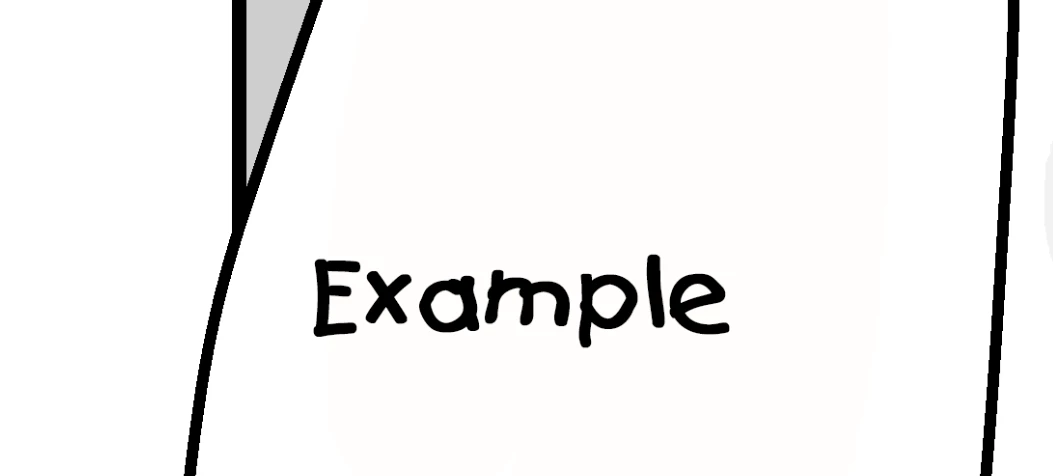
 Here's a font at size 37
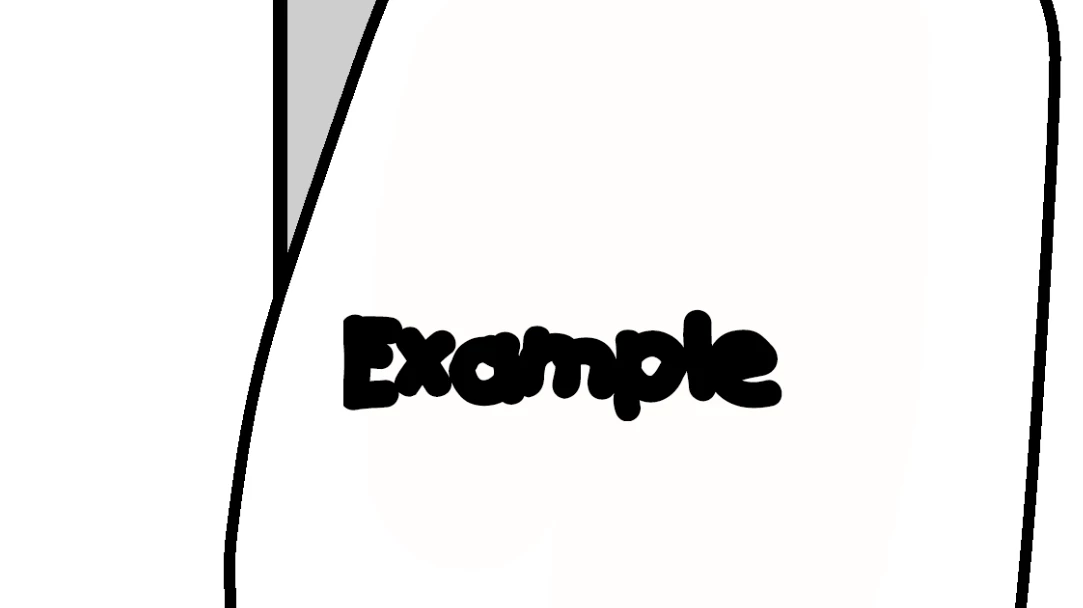
And here's the same text but at size 38.

It never really happened before and the same problem applies to every font I have.

This topic has been closed for replies.
Correct answer jane-e

@Ren351797936m0r 


Open the Character panel (Window menu). Look at the bottom where the icons are and click "B" to turn off fake (faux) bold.


This is a character setting.

  • To turn off faux bold for existing text, select the text first
  • To turn off faux bold for future text, just turn it off


Jane


1 reply

jane-e
Community Expert
jane-eCommunity ExpertCorrect answer
Community Expert
February 5, 2024

@Ren351797936m0r 


Open the Character panel (Window menu). Look at the bottom where the icons are and click "B" to turn off fake (faux) bold.


This is a character setting.

  • To turn off faux bold for existing text, select the text first
  • To turn off faux bold for future text, just turn it off


Jane