
Known Participant
March 24, 2020
Answered

problem with moving color to the background of object

  • March 24, 2020
  • 2 replies
  • 574 views

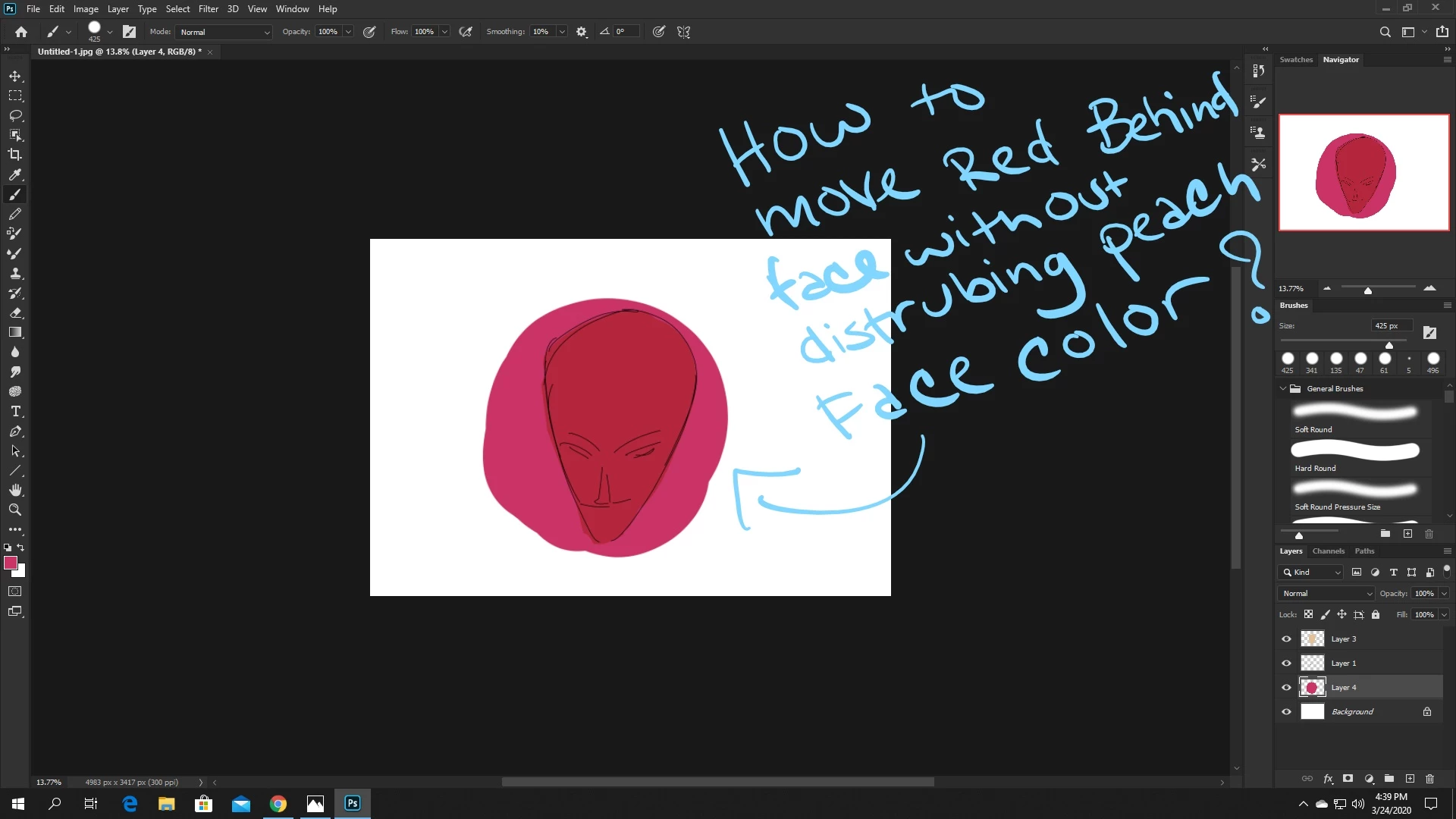
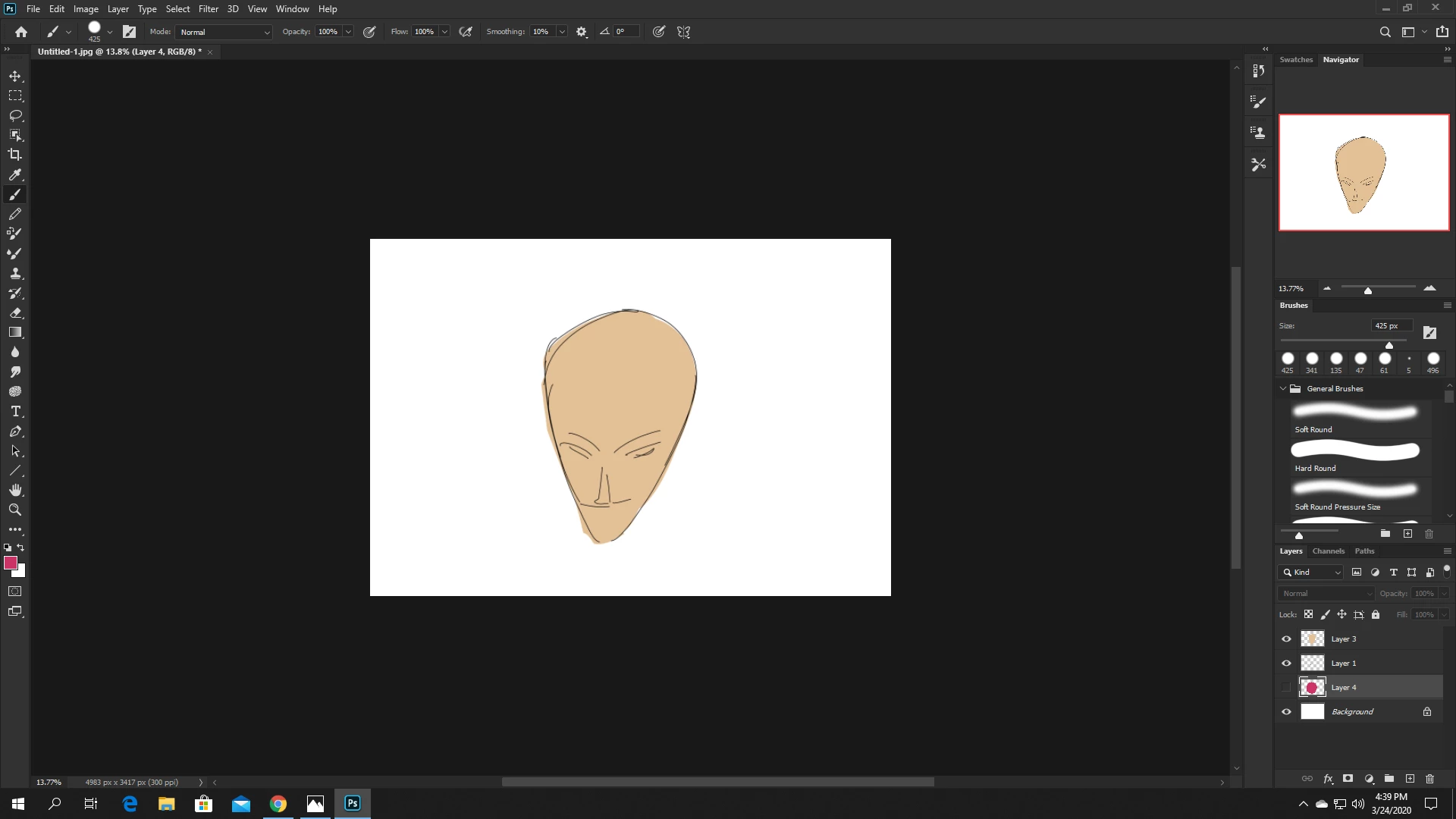
this question might be very amateur but i've been stuck on how to paint a background in the back of an object for so long lol i feel like it might be a easy fix because i found how to do it years ago. how do i paint behind an object without disturbing  the colors on top? i attached photos for example
This topic has been closed for replies.
Correct answer davescm

You make sure the "peach face colour" layer is set to normal blend mode and is painted with a solid (100% opacity) colour on a layer with 100% opacity.


Dave

2 replies

Semaphoric
Community Expert
Community Expert
March 24, 2020

In the Options for the Brush, set the Mode to Behind.

davescm
Community Expert
Community Expert
March 24, 2020

The Behind mode only makes a difference when painting on the same layer, not a separate layer as shown by the OP.


Dave


davescm
Community Expert
davescmCommunity ExpertCorrect answer
Community Expert
March 24, 2020

You make sure the "peach face colour" layer is set to normal blend mode and is painted with a solid (100% opacity) colour on a layer with 100% opacity.


Dave