

Max Bubu
Known Participant
February 27, 2022
Question

Probleme export Pdf Photoshop (polices blanches)

  • February 27, 2022
  • 6 replies
  • 952 views

Bonjour à tous,


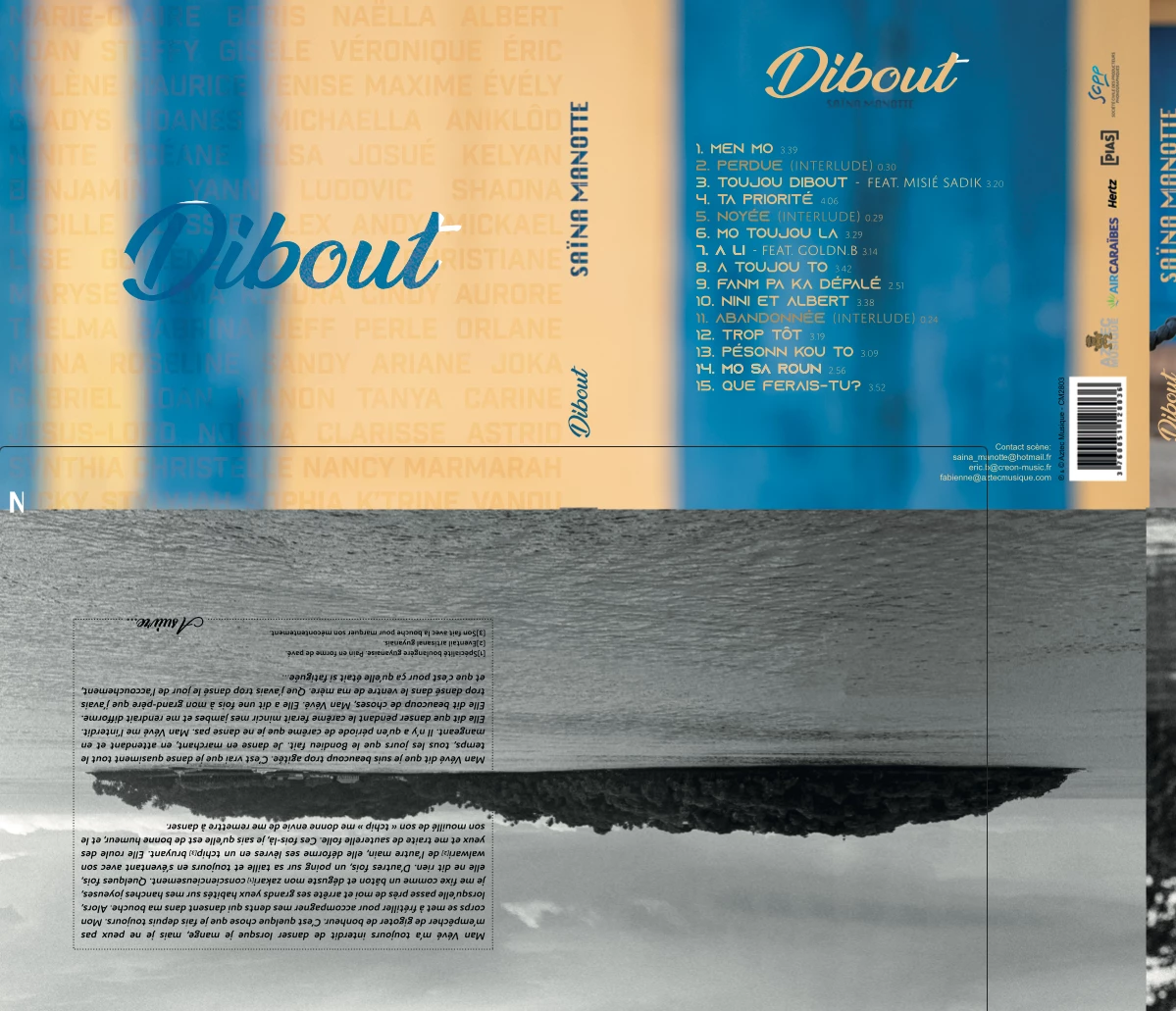
Lorsque j'enregistre mes visuels au format Pds pour imprimer, certaines parties de mes polices deviennent blanches alors que le reste du mot est de la bonne couleur... pourriez vous m'aider? 
This topic has been closed for replies.

6 replies

Legend
February 27, 2022

Best to share the PSD as synced file. Instructions here: https://helpx.adobe.com/creative-cloud/help/share.html 

Max Bubu
Max BubuAuthor
Known Participant
February 27, 2022

Une des polices qui bug est celle-ci : https://www.dafont.com/ananda-2.font

Vous me conseillez de changer de police?

Comment puis-je vous envoyer: layered PSD ? Je ne sais pas comment faire.

Legend
February 27, 2022

Unfortunately, the file you provided is rasterized. I would need the layered PSD to see what's special about these text layers that they are not exporting.


One thing to look at is - are the fonts you're using Type 1 fonts. They are no longer supported in Photoshop 23.x or later.

Max Bubu
Max BubuAuthor
Known Participant
February 27, 2022

Il y a ce type de bug sur tous mes autres exports pdf de mes autres visuels... Je dois rendre tout ça demain 😬. J'ai essayé de pixeliser les polices, mais l'imprimeur veut des polices vectorielles... pour la qualité.

Max Bubu
Max BubuAuthor
Known Participant
February 27, 2022
Legend
February 27, 2022

Can you post the PSD you're having trouble saving to PDF? (use dropbox or CC files to share a download link to the PSD)