


Problems with brush and clone tools
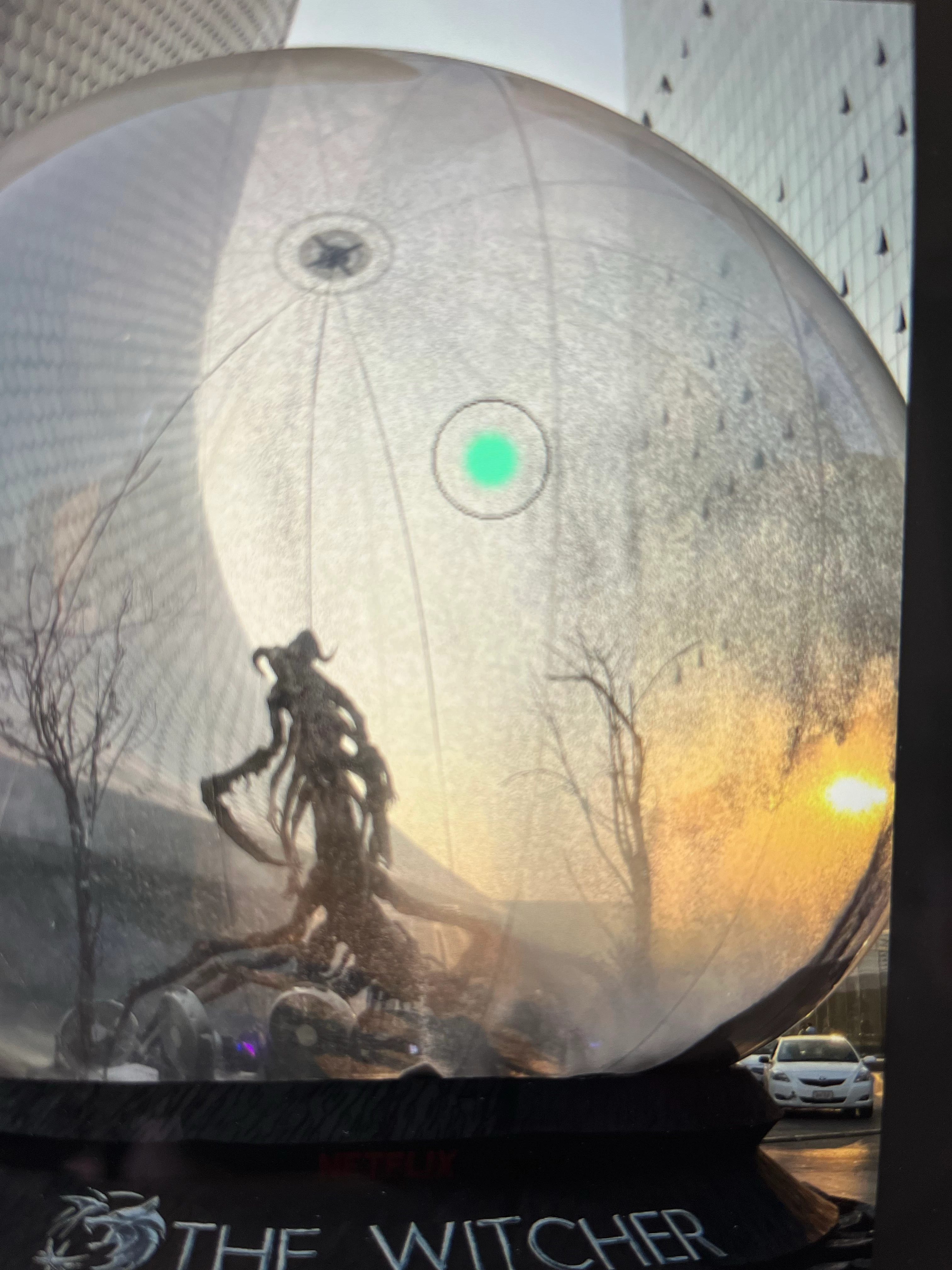
I´m having trouble with the brush and clone tools. What happens is that I cannot work on a complete circle, I can only work in a small point at the center of the circle, and I´m unable to do anything with the rest of the circle. No matter what I try this happens evry time. This happens with the clone too ; it only copies de center of the circle, no matter how big or small I make it.
I have the new MacBook Pro M1.
I really need to fix this problem and I don´t know whom to ask. My computer is brand new and incredibly I cannot use it at all for what I bought it for (photography, editing).
I have checked all the tools of brush and there is no one for solving this problem. I disinstalled and reinstalled Photoshop, starting from zero, not saving anything, really resetting it and this problem occurs again. I just can´t fix it.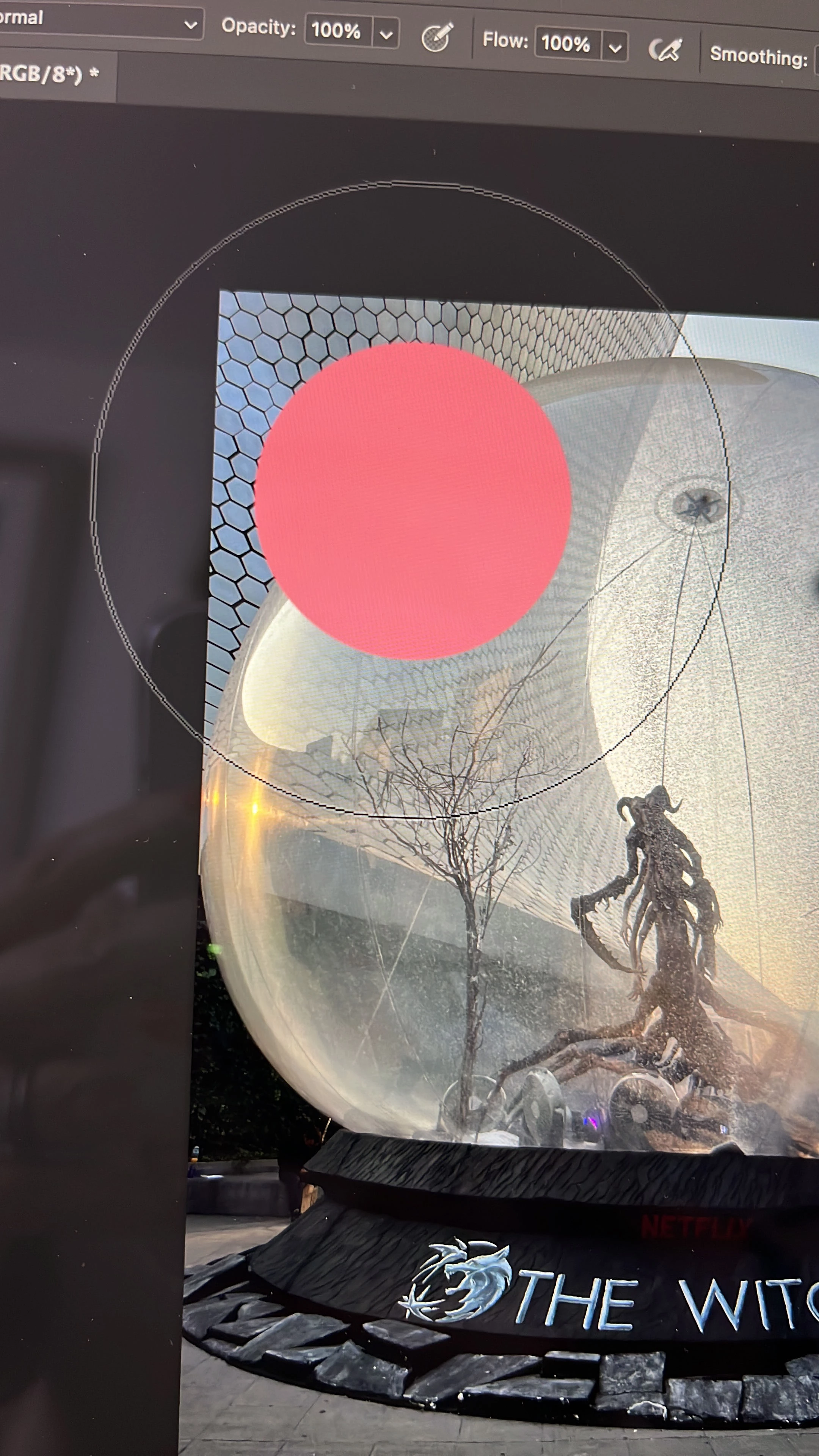
 AdChoices