Participant
June 11, 2021
Question

Product Photography - White Backdrop vs Chroma Key Backdrop

  • June 11, 2021
  • 2 replies
  • 1099 views

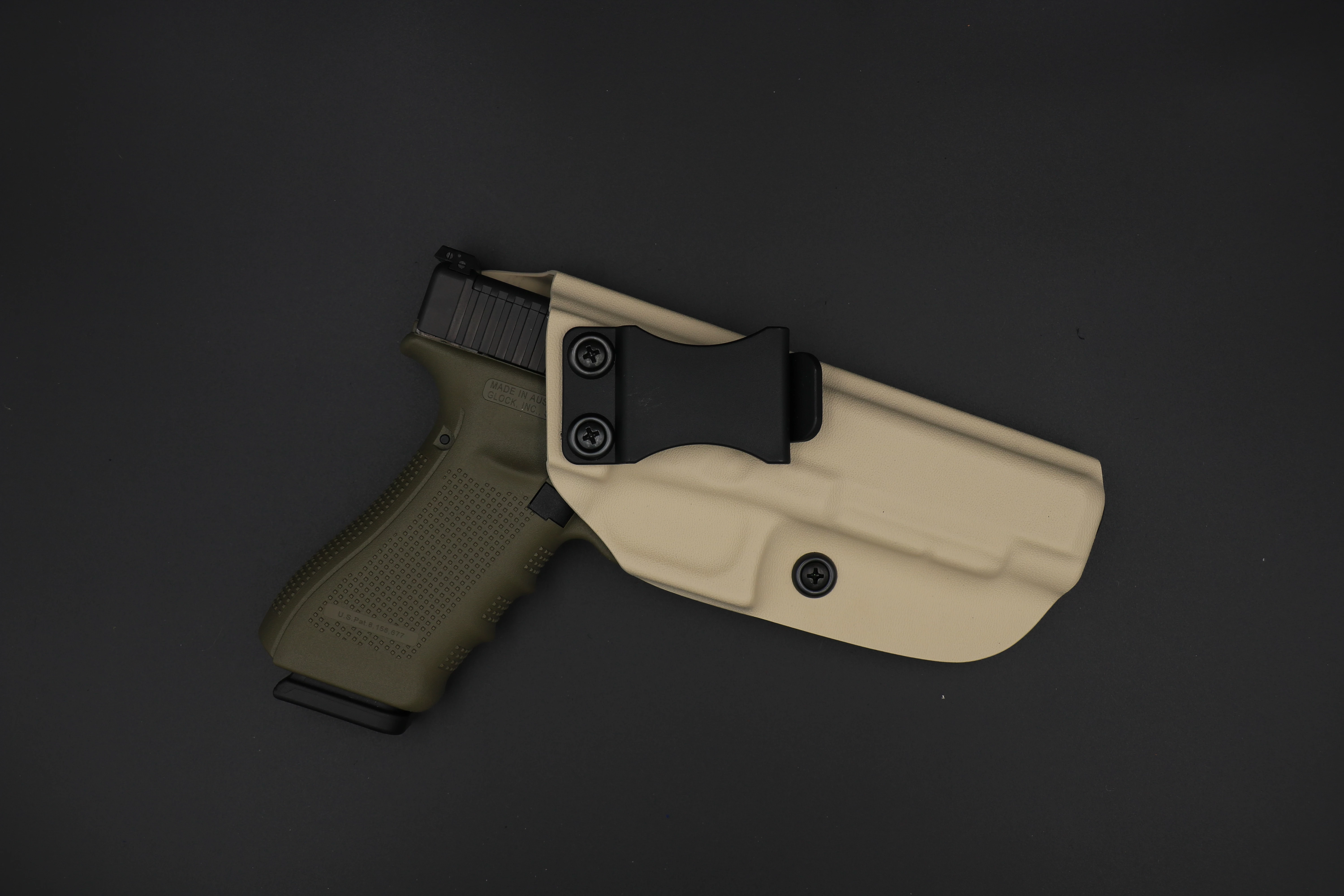
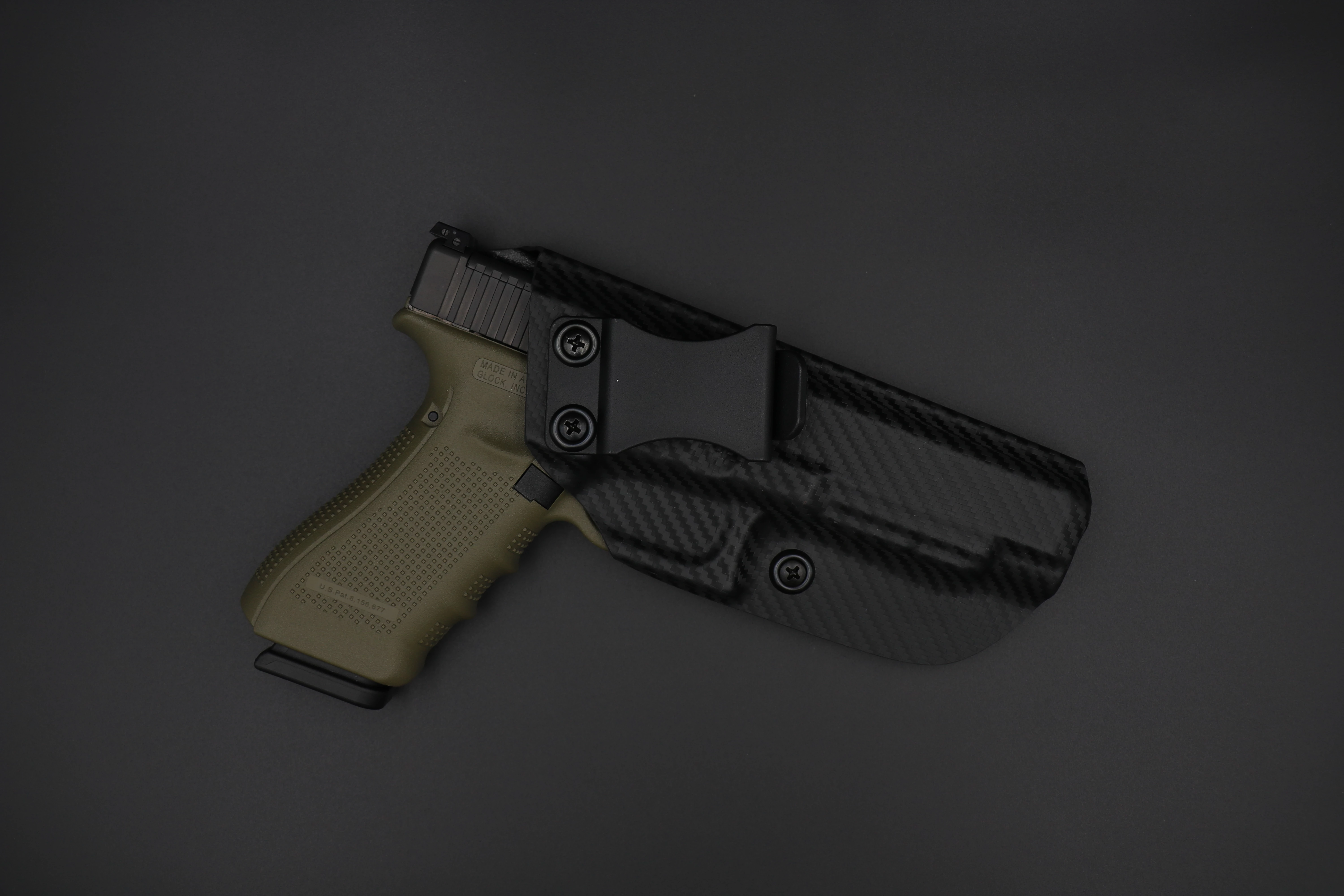
Hello friends, I am new to the community. I have been taking product photography and editing with photoshop on a mimimum beginner level for a couple of years now. I use both of these tools mainly for product photography for my small company. I am getting prepared for a new batch of photos and would hate to do the work twice. So my question is this


For the goal of a seemless, fine tuned edges and lines on product photography.

Should i spend the time setting up the shot perfectly and just adjust whiteness is PS.

or

Setup my light box for chroma key, snap these bad boys out and let PS work its magic?


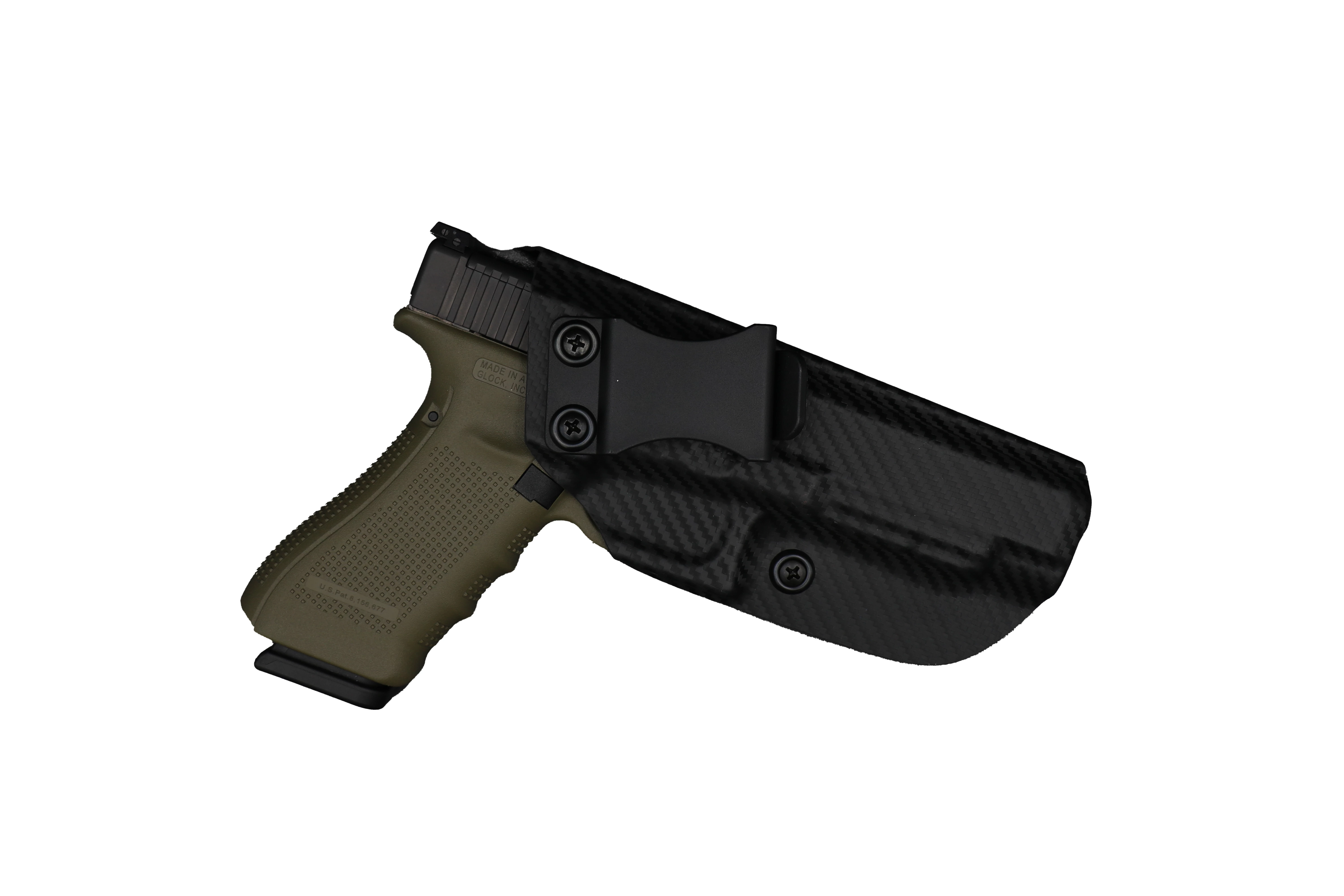
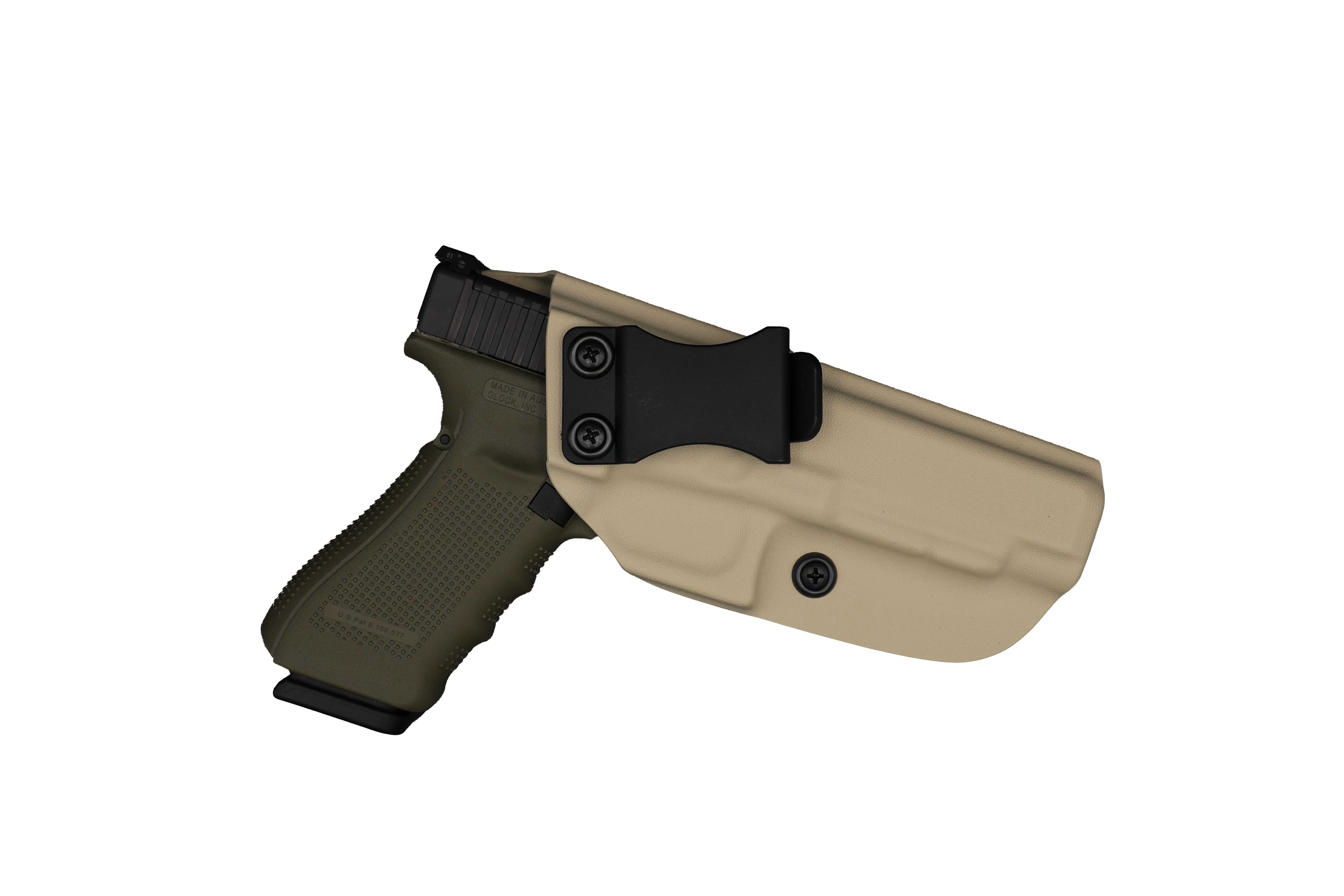
End of day goal is high quality white background product photo's.

Let me know what you guys think, even if both of these options are poor. I am open to any and all alternatives.
   

This topic has been closed for replies.

2 replies

davescm
Community Expert
Community Expert
June 11, 2021

First option every time. Get the lighting right and the exposure right then a quick tweak if required of the white in Photoshop. It will save hours of selecting , masking and, if using green screen, colour contamination removal.


Dave

D Fosse
Community Expert
Community Expert
June 11, 2021

+1


If you want a clean white background, use a translucent base with backlight. This hasn't been masked at all, it's right out of the camera:

Jumpenjax
Community Expert
Community Expert
June 11, 2021

Are you wanting to shoot on a grey background? Select subject will work in photoshop but I would use a more contract background so you do not have as much grey area. But I think select subject will work well for these items.

Lee- Graphic Designer, Print Specialist, Photographer