
Answered
PS 2020 pixel gap when cut & paste image
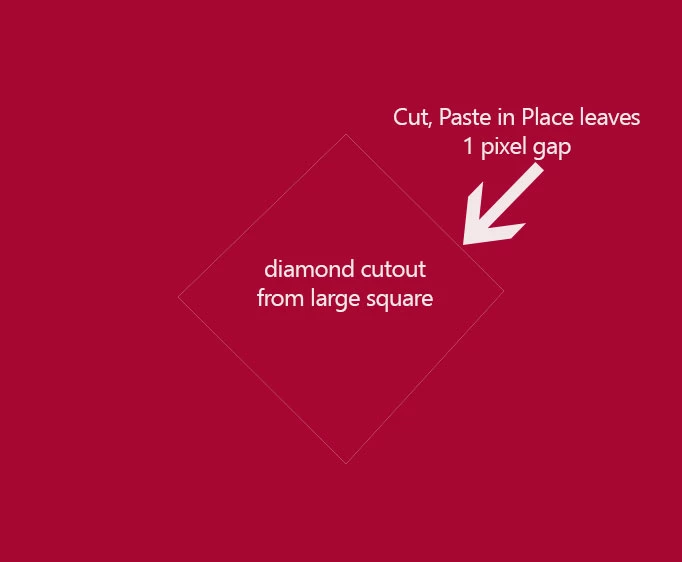
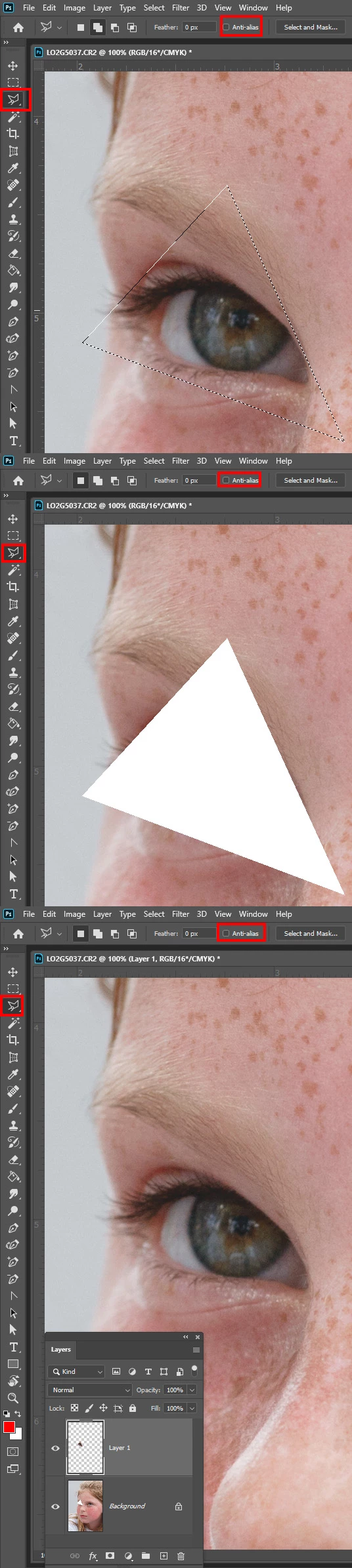
Hello, when I use any of the marquee or lasso tools to cut a section of an image then "paste in place" the extracted section leaves a 1-pixel gap. I would expect the two sections to be seamless. In the image below I simply used the polygonal tool (happens with all marquee and lasso tools) to cut out a diamond shape from the square and then use PASTE SPECIAL > Paste In Place. As you can see there is a 1-pixel gap. I would expect it to be seamless. Is this a known problem or perhaps a setting that I need to enable? By the way, my display settings are 1920x1080 on 25" monitor desktop.
 AdChoices