
PS Canvas border artifacts
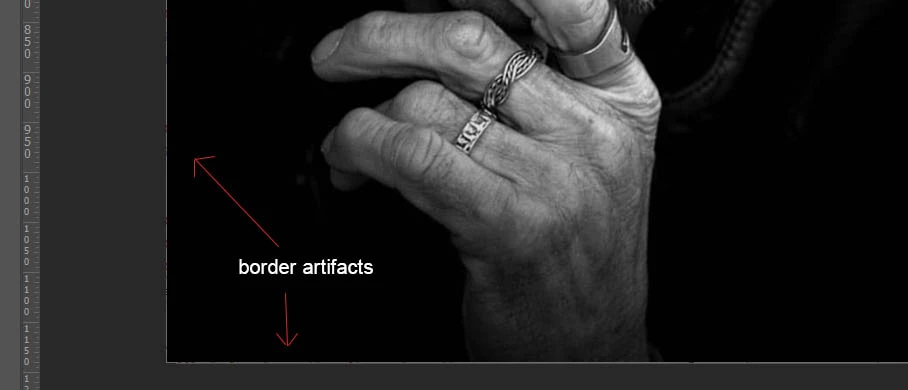
This is probably a bug, but has anyone been experiencing odd artifacts on the border area of an opened file? This seems to have started since the recent PS updates...including a message that popped up now saying My Graphics processor is incompatible--could this be the issue?
But the artifacts look like this:
As for the incompatible notice, this is what showed up after a recent update:
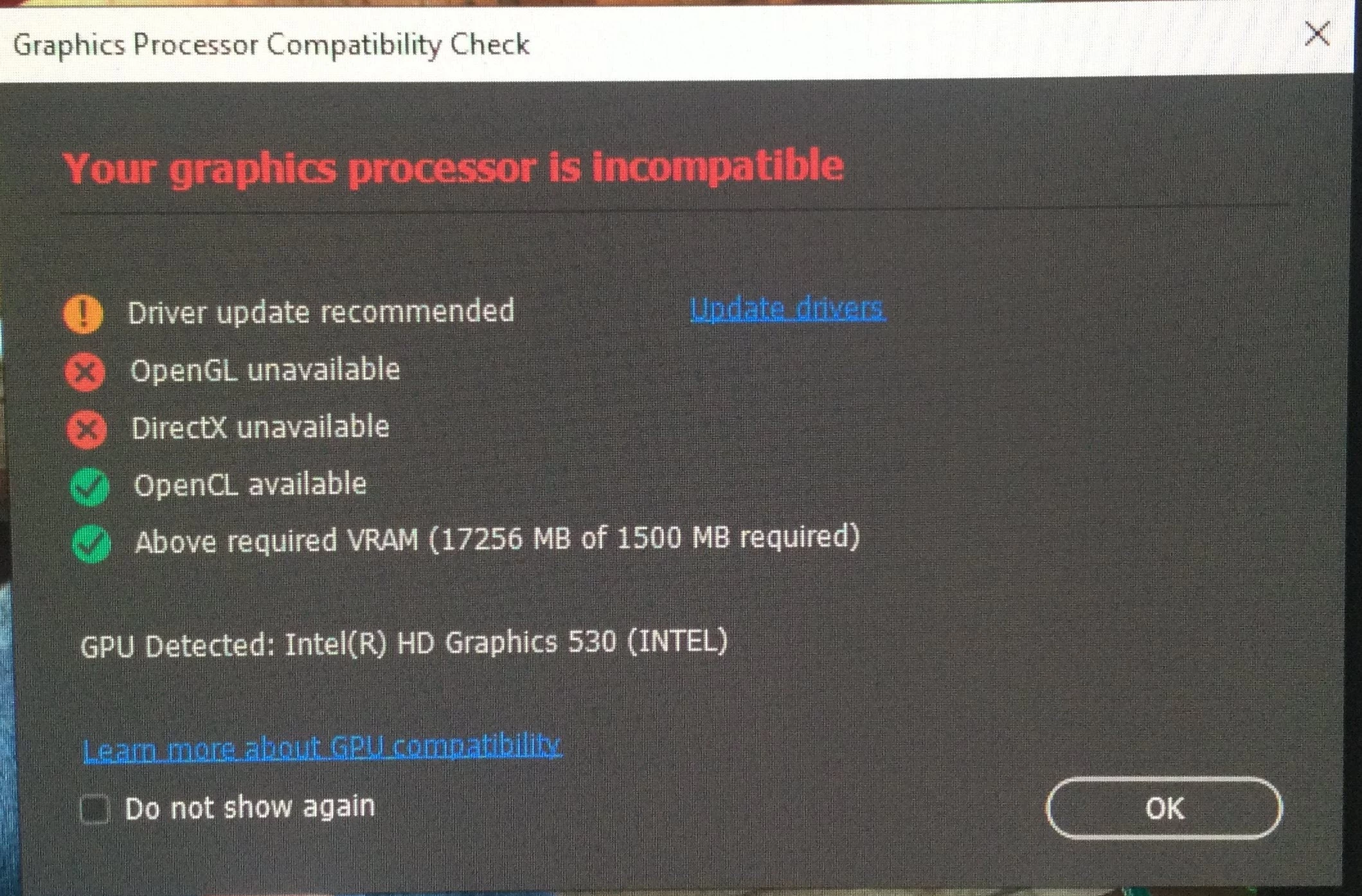
Basically, everything above started since the recent update to PS. As for my system, I have a Dell Precision Mobile workstation 7710, everything on the system is updated via Dell for drivers. My graphics is NVidia Quadro M3000M.
Anyway, these artifacts are driving me nuts. I tried one thing mentioned in another posting where to check the box next to "Deactivate Native Canvass". That froze PS when opening a file.
 AdChoices