Participant
March 21, 2018
Answered

PS CC 2018 resize text bounding box larger issue

  • March 21, 2018
  • 1 reply
  • 2347 views

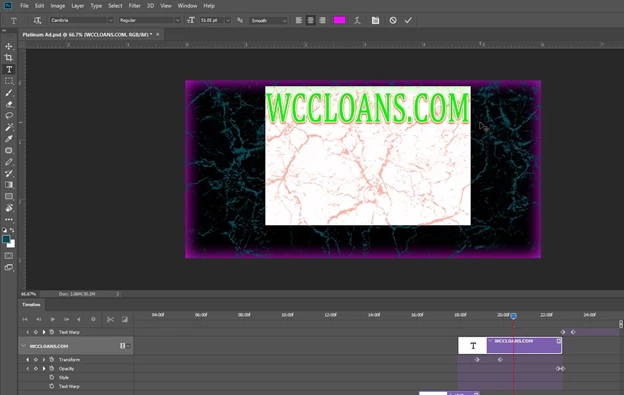
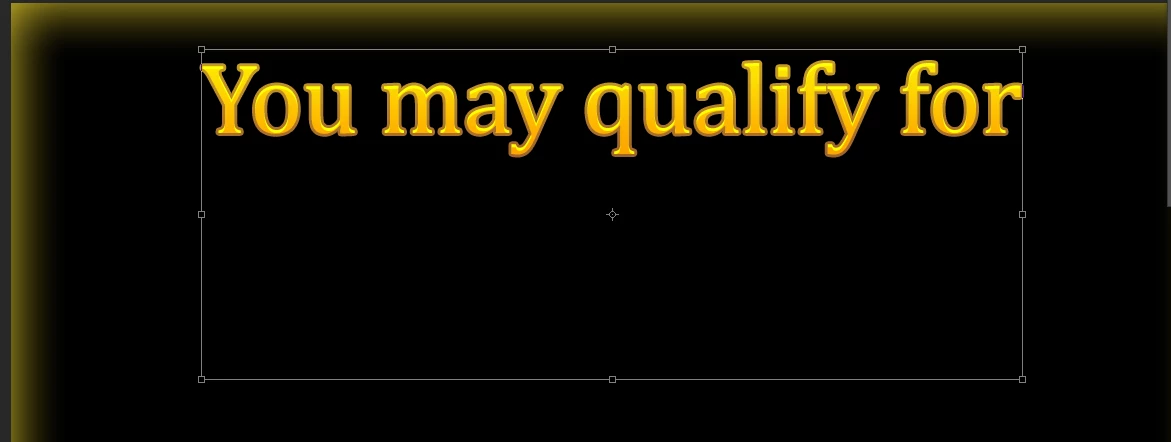
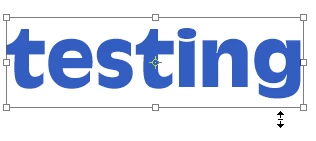
In Photoshop CC 2018 when I select a text layer with move tool and click on handle it expands the bounding box larger than the text.  With the text tool I highlight the text and it highlights the same area as if it was the bounding box. I am working with a timeline and doing transforms, opacity changes etc...  I am novice so I am not sure if I am using all the correct terminology. I have research online and can't figure out what I did or did not do.  HELP!!!!  Screenshots included.
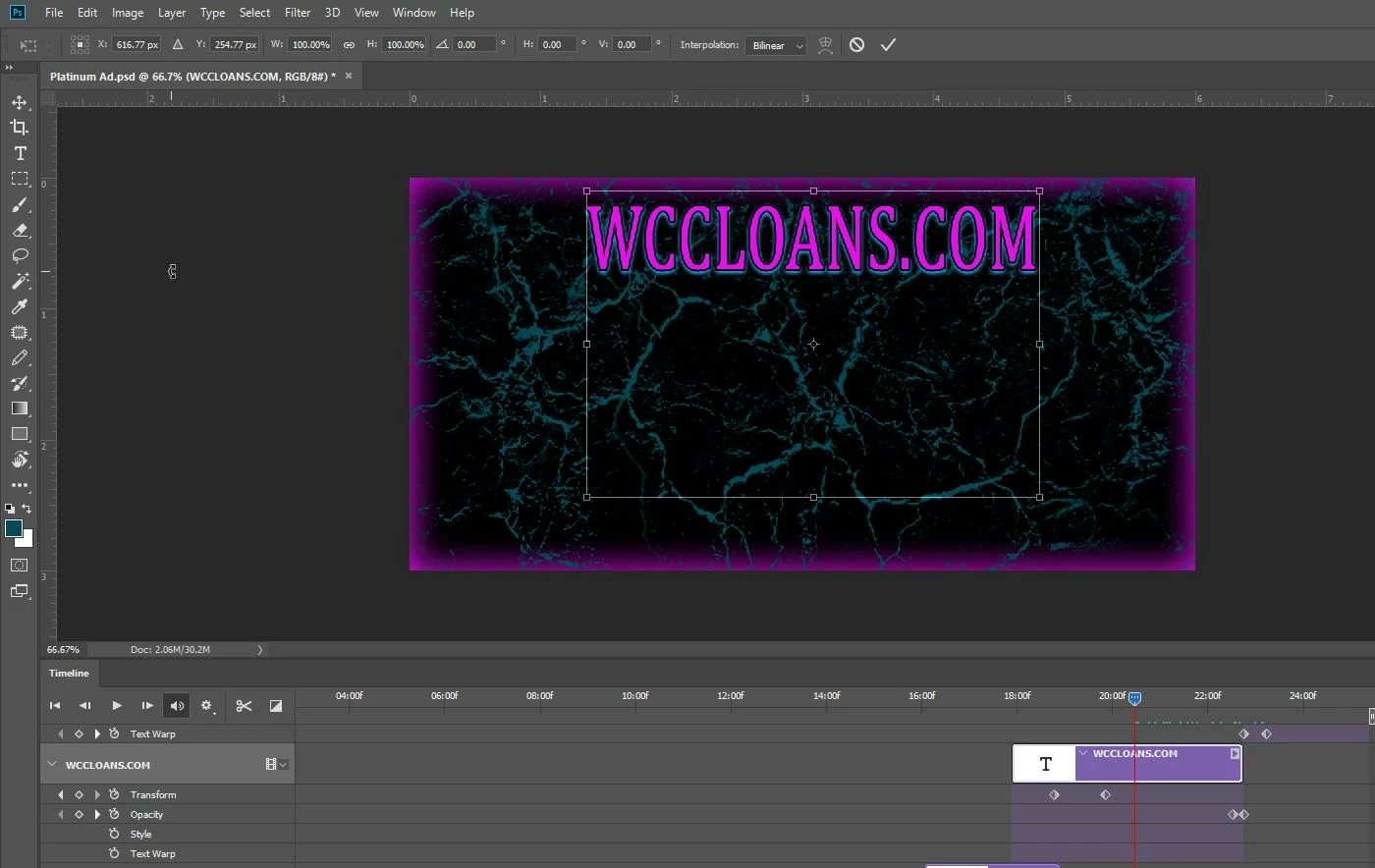
This topic has been closed for replies.
Correct answer dbranagan

nope that did not work either.  I just notice that the text at the first of my timeline does not do this
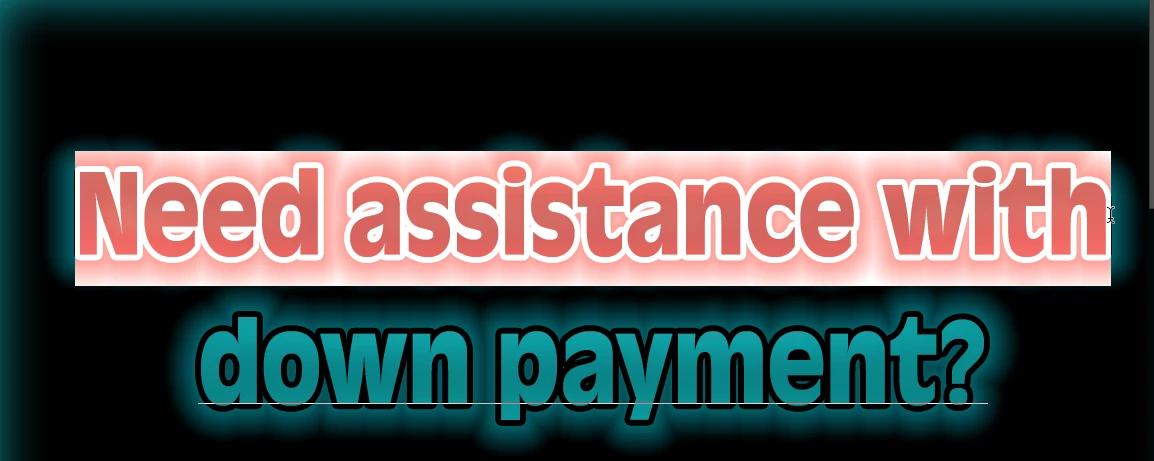
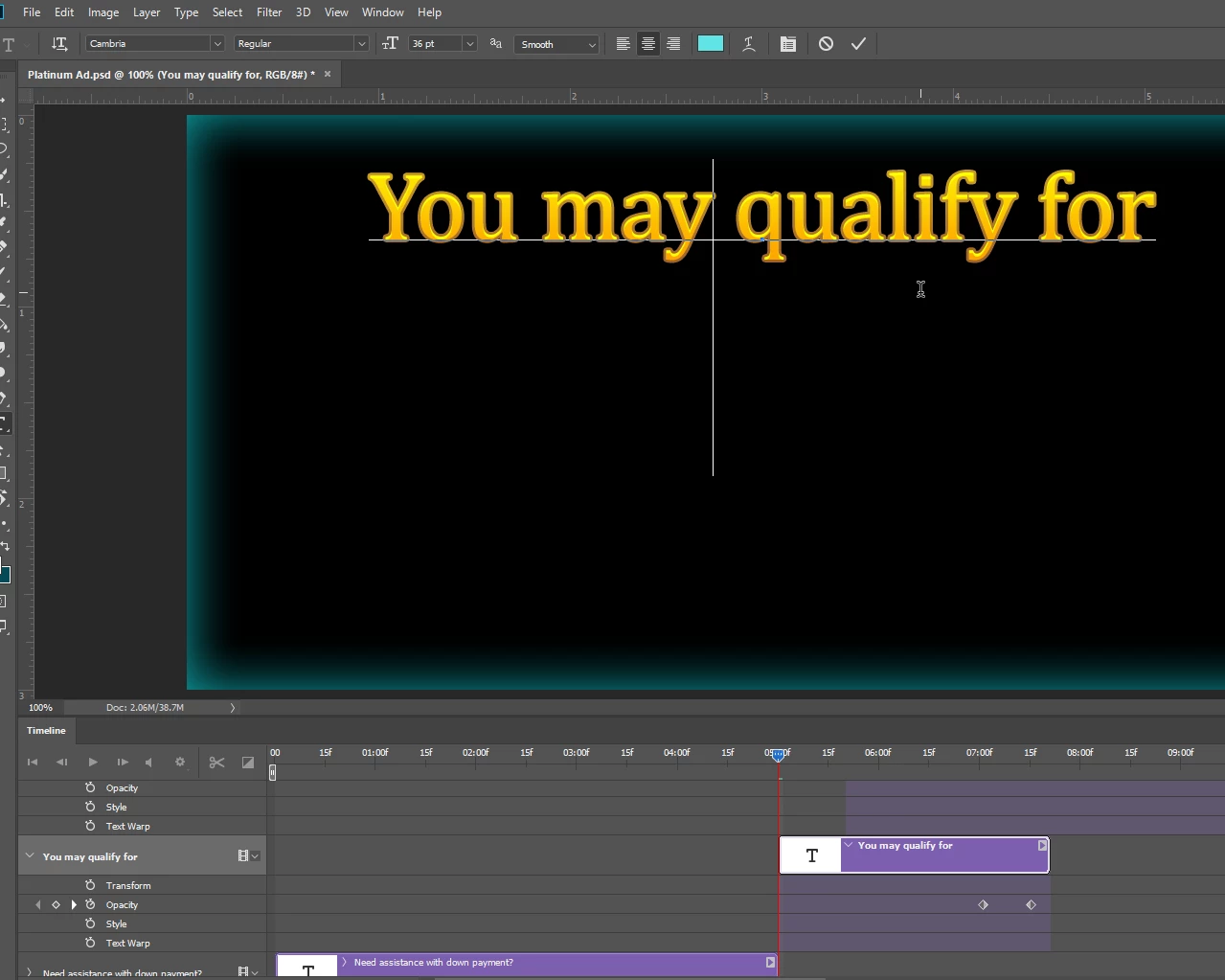
As soon as I hit the next section/frame(?) it starts to pick the larger area again.

Did a new file again this time it does not select the larger area. May be it is just this one file I am working with that I screwed up. If it happens again I will reply to this thread. Thanks for all your help Warunicorn!!!!!!


You're NEVER going to believe this!

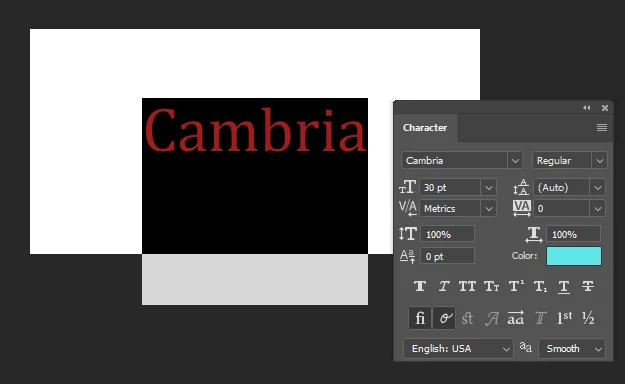
It is directly related to the font Cambria.  Two days of this and it is the stupid font! LOL

I found this thread

Type cursor covers several lines of text. Photoshop CS6

1 reply

War Unicorn
Community Expert
Community Expert
March 21, 2018

Extra lines added to the text, maybe? Did you try using the arrow keys to navigate to the end of the text and then backspace your way back? Check other properties too like leading (in the Properties panel with the Type Tool active).

dbranaganAuthor
Participant
March 21, 2018

Tried both and neither worked.

Created new file without timeline and still the same thing.

Here are property settings as type tool.

It just started doing this last week.

War Unicorn
Community Expert
Community Expert
March 21, 2018

Try nuking your preferences (hold down Ctrl + Alt + Shift (Cmd + Opt + Shift on Mac) and launch Photoshop, which should ask if you want to delete the settings file. Click Yes). You'll have to reset everything the way you had it but sometimes things can go amok.