Question
PS crop tool broken - video attached
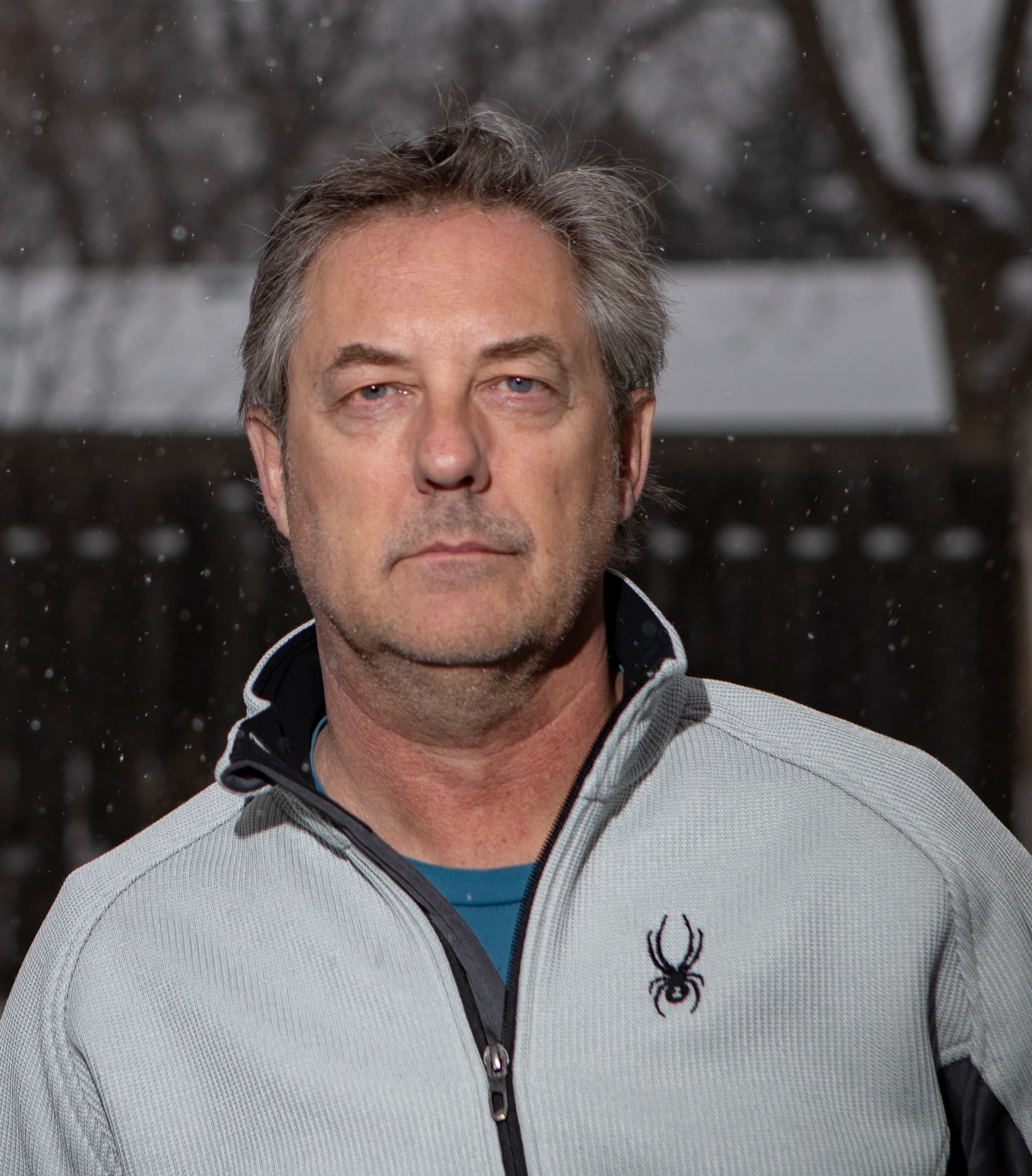
This is driving me bonkers. I have two dozen headshots I am cropping to 8x10, I select 8x10 it goes square, I select square -> 8x10ish, etc... what the heck??

This is driving me bonkers. I have two dozen headshots I am cropping to 8x10, I select 8x10 it goes square, I select square -> 8x10ish, etc... what the heck??
Already have an account? Login
Enter your E-mail address. We'll send you an e-mail with instructions to reset your password.
 AdChoices