Known Participant
September 18, 2019
Question

PS Effects

  • September 18, 2019
  • 1 reply
  • 662 views

Hi there,


I am looking for clarification / explanation on the below effects. Any insight is very much appreciated, and extremely helpful. Thanks so much!

1.
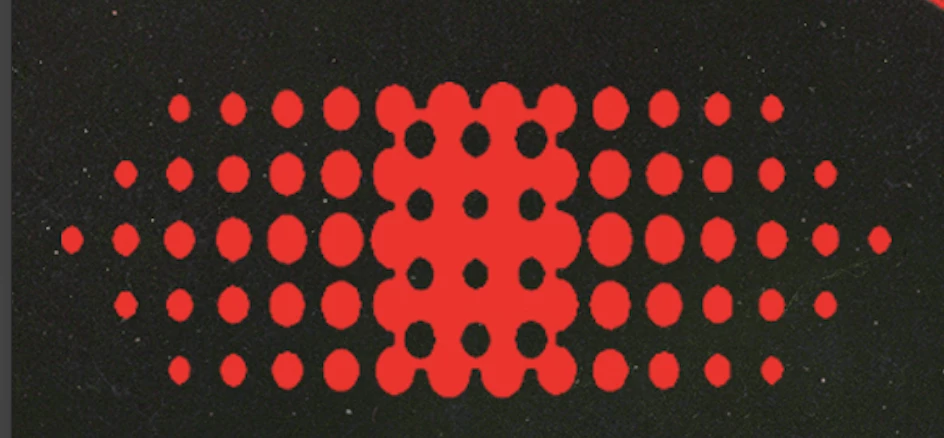
How is this effect created? I assumed a half-tone pattern — however, I have attempted this, and have not achieved remotely similar results.


2. 
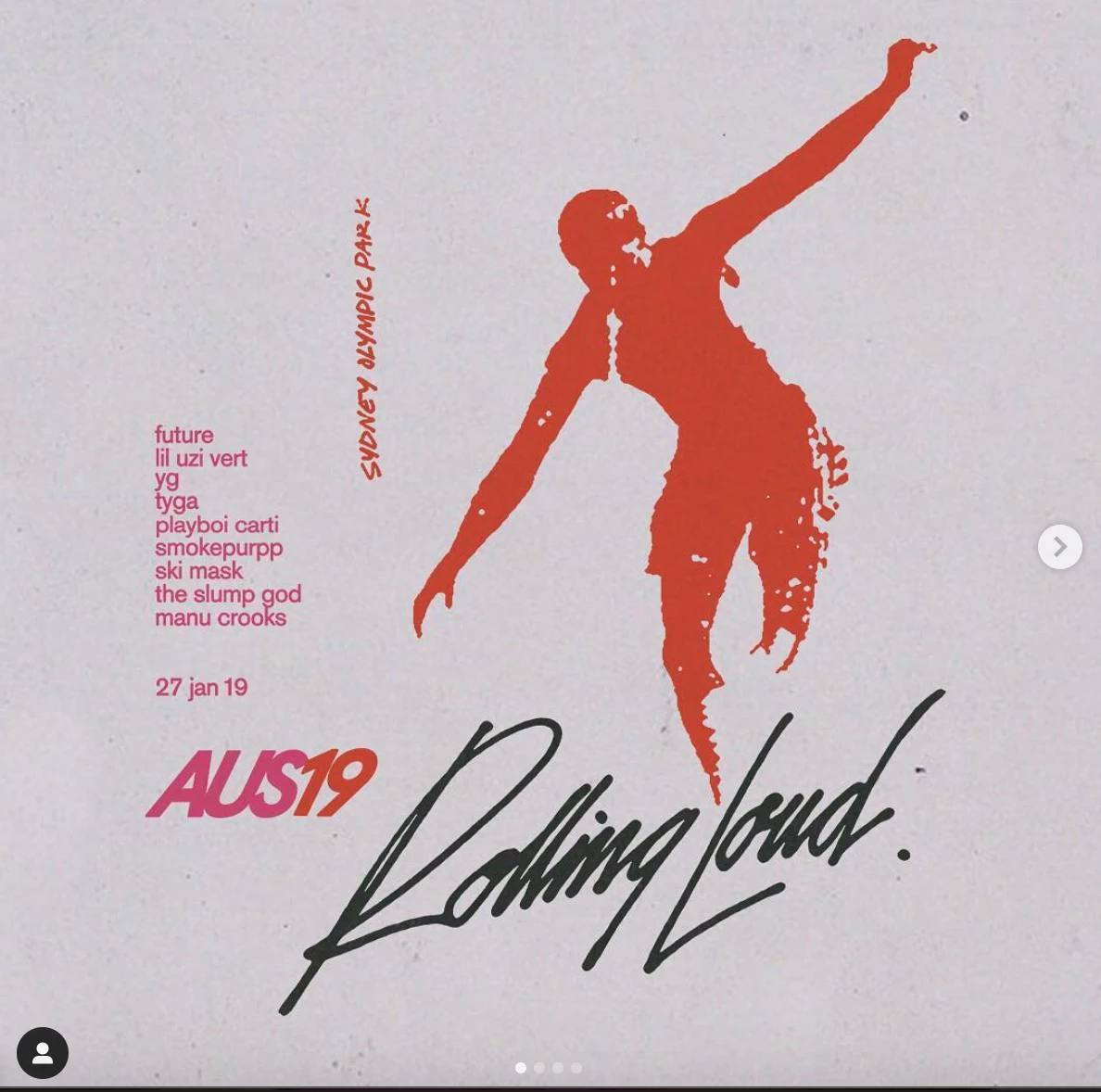
 

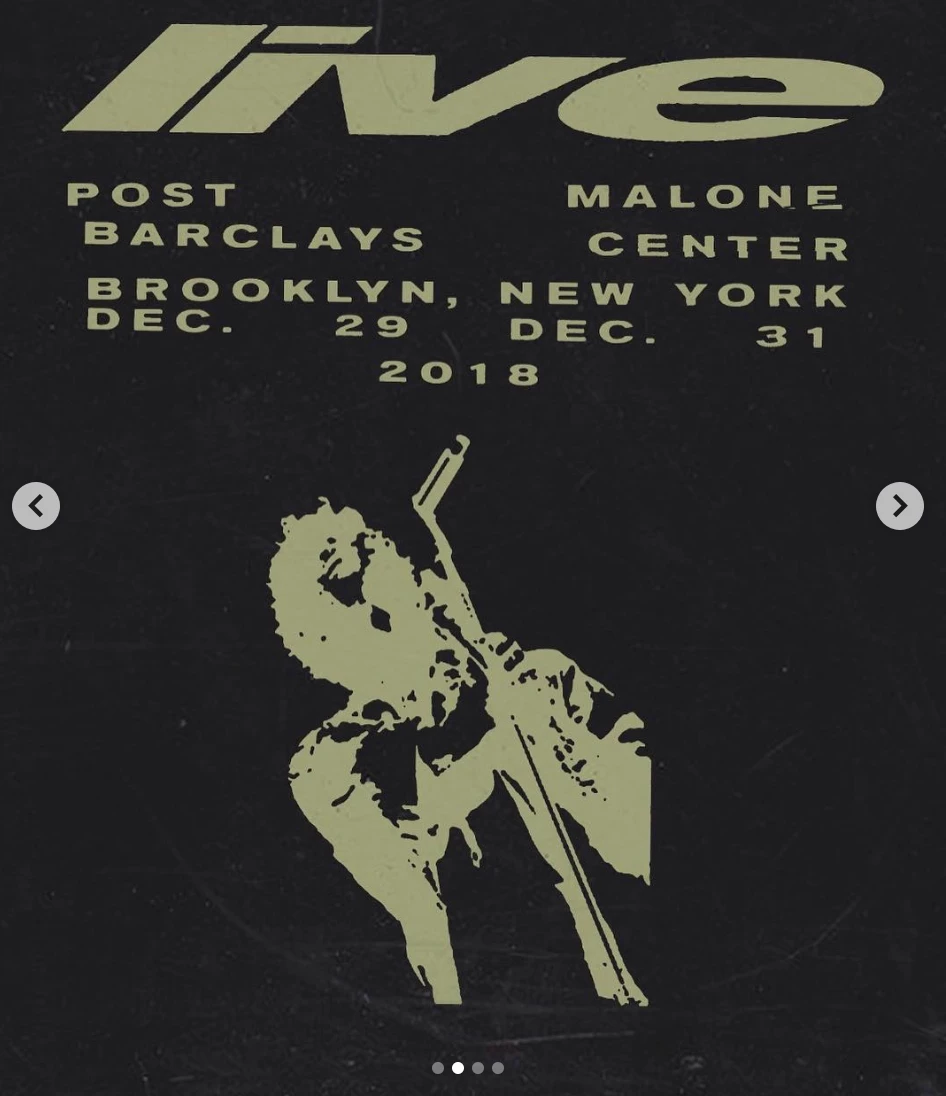
- Effect on person, in both images. My immediate thought was the 'threshold' effect — but this does not appear to be correct.

3.
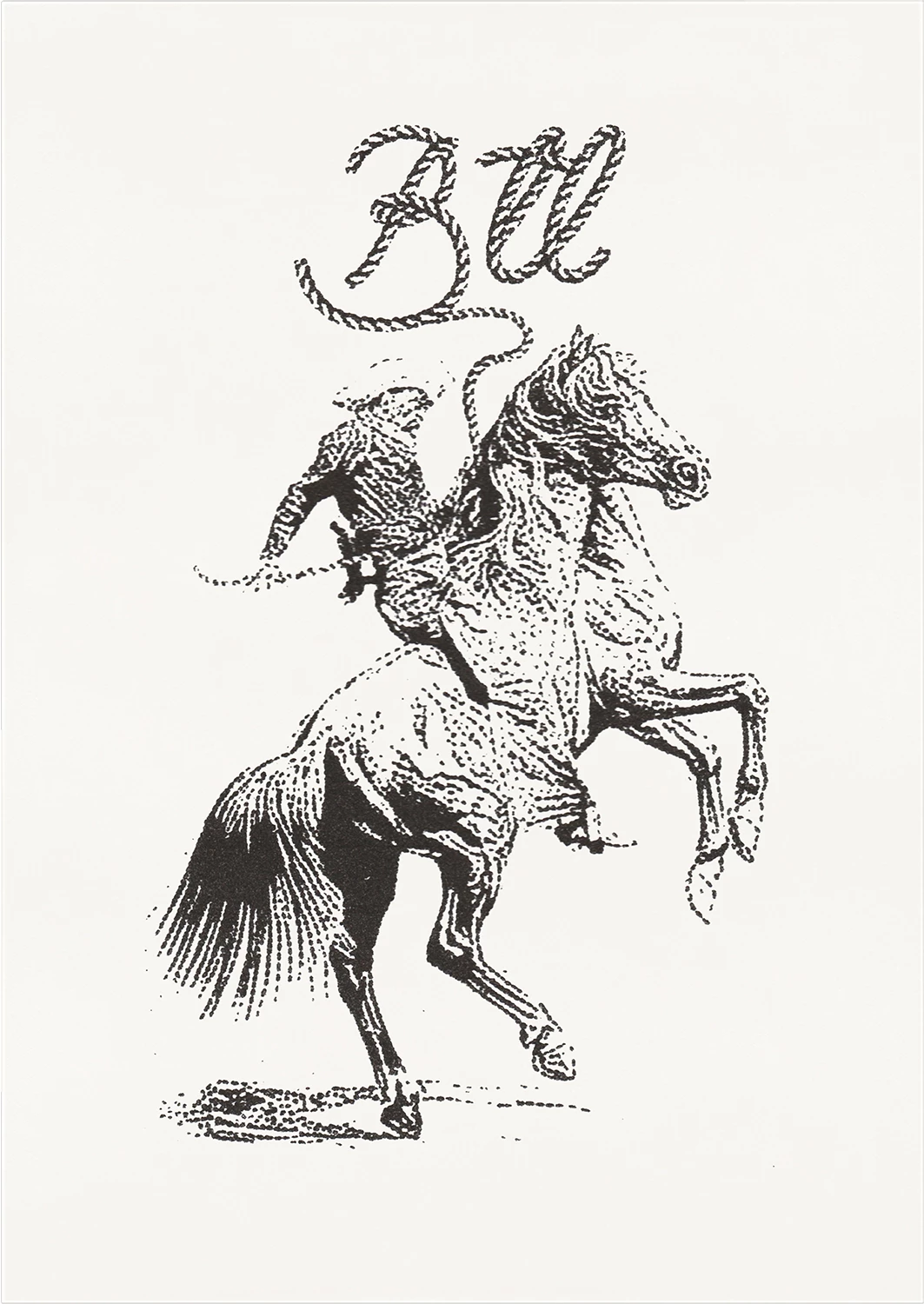
- Effect on cowboy + horse. Unsure where to begin here.


    This topic has been closed for replies.

    1 reply

    Inspiring
    September 18, 2019

    1.  I would create one row of dots using Illustrator, then duplicate the row 4 times and deleting the outside dots to match the pattern > Export as .tiff > colorize in Ps ( note: you could keep it vector in Illustrator, depending on end use ).


    2.)  Start with Levels and adjust a copy of the original as Grayscale ( again, depends on the image and there are a few different ways of creating a silhouette ).  Convert to Bitmap Black and White, 50% threshold.


    3.)  That effect looks like an Andromeda Screens filter.  Many steps in getting the image Grayscale and resolution to where you need it, but I do not think Ps can achieve this on its own.  However, like Step 2, you could modify the image densities and then try Bitmap conversion using a screen pattern there.

    cxxxxxxxAuthor
    Known Participant
    September 18, 2019
    Thank you so much, this is incredibly helpful — will give these techniques a go! Take care