
Participant
March 27, 2019
Question

PS-Mac-CC20.0.4 Could not complete your request because of a programming error

  • March 27, 2019
  • 3 replies
  • 326 views

Weird, huh? A programming error. Imagine if, like, the program produced actual, meaningful error messages!
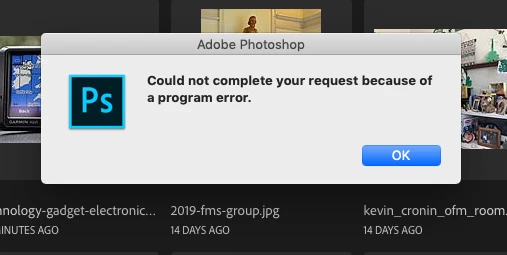
I get this message when trying to open a PDF file in Photoshop (20.0.4). I get a similar message when trying to open the PDF file in Acrobat. The file does display just fine in Preview.

Any ideas of what to do?

    This topic has been closed for replies.

    3 replies

    Participant
    March 30, 2019

    I presume that the PDF file was corrupt. Since I could open it in Preview, I simply saved it in Preview and had no further problems.

    I was just amused at the totally meaningless error message text. I mean, seriously, why bother if you're not going to tell us what happened or what to do about it? "Could not complete your request because I couldn't do it." Meaningless.

    Legend
    March 28, 2019

    A program error and programming error are not the same thing. If the problem occurs in Acrobat too, then something is wrong with your pdf. Where did it come from?

    Sahil.Chawla
    Adobe Employee
    Adobe Employee
    March 27, 2019

    Hi Jimcintosh,

    Sorry to hear about the Program error, could you please try reinstalling the application?
    You can use the Creative Cloud cleaner tool to uninstall Photoshop: Use the Creative Cloud Cleaner Tool to solve installation problems

    Regards,
    Sahil