PS Scripting: JavaScript Document.SaveAs TiffSaveOptions
Hello,
I have made some scripts to automate my workflow but now I have problems to make saving TIFF files from script working. I want to set image compression to LZW and color profile embedding to true- According to Adobe Photoshop CC Scripting Guide that shouldn'T be to hard. Example for JPEG (p. 32):

So I came up with the following code:
tiffSaveOptions = new TiffSaveOptions();
tiffSaveOptions.embedColorProfile = true;
tiffSaveOptions.imageCompression=TIFFEncoding.TIFFLZW;
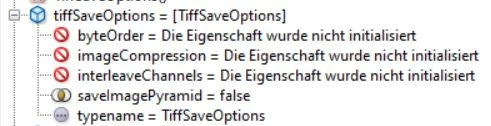
When I debug the code, the first gives me the following
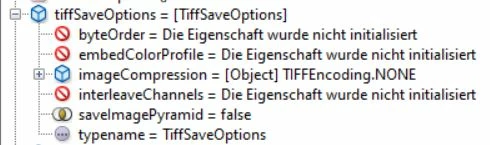
second line (embedColorProfile) sets image compression to NONE without setting embedColorProfile
third line set image compression to LZW
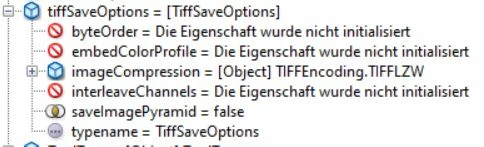
but I am not able to set embedColorProfile in any way
I have tried on a machine with an old CS4 installation and it works as intended.
I have Photoshop 2020 (21.2.1.265) and Photoshop CS6 installed
Extendscript Toolkit CC is version 4.0.0.1 ExtendedScript 4.5.5
OS is Windows 10 1909
Have I missed something or sees anybody the same behavior?
 AdChoices