okoyec638300
Participant
August 12, 2020
Question

Puppet Warp not working in Version 2020

  • August 12, 2020
  • 2 replies
  • 1567 views

Hi, 

I just tried to use puppet warp tool now and it isn't working. I see the mesh but I can't add points or so I think. Trying to maipulate the existing points does this:
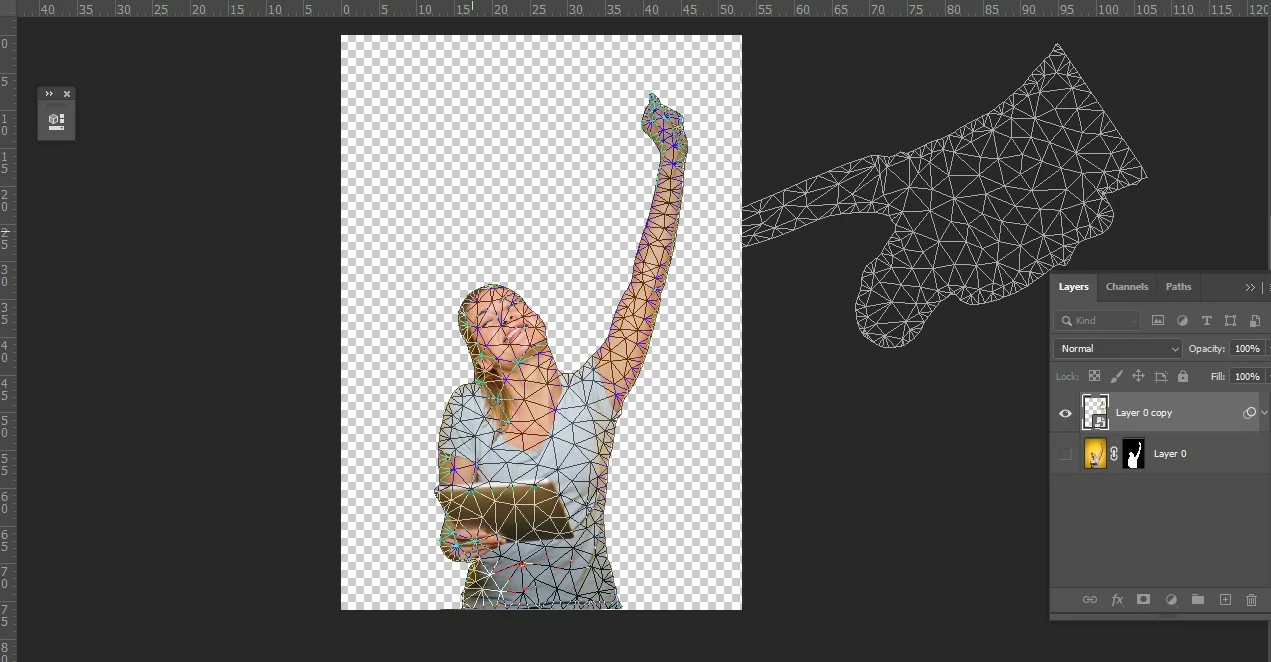
  As you can see, the mesh is being rotated not dragged, worse still, none of this applies to the image.

When I try to zoom, I see this:
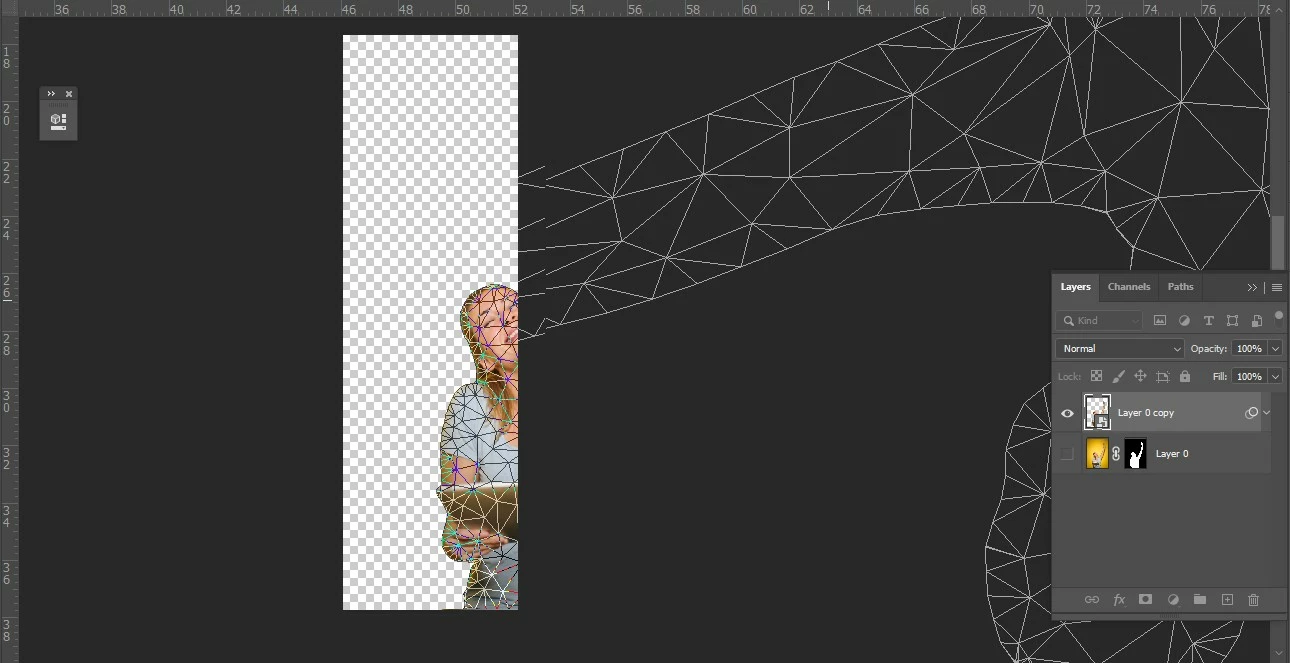
 

I have seen posts from 2019 saying to turn on "Use Graphics Processor" but that option is greyed out for me since I am using a laptop without a dedicated GPU. 

How do I fix this?

This topic has been closed for replies.

2 replies

Participant
February 1, 2023

Recently had this problem, this worked for me. 

Sahil.Chawla
Adobe Employee
Adobe Employee
August 14, 2020

Hi there,

You need to have a dedicated compatible graphic processor in the computer to be able to use puppet warp. Please have a look at this article and see if it helps: https://helpx.adobe.com/in/photoshop/kb/photoshop-cc-gpu-card-faq.html

Regards,
Sahil

okoyec638300
Participant
August 15, 2020

Nah, It's a bug.

I just updated to the latest version of photoshop and the problem went away. There was never a time when you need dedicated GPU to use puppet warp.