Question
Q. about setting the gray point
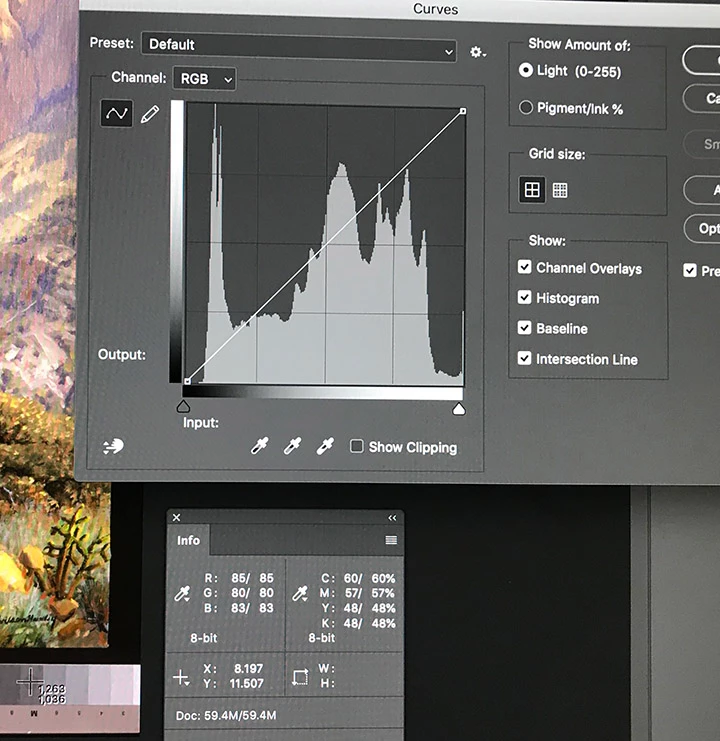
I've been asked to process of batch of scans. One of the things on the checklist is to "set the gray point". I'm wondering if I'm doing it correctly. What I do is open the Info panel, call up the "Curves" panel, select the middle eyedropper, then check the control strip in the image to find a middle-value gray that is exactly balanced, i.e. the R, G & B numbers are identical. Then I click that spot. (FYI, my eyedropper is set to a 5x5 sample). Is this the correct technique? What do I do with the images where I can't find a spot that is exactly balanced? This screen shot shows an example: there is no spot on the control strip that shows up as perfectly balanced in the Info panel.
 AdChoices