Question about resizing images for printing
I am working on a cyanotype project that involves turning collected flowers and plants into silhouettes using photoshop. So far I’ve taken pictures of the pressed plants and then played with the brightness/contrast, exposure, curves, and threshold to isolate the plant so I can use it as a shape in a composition. Here is a small letter-sized test version of what I’m going for (I’ve also transposed an image within the plant silhouette here):
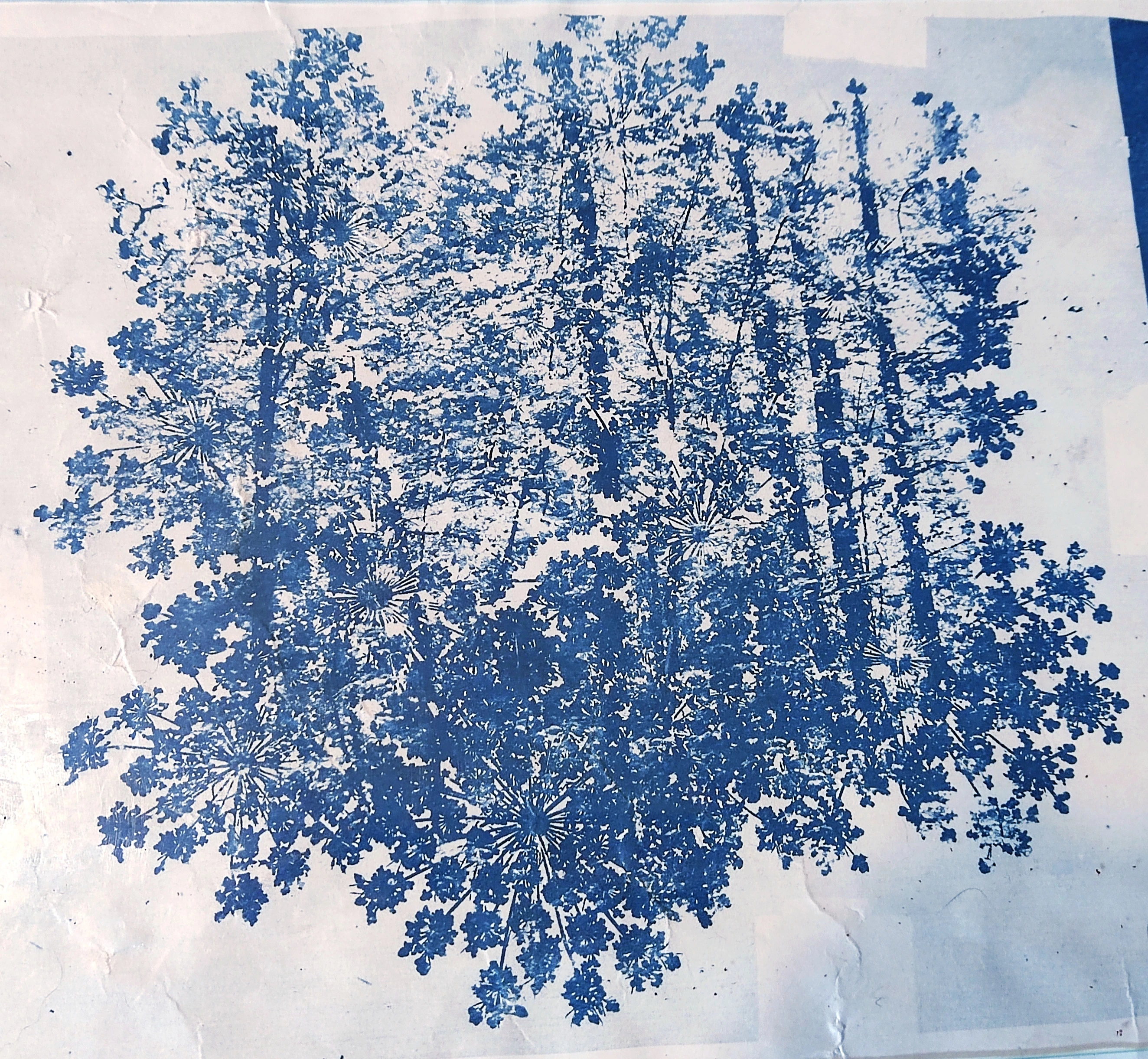
At this point, I’ve made my final stencils and am trying to arrange them into a final composition, but they’re just too big!
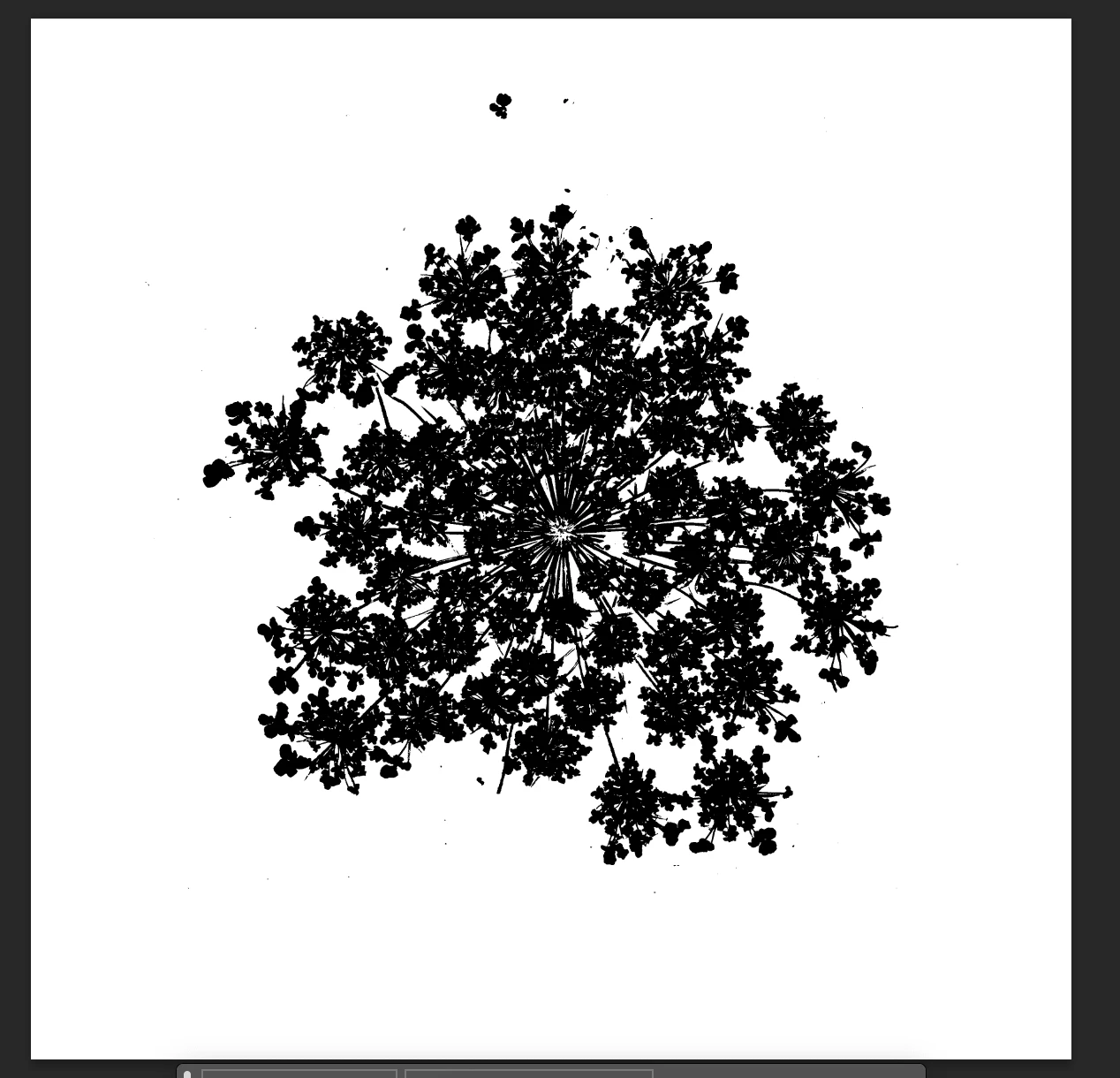
Above is a screenshot from photoshop, the canvas is 12''x12'' which is roughly the size I planned to print these (using a large format printing service).
My question is, is there anything I can do about this flower shape being too large? I’ve tried resizing it using the nearest neighbor function to preserve its hard edges, but of course its quality got super choppy. Am I just gonna have to take pictures of the flowers again with my camera less zoomed in?
I know it's tough to resize pixel data without artifacts, but because the shapes I'm working with are pure black, I was wondering if there'd be another solution.
Let me know if there’s any other details needed, I’d be glad to reply.
 AdChoices