
Participant
March 27, 2018
Question

Quick Export as JPG sometimes stops working

  • March 27, 2018
  • 2 replies
  • 2257 views

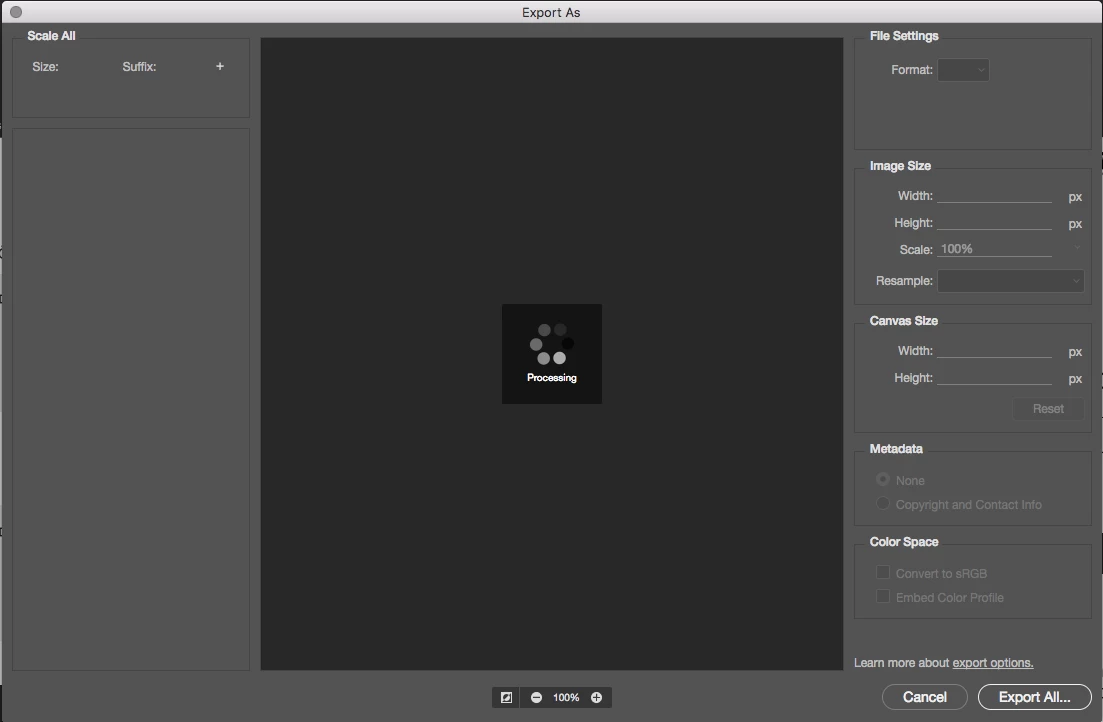
I often use the Quick Export as JPG on artboards, but sometimes it just stops working. Right-cliking the artboard in Layers and selecting Quick Export as JPG results in nothing. No error message, no nothing. When this happens and I try with Export as the window pops up but it never finishes processing. Im using Adobe Photoshop CC 19.1.2 on MacOS High Sierra.
This topic has been closed for replies.

2 replies

Inspiring
July 4, 2018

I solved my problems with quick export by turning off all the Creative Cloud features I could find. I don't even use the "cloud" so I didn't realize they were turned on by default.

- open the Creative Cloud app

- click the 3 dots to the right of the anon face icon on the upper right

- choose preferences

- choose Creative Cloud

- choose Files

- uncheck the Creative Cloud Sync box

- curse under your breath at the "cloud" trend and all the hassle it brings, go back to work

fixed!

fu adobe

Participant
August 2, 2018

Thank you! I just did this, restarted PS and it worked. Fingers crossed it stays. This has been driving me crazy!

Inspiring
August 3, 2018

cheers - careful though - it didn't completely solve the problem for me - still happens occasionally, but much less

can't figure out why, have to live with it I guess, unfortunately can't find an acceptable software alternative for my workflow

Eddie Fernandez
Participant
May 3, 2018

Yep me too. Even Quick Export as PNG doesnt even pop up. I have to restart PS to get it to work.

Inspiring
July 4, 2018

the "quick export" feature has been pretty buggy for me as well