
Known Participant
May 11, 2021
Question

Quick question - editing on Photoshop

  • May 11, 2021
  • 2 replies
  • 792 views

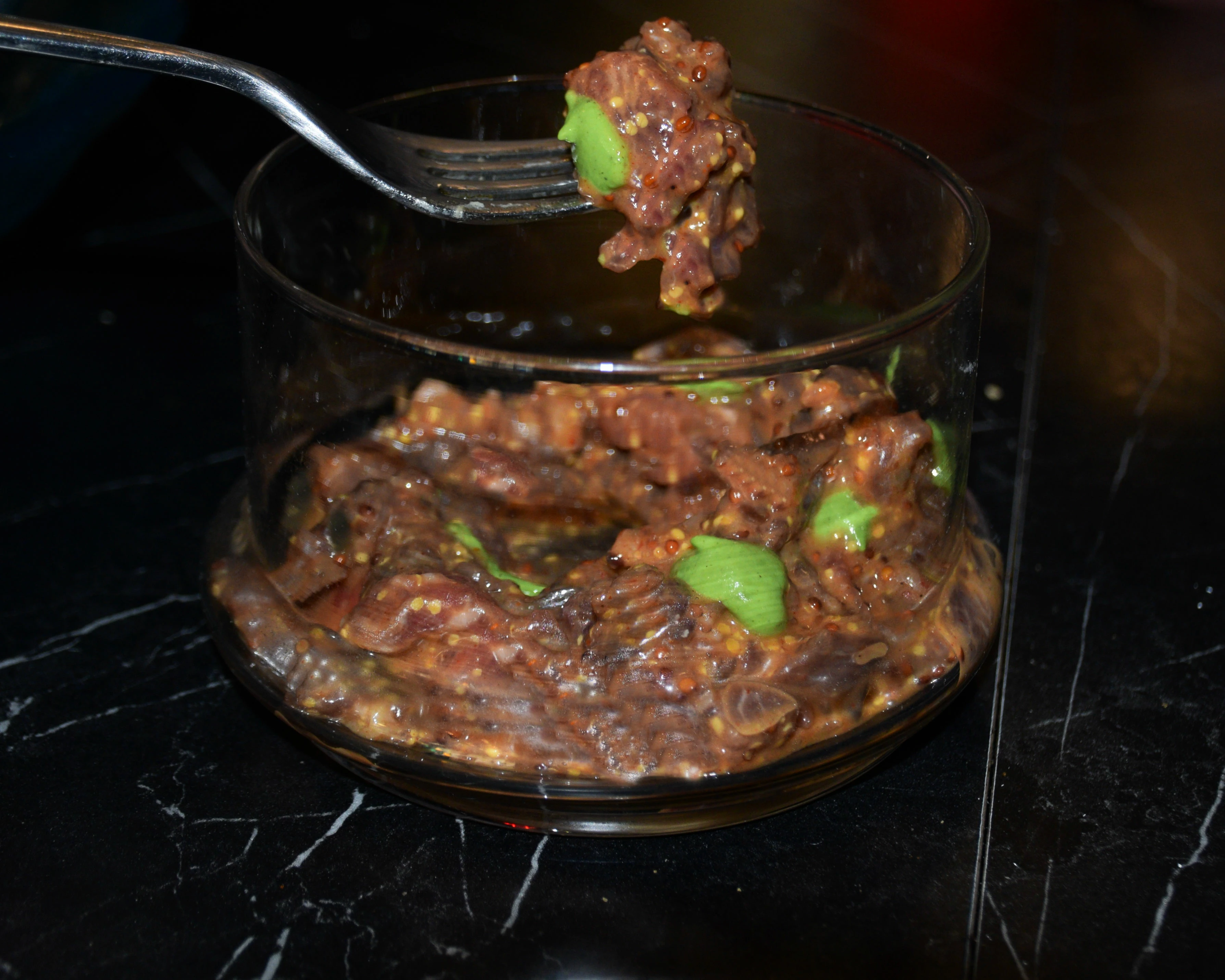
Hi there, how can I make the white spots from the flash a bit darker? is there a way to make photoshop turn the white into another color? This is for food photography so I want it to look natural and less flat!


Thank you 
This topic has been closed for replies.

2 replies

Legend
May 12, 2021

Buy a book called Light Science and Magic and learn how to properly light. Also, strobist.blogspot.com is an excellent resource for learning lighting. This image pretty much is what it is, not going to do much with it.

didiermazier
Community Expert
Community Expert
May 12, 2021

Hi

These white spots are specular lights. It means than for CMYK print there is nothing but the paper at these locations. In RGB mode  there is full 255 light levels.

You could try to set up the white sampler to grey but all your image would be affected… even correcting the gamma (middle point) would not adress the issue.

Or better you can select Image > Adjustments > Replace Color

Select white and set it to grey… That would not affect other colors